

We get dozens of requests every month: "Can you optimize my Lovable website?" "Can you fix my Maker site?" "Can you improve my Replit project?"
Recent Developments
- A 2024 side-by-side comparison video showed Lovable successfully building a premium barber shop app with Stripe integration, while Replit encountered bugs and delays during the same task, highlighting differences in automation and reliability[2].
- Lovable has enhanced security features including secret scanning and role-based permissions, with business plans offering SSO and data opt-out options[3]. Replit supports RBAC, private deployments, and enterprise-grade SSO (SAML, SCIM) but requires manual Git integration and management[3].
- Emergent, a newer competitor, offers much larger AI context windows (up to 1 million tokens) and advanced AI orchestration, surpassing Lovable and Replit in deep research and complex app generation capabilities[4].
Here is what we have to tell them: "You may think you own that website, but you are likely renting it. And there is often not much we can do without code access."
This is the uncomfortable truth about many no-code and AI website builders. They look like the future. They feel like ownership. But the reality is more nuanced—and often more expensive—than it appears.
According to research from Search Engine Journal, over 60% of businesses using no-code builders face limitations when trying to customize or optimize their sites. Our development team can help you build a custom website that you truly own and control.
The No-Code Revolution (And Its Hidden Costs)
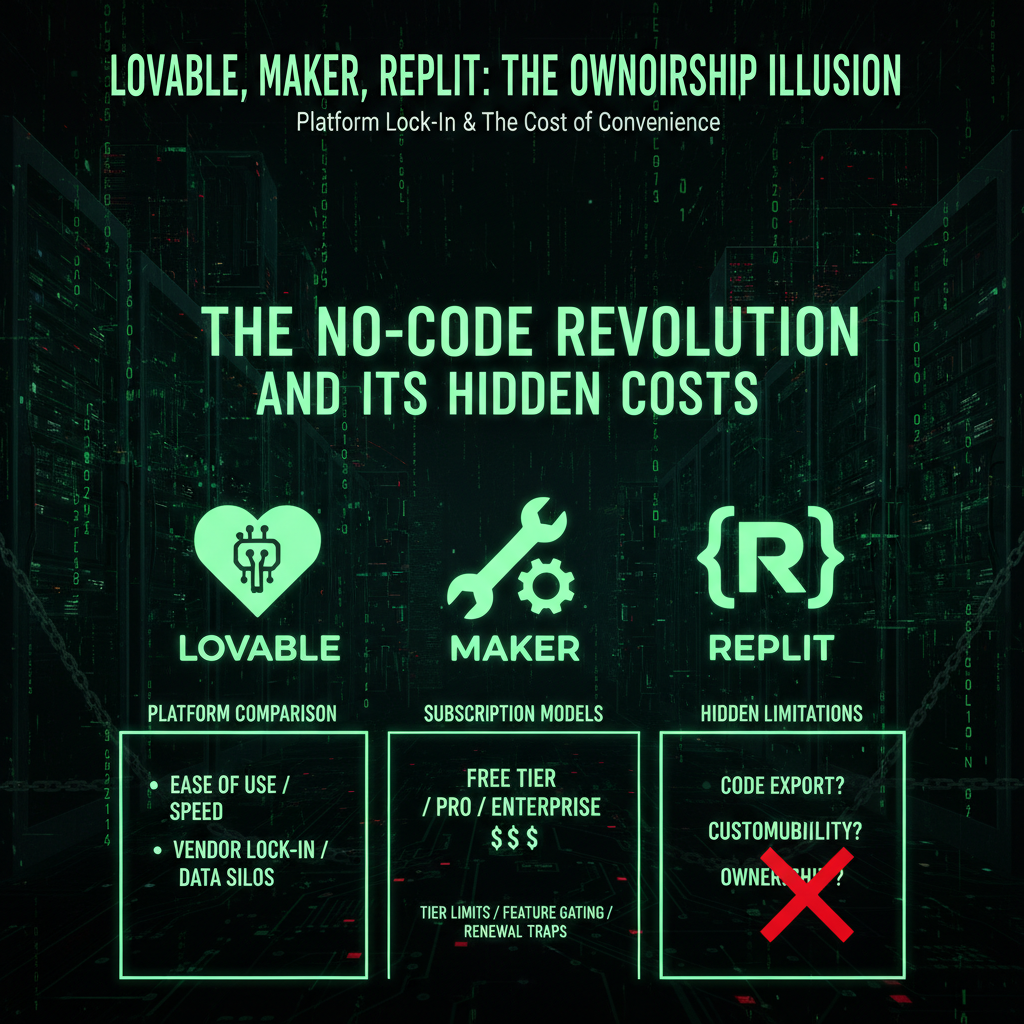
No-code builders promise everything:
- ✅ Build a website in minutes
- ✅ No coding required
- ✅ Professional results
- ✅ Easy to use
- ✅ Affordable pricing
Here is what they often do not tell you clearly:
- ❌ Many platforms do not allow full code export
- ❌ You may be locked into their hosting and infrastructure
- ❌ Customization is limited to what they support
- ❌ You pay subscription fees indefinitely
- ❌ The generated code quality is often poor and unoptimized
- ❌ Database and data export may be restricted or complicated
The Ownership Illusion
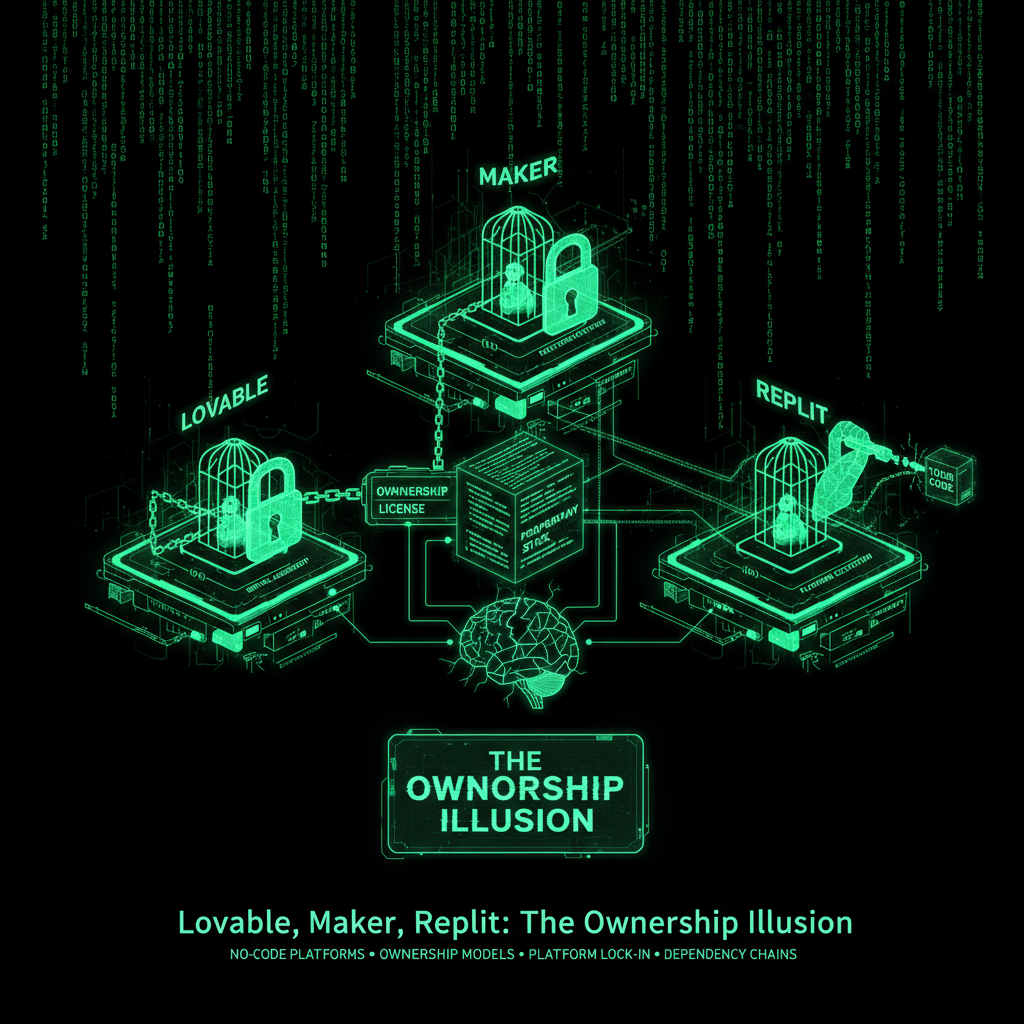
You think you own your website. You do not.
What "Ownership" Actually Means
When you truly own a website, you have:
- Full code access: You can download, modify, and deploy the code anywhere
- Database control: You own your data, can export it, can migrate it
- Hosting freedom: You can host on any server, any provider
- Customization: You can modify anything, add any feature
- Independence: You are not locked into any platform
The Reality: Export Does Not Equal Usability
Most no-code platforms are built around lock-in: they host your site, control the code, and limit how easily you can leave. Many "AI site builders" are just Wix 2.0 with more marketing. However, a growing group of AI developers—including Lovable, Mobirise, CodeDesign, and some others—generate standard React or static code that you can export to GitHub and deploy anywhere.
But here is the critical problem: Exporting code does not mean you can use it.
To actually deploy, maintain, and optimize exported code, you need significant technical expertise:
- Development environment setup: Installing Node.js, npm, code editors, and configuring local development environments
- Version control proficiency: Understanding Git, GitHub, branching, merging, and repository management
- Command line expertise: Comfortable with terminal/CLI for running build commands, installing dependencies, and debugging
- Dependency management: Managing npm packages, resolving version conflicts, understanding package.json and lock files
- Environment configuration: Setting up environment variables, managing configuration files, handling secrets and API keys
- Deployment knowledge: Understanding VPS, serverless platforms, containerization, DNS, SSL certificates, and hosting infrastructure
- Debugging and troubleshooting: Reading error logs, fixing build failures, resolving dependency issues, and handling platform-specific problems
- Database migration: Exporting, importing, and managing database schemas and data across different environments
For most business owners using these platforms, this is an insurmountable barrier. You can export the code, but you cannot actually use it without hiring a developer or learning software engineering yourself.
Even with export capability, you still face:
- The skills barrier: Exporting code is useless if you lack the technical skills to deploy and maintain it
- Platform dependence: Your site may rely on their hosting, credits, or proprietary services
- Subscription fees: You pay monthly for AI credits, hosting, or platform access
- Technical debt: Generated code often requires significant cleanup, optimization, and security hardening
- Migration complexity: Moving databases, environment variables, and platform-specific services requires developer expertise
- Ongoing maintenance: You need to update dependencies, fix security vulnerabilities, and handle server issues
This is still renting—with the illusion of ownership. You have the code, but you cannot use it without significant technical skills.
The Wix Comparison
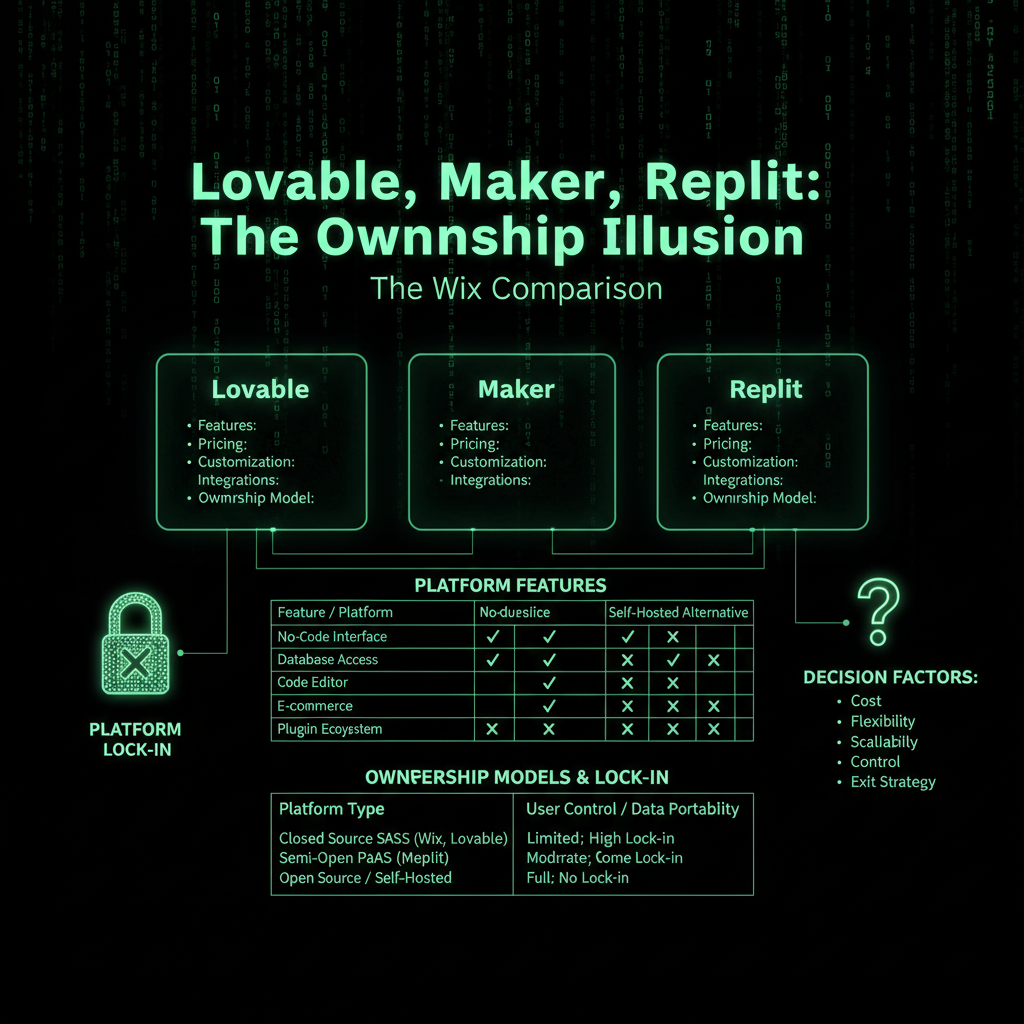
No-code builders are the new Wix. Here is why:
Wix: The Original Rental Model
Wix pioneered the "you do not own it" model:
- You build on their platform
- You cannot export your site
- You pay monthly forever
- You are locked into their ecosystem
- Stop paying, your site disappears
Everyone understands this about Wix. But somehow, people think no-code builders are different.
They are not.
Lovable, Maker, Replit: The Nuanced Reality
These platforms are more complex than simple "Wix 2.0" comparisons suggest:
- Lovable: Not a pure no-code platform. It generates a React/Supabase codebase and integrates tightly with GitHub, which means you can export your source code. However, to actually deploy that exported React code, you need to understand Node.js, npm, build processes, environment variables, and deployment platforms like Vercel or AWS. Most business owners cannot do this without hiring a developer. The lock-in is not just about code access—it is about the technical skills required to use the exported code.
- Maker: The term "Maker" is ambiguous—there are multiple tools and brands called "Maker," "Make," "MakerX," etc. Without a clearly identified product, blanket statements about export capabilities are not verifiable. Many tools marketed as "no-code" or "AI site builder" restrict or complicate full export of both code and database contents, often locking you into their hosting and subscription. Even if export is available, the same skills barrier applies.
- Replit: A cloud IDE and hosting platform, not a drag-and-drop no-code builder. You always have access to your source files and can sync them via Git or download them. [1] However, effectively utilizing exported Replit projects requires understanding development environments, Git/GitHub, command line tools, dependency management, environment configuration, and deployment processes. When migrating from Replit to platforms like Render, developers must manually transfer environment variables, adjust configurations, and troubleshoot common errors—tasks that require significant technical expertise. The true lock-in is not just about code export—it is about the skills required to actually use that code.
They look more professional. They generate "real" code. But true ownership requires exporting, migrating, and taking full responsibility for hosting, security, and maintenance—all of which demand significant technical skills that most business owners do not have.
The Skills Barrier: Why Export Does Not Mean Ownership

This is the critical point most people miss: Even if you can export code, you cannot use it without significant technical skills.
Exporting code from Lovable, Replit, or similar platforms gives you files. But turning those files into a working, deployed website requires:
- Development environment expertise: Installing Node.js, npm, code editors (VS Code), and configuring local development setups
- Version control mastery: Understanding Git, GitHub workflows, branching, merging, pull requests, and repository management
- Command line proficiency: Comfortable with terminal/CLI for running build commands (
npm install,npm run build), installing dependencies, debugging errors, and managing processes - Dependency management: Understanding package.json, lock files, resolving version conflicts, updating packages, and managing npm/yarn ecosystems
- Environment configuration: Setting up environment variables, managing .env files, handling secrets and API keys securely, and configuring different environments (dev, staging, production)
- Deployment knowledge: Understanding VPS, serverless platforms (Vercel, Netlify, AWS Lambda), containerization (Docker), DNS configuration, SSL certificates, CDN setup, and hosting infrastructure
- Database administration: Exporting, importing, migrating databases, understanding SQL, managing database schemas, and handling data migrations
- Debugging and troubleshooting: Reading error logs, fixing build failures, resolving dependency conflicts, handling platform-specific issues, and debugging runtime errors
- Build and deployment pipelines: Understanding CI/CD, automated testing, build processes, and deployment workflows
When migrating from Replit to platforms like Render, developers must manually transfer environment variables, adjust configurations, and troubleshoot common errors—all tasks that require significant technical expertise.
For most business owners, this is an insurmountable barrier. You can export the code, but you cannot actually use it without hiring a developer or spending months learning software engineering.
This is why export capability does not equal true ownership. True ownership means you can use, modify, and deploy your code independently—and that requires skills most business owners do not have.
The Technical Reality: What Happens When You Export

Let us dive into what actually happens when you export code from these platforms. The problems are not theoretical—they are real, documented, and require expert-level skills to solve.
When you export a Lovable project, the .env file does not export for security reasons. This seems minor, but it is actually a critical barrier.
What you need to do:
- Extract Supabase API keys and project URLs from Lovable screenshots
- Create a new
.env.localfile with all API keys - Reconfigure database and authentication settings
- Set up third-party API credentials (Stripe, payment processors, etc.)
- Configure environment-specific settings for development vs. production
Real user experience:
"The .env file doesn't export due to security measures. My development server started, but the login process failed immediately... You need to take a screenshot of the Settings Integrations page in Lovable before exporting. You'll need those keys later." [2]
Skills required: Intermediate developer (junior developer with experience managing secrets and infrastructure)
When you export, you inherit all npm dependencies. Running npm install will likely show high-severity vulnerability warnings.
What you will see:
$ npm install
...
found 47 vulnerabilities (12 high, 8 critical)
  run `npm audit fix` to fix them, or `npm audit` for details
Real user experience:
"After running npm install, I was hit with high-severity vulnerability warnings. Execute npm audit fix and review the warnings... But don't just run npm audit fix blindly—many fixes introduce breaking changes."
The research:
- AI-generated code commonly introduces duplication and unnecessary dependencies
- A GitClear study found that AI coding assistants led to an 8x increase in duplicated code blocks
- The DORA report found a 7.2% drop in software delivery stability linked to AI usage [3]
Skills required: Senior developer (must understand npm security, dependency trees, and distinguish between actual vulnerabilities and false positives)
Lovable users report that the generated code contains "glue code"—helper functions that appear unnecessary but are actually critical to the system.
Real user experience:
"There are several helper functions that may seem like unnecessary boilerplate. I was tempted to delete some API route wrappers, but don't do it. These functions are essential for linking your frontend with backend services; without them, your application may fail silently."
The problem: The exported code is a black box to non-developers. You cannot distinguish between:
- Essential infrastructure code
- Necessary glue code
- Actual technical debt that should be refactored
Research findings:
- AI-generated code consistently breaks DRY (Don't Repeat Yourself) principles due to lack of system context
- AI introduces hidden architectural debt that accumulates silently until the system fails to scale
- Maintenance becomes a nightmare because "nobody actually wrote" the code, creating "knowledge debt" that snowballs
Skills required: Architect-level developer (must understand system design, scalability patterns, and when to refactor vs. accept technical debt)
Lovable uses Supabase for authentication. When you self-host, you must manually reconfigure every authentication provider.
What you must do:
- Create a new Supabase project
- Manually reconfigure each authentication provider (Google, GitHub, etc.)
- Update OAuth redirect URLs in each provider's console (Google Cloud, GitHub, etc.)
- Test authentication workflows end-to-end
From Lovable's own documentation:
"If your Lovable Cloud project requires authentication, you need to manually reconfigure auth providers in your new Supabase project... In your OAuth app settings (for example, Google Console, GitHub), update redirect URLs to use your new Supabase project URL." [4]
Skills required: Junior developer (must understand OAuth, provider setup, and URL configuration). Non-technical users will struggle or fail here.
Even after successfully exporting and getting the code running locally, production deployment requires expertise that most small-business owners do not have.
Common deployment failures:
- Environment variables not configured: Many developers forget to configure environment variables in the platform's dashboard, and their deployment fails silently
- Port binding errors: Replit users report persistent EADDRINUSE errors when deploying to production
- Node.js runtime issues: Managing runtime environments and port binding requires understanding of Node.js process management
Real example from Stack Overflow:
"No problem in my local development but I can't deploy using Netlify and it throws an error: Uncaught Error: supabaseUrl is required. My .env is in the root directory... You need to add your environment variables to the Netlify dashboard for this to work."
Skills required: Intermediate developer (must understand CI/CD, platform-specific configuration, and how secrets management differs between local and cloud environments)
Research into why AI-generated code fails in production reveals systemic gaps:
The problem: AI excels at generating code that works in the "happy path" but consistently fails under real-world conditions.
"AI excels at generating syntactically correct code that solves specific problems, but consistently misses the engineering fundamentals that make code production-ready... Most developers treat AI-generated code as a finished product rather than a starting point. They run basic tests, see expected outputs, and assume the implementation is complete. This approach ignores critical aspects including error handling, edge case management, resource optimization, and failure recovery mechanisms."
Real failures:
- Database queries fail with null values or unexpected data types
- API integrations crash when external services return errors or experience latency
- Payment processing code works in tests but violates PCI DSS in production
- Data handling breaks GDPR rules in compliance audits
What must be added manually:
- Comprehensive error handling and retry logic
- Timeout mechanisms and circuit breakers
- Resource pooling and cleanup
- Input validation and security hardening
- Compliance checks and audit trails
Skills required: Senior developer or security specialist (must understand production reliability, compliance, and failure modes)
Research data:
- Only 3% of professionals highly trust the accuracy of AI-generated code
- 75% still require manual checks before merging AI suggestions
The "Half-Baked" Problem
Here is what we see when people ask us to optimize these sites:
1. Poor Code Quality
AI-generated code looks good, but it is often:
- Bloated: Unnecessary code, unused imports, redundant functions
- Inefficient: Poor performance, slow load times
- Insecure: Common vulnerabilities, weak authentication
- Unmaintainable: Hard to understand, hard to modify
Case Study: We analyzed a Lovable-generated site that had:
- 3MB of JavaScript (should be 200KB)
- 50+ unused npm packages
- No code minification
- No image optimization
- Load time: 8 seconds
This sort of technical debt is common in AI-generated or visually assembled projects unless a developer later optimizes the bundle. Many no-code and AI builders do sit behind a CDN and enable some caching, but you often have limited control over performance-critical details, so heavy bundles still hurt real-world speed and Core Web Vitals.
2. Limited Functionality
No-code builders promise "everything," but deliver:
- Basic features only: What they support, not what you need
- No custom integrations: Limited API access, restricted third-party tools
- Template limitations: You can customize, but only so much
- No advanced features: Complex functionality requires code they do not allow
When you need something they do not support, you are stuck.
3. Performance Issues
AI-generated React/Next projects often ship with many dependencies and heavy bundles by default, especially if built from generic boilerplates. Some AI builders and site builders sit behind global CDNs and provide basic caching, but still end up with poor Core Web Vitals due to heavy client-side JavaScript and unoptimized assets.
- Heavy frameworks: Full React/Vue bundles even for simple sites
- Limited optimization: Code may not be minified, images not compressed
- Shared infrastructure: While some platforms offer CDN and caching, you have limited control
- Poor Core Web Vitals: Heavy bundles hurt real-world speed and user experience
Result: Sites that look good but perform poorly—unless you export and optimize the code yourself.
4. Security Vulnerabilities
AI-generated code can indeed introduce security flaws, especially when generated from vague prompts or copied boilerplate that has not been audited.
For closed no-code platforms: You have no access to the underlying code and must trust the vendor for security fixes. You cannot review or patch vulnerabilities yourself.
For export-friendly platforms: You can review and patch the generated code once you move it into GitHub or your own IDE—but most non-technical users never do thorough security reviews. The risk of widespread, copy-pasted vulnerabilities remains high.
Common security issues include:
- Common vulnerabilities repeated across thousands of sites
- No security review of generated code
- Weak authentication and authorization
- Missing input validation and sanitization
- Exposed API keys and secrets in code
- Outdated dependencies with known vulnerabilities
And even if you export the code, you need developer expertise to identify and fix these security issues.
Real User Experiences: What Actually Happens
Let us look at what real users report when they try to use exported code:
Question from Reddit: "Can Lovable projects be production-ready?"
Top response from an experienced Lovable user:
"A straightforward to moderately complex project with one or two solid features is definitely achievable, but not solely through Lovable. A truly scalable project isn't feasible at this stage. In essence, relying on Lovable alone won't cut it... This is frustrating because once that happens, the support system is removed, leaving you to navigate everything independently."
What actually works:
- Users who are developers: They collaborate with engineers to ensure production readiness, particularly when handling sensitive data
- Users who stay on Lovable: They keep the project in Lovable's cloud rather than self-hosting
Key insight from a successful user:
"I've created comprehensive applications on Lovable and continue to utilize it for hosting."
This user admits they do not self-host; they keep using Lovable's hosting. They have "ownership" of the code but no real benefit of owning it because they still depend on Lovable.
Research shows that even junior developers struggle with AI-generated code:
"A common pattern has emerged among recent graduates: they will input the entire problem into Claude Code, receive a partially functional codebase, and then struggle to either debug it or articulate their design decisions... The primary bottleneck for my team is our inability to quickly read and review the AI-generated code."
Key findings:
- The volume of code produced by AI is hard to review and understand, even for developers
- A significant amount of time—up to 15 minutes—is spent revisiting requirements multiple times instead of simply asking the AI for clarification
- Many users lack the foundational skills to understand what the code is doing, identify what is wrong when it breaks, and know when to ask for help
If junior developers struggle, what chance do non-technical business owners have?
The Real Cost of "Affordable"
No-code builders seem affordable. But let us do the math with real numbers:
Lovable Pricing (As of Late 2025)
Lovable uses a credit-based pricing model. As of late 2025, Lovable offers a Free tier and Pro tiers starting around $25/month for a limited number of credits, with higher tiers at roughly $50 and $100/month for heavier usage. [5] Heavy AI and cloud usage can raise the effective monthly cost significantly above the entry-tier sticker price.
Over 5 years (estimated):
- Entry tier ($25/month): ~$1,500
- Mid-tier ($50/month): ~$3,000
- High-tier ($100/month): ~$6,000
Compare this to custom development:
- One-time custom website: $5,000-$15,000
- You own it forever
- No monthly fees
- Full control and customization
After 2-3 years, a custom website often costs less than continuing to pay for a no-code platform. And you actually own it.
The Verdict
No-code builders are not inherently bad. They serve a purpose for rapid prototyping, simple sites, and non-technical users who need something fast.
But they are not ownership. They are renting with extra steps.
If you need a website that you truly own, control, and can customize without limits, you need custom development. Our development team builds websites that you actually own—with full code access, database control, and complete independence from any platform.
Do not fall for the ownership illusion. Know what you are buying. Know what you are renting.
Frequently Asked Questions
Who owns the rights to a website?
Website ownership depends on how the site was created and the terms of service of the platform used. When you build a website using a no-code platform like Wix, Squarespace, or most AI builders, you typically own the content you create (text, images, videos), but the platform retains control over the code, hosting infrastructure, and technical implementation. With custom development, you own both the content and the code, giving you complete control and the ability to move your site anywhere. Our development team ensures you have full ownership rights to your website code and data.
Can I make a website without code?
Yes, you can create a website without writing code using no-code builders like Wix, Squarespace, WordPress.com, or AI-powered platforms like Lovable and Maker. These tools provide visual interfaces, drag-and-drop editors, and AI assistance to build websites. However, websites created this way often have limitations: you may not be able to export the code, you're typically locked into the platform's hosting, customization is limited to what the platform supports, and you pay ongoing subscription fees. For true ownership and unlimited customization, custom development is required, though it does require technical expertise or hiring a developer.
Can anyone own a website?
Yes, anyone can own a website, but the level of ownership depends on how it's created. With custom development, you can achieve true ownership: full access to the source code, database, and hosting infrastructure. You can modify, move, and control every aspect of your site. With no-code platforms, you have limited ownership—you own your content but not the underlying code or infrastructure. The platform controls the technical foundation, and you're essentially renting space on their system. To achieve complete ownership, you need either technical skills to build and maintain a custom site, or you need to hire a development team to create and manage it for you.
Do you have to know code to manage a website?
It depends on the type of website and your goals. For basic content management on platforms like WordPress, Wix, or Squarespace, you don't need to know code—these systems provide user-friendly interfaces for updating content, adding pages, and managing basic features. However, if you want to customize functionality, optimize performance, fix technical issues, or truly own and control your website, coding knowledge becomes essential. Even with no-code platforms that allow code export, you need technical skills to deploy, maintain, and optimize the exported code. Many business owners hire developers to handle the technical aspects while they focus on content and business strategy. Our maintenance plans provide ongoing technical support so you can focus on your business without needing coding expertise.
What's the difference between owning a website and renting one?
Owning a website means you have complete control: full access to source code, ability to modify anything, freedom to host anywhere, no ongoing platform fees, and the ability to export and migrate your site at any time. Renting a website (using no-code platforms) means you pay monthly fees indefinitely, are locked into the platform's hosting, have limited customization options, may not be able to export your code, and risk losing your site if you stop paying or the platform shuts down. True ownership requires custom development and technical expertise to maintain, while renting provides ease of use but limited control.
Can I export my website from a no-code platform?
It depends on the platform. Some platforms like Wix and Squarespace don't allow code export—you can only export content like text and images. Some AI builders like Lovable and Replit do allow code export, but using that exported code requires significant technical skills: you need to understand development environments, version control, deployment processes, environment configuration, and troubleshooting. Even with export capability, you may still face platform dependencies, subscription fees for AI credits, and the need for developer expertise to actually deploy and maintain the exported code. Exporting code doesn't automatically mean you can use it independently.
Is it worth paying for a custom website vs. using a no-code builder?
It depends on your needs and long-term goals. No-code builders are cost-effective for simple sites, rapid prototyping, and businesses that don't need extensive customization. However, over 2-3 years, subscription fees can exceed the one-time cost of custom development. Custom websites provide true ownership, unlimited customization, better performance, enhanced security, and no ongoing platform fees. If you need unique functionality, want complete control, plan to scale significantly, or want to avoid long-term subscription costs, custom development is the better investment. Our development team can help you determine the best approach for your specific needs.
