

You send an email. No response. You call. Voicemail. You check their website. "Temporarily unavailable."
Recent Developments
- The rise of AI tools like GitHub Copilot and ChatGPT has changed developer workflows but not fully improved productivity or trust, with only **31% of developers saying AI tools make them more productive**[7].
- The “ghost jobs” phenomenon, where companies post roles without intent to hire, contributes to candidate ghosting[2].
- Stanford’s large-scale study (50,000+ engineers) revealed ghost engineers’ minimal contributions, highlighting a hidden productivity crisis in tech teams[3][5].
Your developer has ghosted you.
Your site is down. Your contact form is broken. Your customers are complaining. And the person who built your site is nowhere to be found.
This is not rare. This is common. And it is devastating for business owners.
Why Developers Ghost Clients
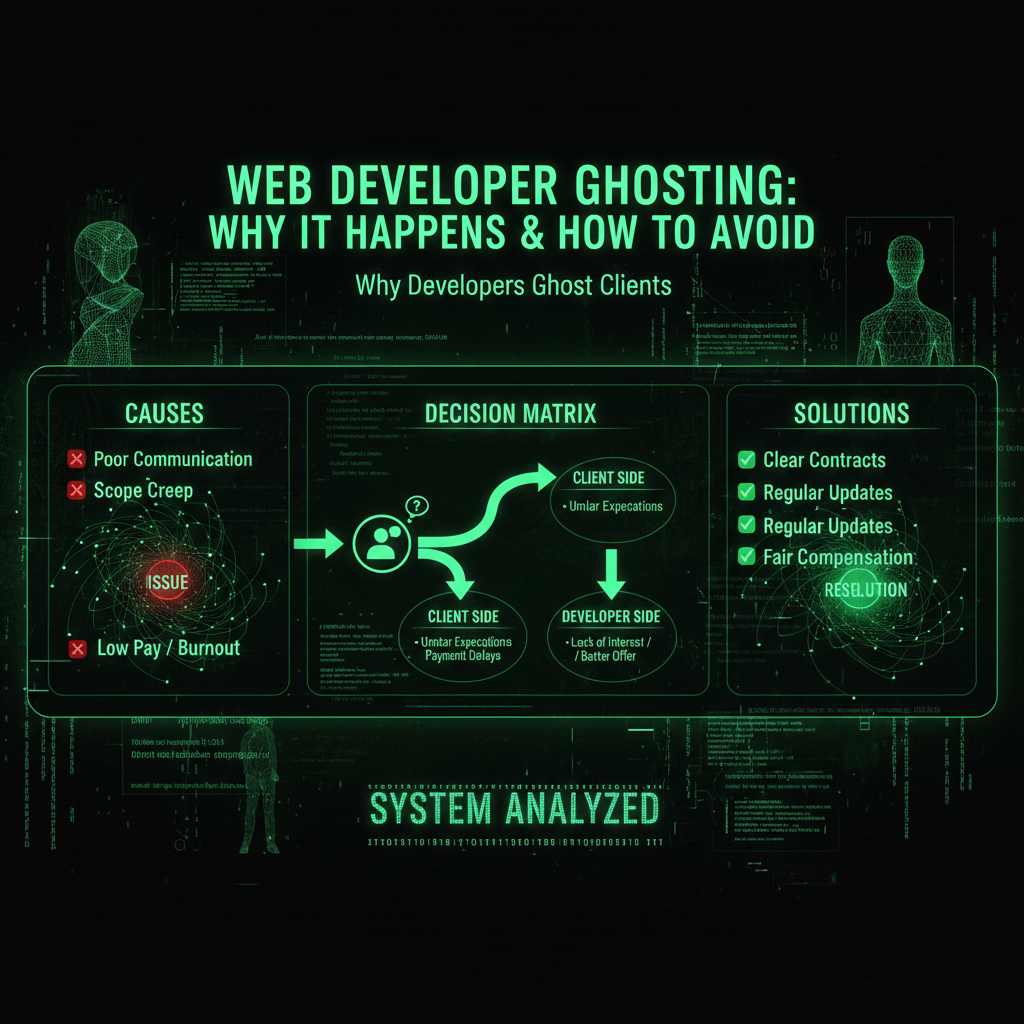
Understanding why this happens helps you avoid it in the future.
1. The "One-Time Project" Mindset
Many developers treat websites as one-time projects, not ongoing partnerships. They build your site, collect payment, and move on to the next client.
When you need updates or fixes months later, you are not a priority. You are a distraction from new revenue.
The problem: Websites are not one-time projects. They are living systems that need ongoing care.
2. Overcommitment and Burnout
Freelance developers often take on too many projects. They promise the world, deliver late, and eventually collapse under the weight of their commitments.
When they burn out, they disappear. No explanation. No handoff. Just silence.
The problem: You are left holding the bag with no access to your own site.
3. The "Too Small" Problem
Your $500 maintenance request is not worth their time when they can land a $10,000 new project. So they ignore you.
Eventually, ignoring becomes ghosting. You stop being a client and become a problem they avoid.
4. Technical Debt Overwhelm
Sometimes developers ghost because they know your site is a mess. They built it poorly, and now fixing it would require more work than building it from scratch.
Rather than admit this and face the difficult conversation, they disappear.
5. Life Happens (But Communication Does Not)
Developers are human. They get sick. They have family emergencies. They change careers.
The problem: They do not communicate this. They just vanish, leaving you stranded.
The Real Cost of Ghosting
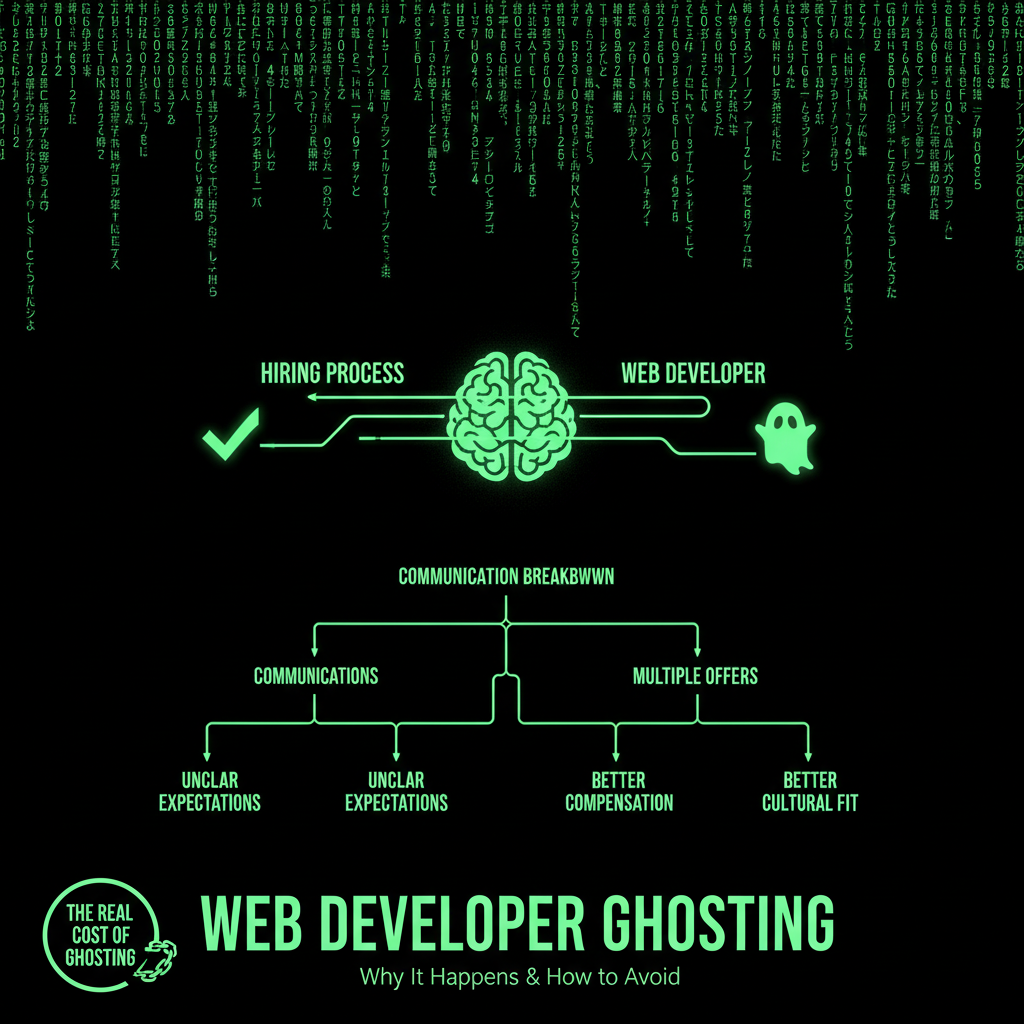
When your developer disappears, you face:
- No access to your site: You might not have admin credentials, hosting access, or even know where your site is hosted
- No documentation: No one knows how your site works, what plugins you use, or what custom code exists
- Emergency replacement costs: Finding a new developer on short notice costs 2-3x normal rates
- Rebuild costs: If you cannot access your site, you might need to rebuild from scratch
- Lost revenue: Every day your site is broken is money lost
We have seen clients pay $15,000+ just to regain access to their own websites.
Red Flags: How to Spot a Future Ghost

Watch for these warning signs:
1. Slow Response Times
If they take 5-7 days to respond during the project, imagine how long they will take after you have paid them.
Red flag: Response times getting longer over time.
2. No Documentation
They build your site but do not document anything. No credentials list. No plugin inventory. No hosting details.
Red flag: You have to ask for basic information repeatedly.
3. The "I Am Too Busy" Excuse
Everyone is busy. But professionals make time for their clients.
Red flag: Constant excuses about being overwhelmed.
4. No Maintenance Plan Offered
If they do not offer ongoing maintenance, they are not planning to stick around.
Red flag: "Just email me if you need anything" (they will not respond).
5. They Work Alone
Solo developers have no backup. If they disappear, you have no one to call.
Red flag: No team, no company structure, just one person.
How to Protect Yourself
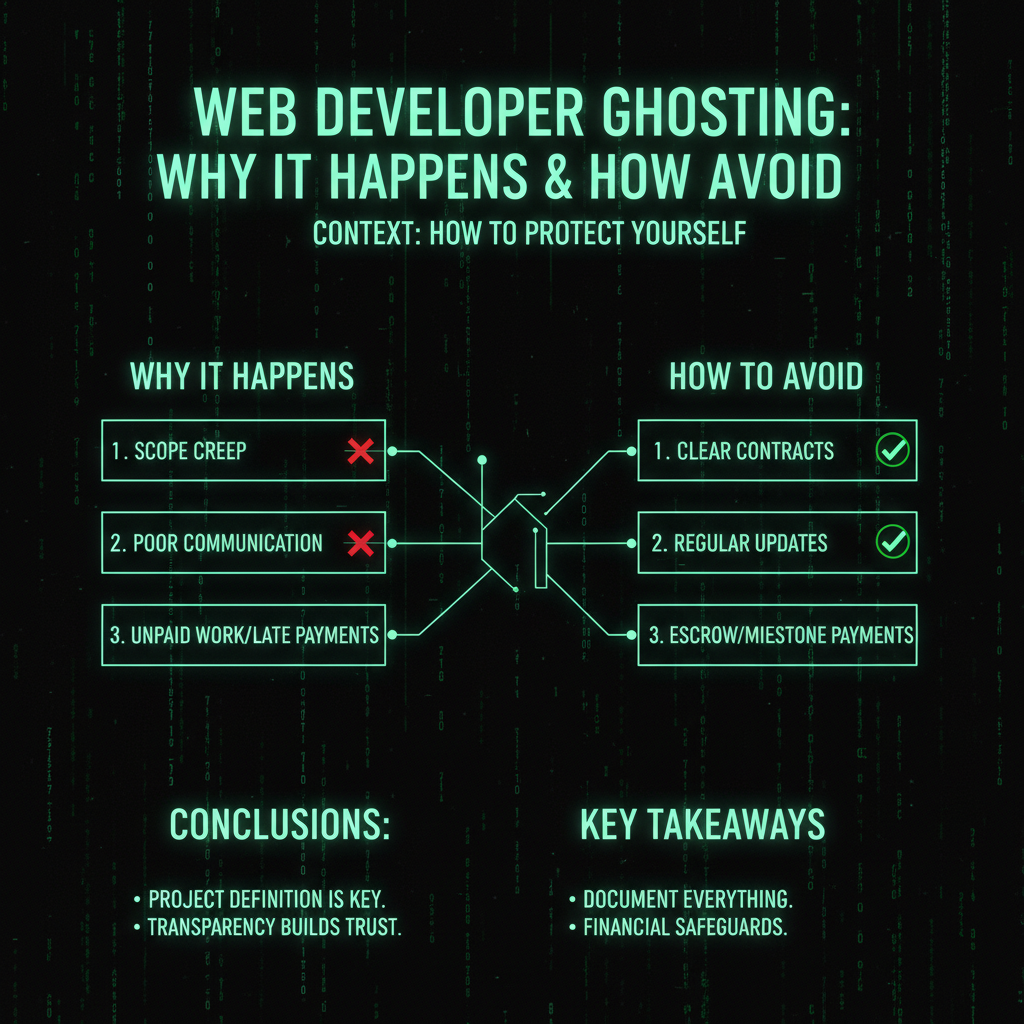
1. Get Everything in Writing
Before the project starts, document:
- All login credentials (hosting, WordPress admin, domain registrar)
- List of all plugins and themes used
- Hosting provider and account details
- Domain registrar and account access
- Any custom code or configurations
Do not accept: "I will send it later." Get it before final payment.
2. Use a Maintenance Plan, Not Ad-Hoc Support
Ad-hoc support means you are competing with their other clients for attention. A maintenance plan means you are a priority.
Look for: Companies that offer monthly maintenance plans with guaranteed response times.
3. Choose a Team, Not a Solo Developer
Teams have redundancy. If one person is unavailable, someone else can help.
Look for: Companies with multiple team members and documented processes.
4. Check Their Track Record
How long have they been in business? Do they have testimonials? Do they have a portfolio?
Red flag: New company with no history or references.
5. Have a Backup Plan
Always maintain your own backups. Know where your site is hosted. Keep a list of critical information.
Do not rely on: One person having all the keys to your business.
The ProWebCare Difference
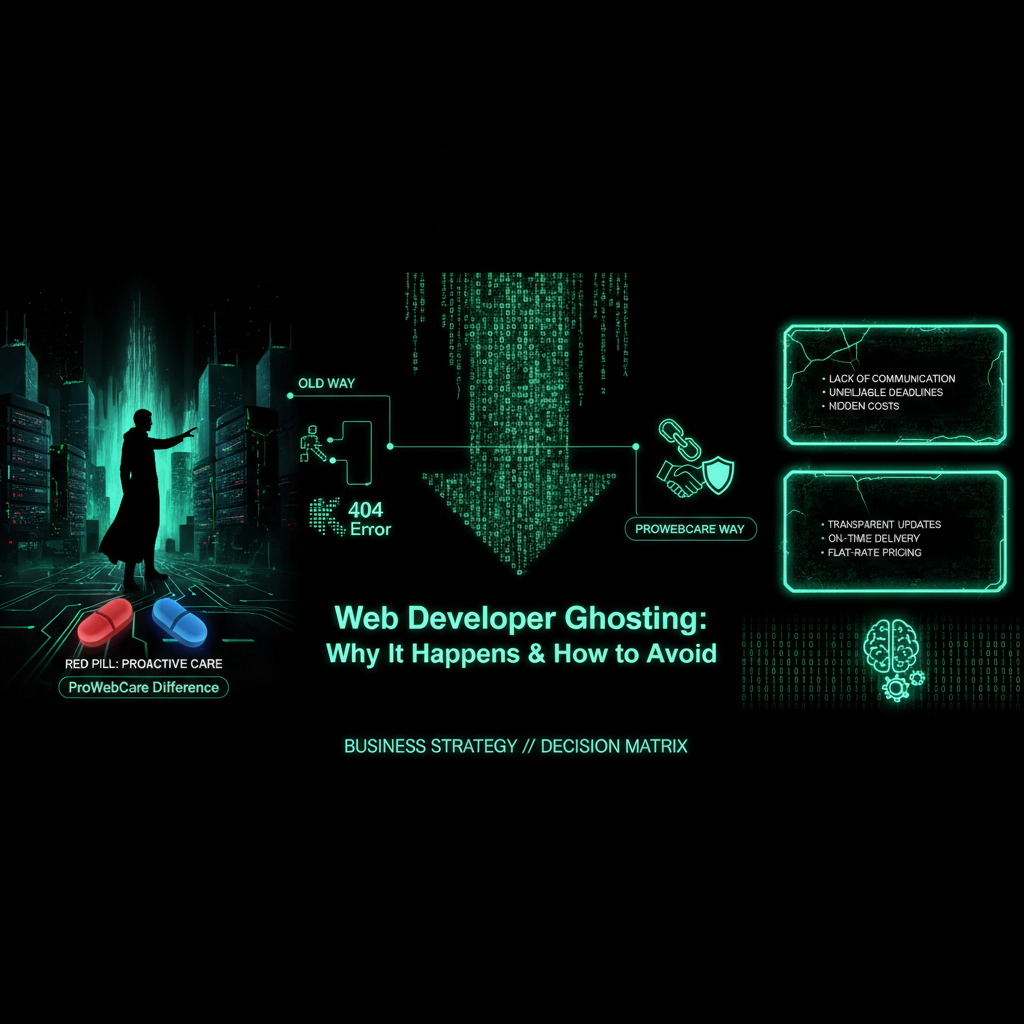
We built our business model to prevent ghosting:
- Monthly maintenance plans: You are not a one-time project. You are an ongoing client.
- Guaranteed response times: 12-24 hours, not "whenever I get to it."
- Team structure: Multiple operators* can handle your requests.
- Documentation: We document everything. You always have access to your information.
- No contracts: We earn your business every month. If we ghost you, you cancel. Simple.
We are not perfect. But we are committed. And we are here for the long term.
The Verdict
The ghosting developer problem is real. It happens to thousands of business owners every year.
You can protect yourself by:
- Getting all credentials and documentation upfront
- Choosing a maintenance plan over ad-hoc support
- Working with teams, not solo developers
- Maintaining your own backups and access
Or you can wait until your developer disappears and pay $15,000+ to recover access to your own site.
The choice is yours. But the smart choice is prevention.
The Scale of the Problem
Developer ghosting is more common than you think:
- Industry surveys: 40-60% of small businesses have experienced developer ghosting
- Average recovery cost: $8,000-$25,000 to regain access and fix issues
- Time to find replacement: 2-6 weeks on average
- Business impact: 30-50% of affected businesses report significant revenue loss
- Most vulnerable: Businesses that hired solo freelancers or very small agencies
This isn't an isolated problem—it's a systemic issue in the web development industry.
Detailed Reasons Developers Ghost
Let's dive deeper into why developers disappear:
1. Financial Pressure
Many developers ghost because they're in financial trouble:
- Underpricing: They quoted too low, can't afford to finish the project
- Cash flow issues: They need new projects to pay bills, not maintain old ones
- Payment disputes: They feel underpaid and stop responding
- Better opportunities: They found higher-paying clients and abandoned you
Solution: Work with established companies that have stable revenue and can afford to maintain relationships.
2. Skill Mismatch
Sometimes developers ghost because they're in over their heads:
- Overpromised: They said they could do something they can't
- Technology changes: They built your site with outdated tech they no longer understand
- Scope creep: Project grew beyond their capabilities
- Legacy code: They can't maintain code they didn't write
Solution: Verify developer skills, check portfolios, and start with small projects to test capabilities.
3. Poor Business Practices
Many developers are great at coding but terrible at business:
- No contracts: They work without clear agreements, leading to misunderstandings
- No processes: They have no systems for handling maintenance requests
- No boundaries: They take on too much, then can't deliver
- No communication: They don't know how to say "no" or set expectations
Solution: Work with companies that have clear processes, contracts, and communication systems.
4. Personal Issues
Developers are human, and life happens:
- Health problems: Serious illness prevents them from working
- Family emergencies: Personal crises take priority
- Burnout: They're exhausted and need to step away
- Career change: They're leaving web development entirely
Solution: Work with teams that have redundancy, so one person's absence doesn't leave you stranded.
Real-World Case Studies
Case Study 1: The E-Commerce Nightmare
A client came to us after their developer disappeared:
- The situation: Developer built e-commerce site, took final payment, then vanished
- The problem: Site crashed during Black Friday, no one to fix it
- Access issues: Client didn't have hosting credentials, couldn't access site
- Recovery cost: $18,000 to regain access, fix issues, and stabilize site
- Lost revenue: $25,000+ in lost Black Friday sales
- Time to recovery: 3 weeks to find replacement and fix everything
Lesson: Always maintain your own access and backups, regardless of who builds your site.
Case Study 2: The Maintenance Request That Never Got Answered
Another client's story:
- The situation: Developer built site 2 years ago, client needed updates
- The problem: Developer stopped responding to emails after 3 months of requests
- Access issues: Client had credentials but didn't know how to use them
- Recovery cost: $12,000 to hire new developer, learn the system, and make updates
- Time wasted: 4 months trying to get original developer to respond
Lesson: Maintenance plans prevent this—you have guaranteed support, not "maybe I'll respond."
Case Study 3: The Solo Developer Who Got Sick
A tragic but common scenario:
- The situation: Solo developer built client's site, maintained it for 3 years
- The problem: Developer had serious health issue, couldn't work for 6 months
- Communication: Developer didn't tell client, just stopped responding
- Recovery cost: $15,000 to find replacement, regain access, and continue maintenance
- Impact: Site had security vulnerabilities that weren't patched during absence
Lesson: Teams have redundancy—if one person is unavailable, others can help.
Warning Signs: Early Detection
Watch for these early warning signs that ghosting might be coming:
Communication Patterns
- Response times increasing: Used to respond in hours, now takes days
- Vague responses: "I'll get to it" instead of specific timelines
- Missed deadlines: Consistently late without explanation
- No proactive communication: Only responds when you reach out
- Defensive responses: Gets defensive when you ask about delays
Work Quality Changes
- Rushed work: Quality declining, obvious shortcuts
- More mistakes: Increasing number of bugs and issues
- No testing: Pushing code without proper testing
- Cutting corners: Using quick fixes instead of proper solutions
Business Red Flags
- Website changes: Their website goes down or shows "under construction"
- Social media silence: No recent posts or activity
- Portfolio not updated: No new projects in months
- No testimonials: Can't find recent client reviews
- Price changes: Suddenly much cheaper (desperate) or much more expensive (doesn't want the work)
Comprehensive Protection Strategy
Protect yourself with a multi-layered approach:
Layer 1: Pre-Project Protection
Before hiring a developer:
- ✅ Check business registration and how long they've been operating
- ✅ Verify they have a team, not just one person
- ✅ Review portfolio and contact previous clients
- ✅ Check online reviews and testimonials
- ✅ Verify they have maintenance plans available
- ✅ Ensure they have clear contracts and processes
- ✅ Test their communication during initial conversations
Layer 2: During Project Protection
While project is active:
- ✅ Get all credentials before final payment
- ✅ Request complete documentation
- ✅ Maintain your own backups
- ✅ Keep records of all communications
- ✅ Monitor response times and work quality
- ✅ Establish maintenance agreement before project ends
- ✅ Don't pay 100% upfront—hold final payment until delivery
Layer 3: Post-Project Protection
After project completion:
- ✅ Sign up for maintenance plan immediately
- ✅ Store all credentials securely (password manager)
- ✅ Keep documentation updated
- ✅ Maintain regular backups
- ✅ Test your access regularly
- ✅ Have backup developer contact ready
- ✅ Monitor developer's business health
What to Do If You've Been Ghosted
If your developer has already disappeared, here's your action plan:
Immediate Actions (First 24 Hours)
- Document everything: Save all emails, contracts, and communications
- Check what access you have: Try logging into hosting, WordPress, domain registrar
- Contact hosting provider: They may be able to help you regain access
- Check domain registrar: Ensure you own your domain
- Secure your site: If you have access, change all passwords immediately
Recovery Process (First Week)
- Find replacement developer: Start looking immediately—don't wait
- Get professional help: Hire someone to assess the situation and regain access
- Document current state: Have new developer inventory everything
- Secure the site: Ensure no backdoors or security issues
- Establish maintenance: Set up maintenance plan with new developer
Legal Options
- Review contract: Check if developer violated terms
- Small claims court: If damages are under threshold, may be worth pursuing
- Better Business Bureau: File complaint if developer is registered
- Online reviews: Warn others about your experience
- Realistic expectations: Legal action is expensive and rarely recovers costs
The True Cost of Developer Ghosting
Let's break down the real costs:
Direct Costs
- Recovery: $5,000-$25,000 to regain access and assess damage
- Emergency developer: 2-3x normal rates for urgent work
- Rebuild: $10,000-$50,000+ if site needs to be rebuilt
- Legal fees: $2,000-$10,000 if pursuing legal action
Indirect Costs
- Lost revenue: $1,000-$10,000+ per day site is down or broken
- Lost customers: Customers leave when site doesn't work
- Reputation damage: Hard to quantify but very real
- Time investment: Hours spent finding replacement and managing crisis
- Stress and disruption: Significant impact on business operations
Total Cost Example
For a typical ghosting scenario:
- Recovery: $12,000
- Emergency developer: $8,000
- Lost revenue (2 weeks): $14,000
- Time and stress: $5,000
- Total: $39,000+
Compare this to a $199/month maintenance plan ($2,388/year) that prevents this entirely.
Choosing the Right Developer/Company
Here's what to look for to avoid ghosting:
Essential Qualities
- Established business: 3+ years in operation, not a new freelancer
- Team structure: Multiple people, not just one person
- Maintenance plans: Offers ongoing support, not just project work
- Clear processes: Has documented procedures and systems
- Good communication: Responds quickly, sets clear expectations
- Transparency: Willing to share credentials, documentation, processes
- Positive reviews: Good reputation with previous clients
Red Flags to Avoid
- ❌ Solo developer with no backup
- ❌ No maintenance plans offered
- ❌ Unwilling to share credentials
- ❌ Poor communication during sales process
- ❌ No contracts or clear agreements
- ❌ New business with no track record
- ❌ Unrealistic promises or prices
- ❌ Pressure to pay 100% upfront
Maintenance Plans: Your Safety Net
Maintenance plans are the best protection against ghosting:
Why Maintenance Plans Prevent Ghosting
- Recurring revenue: Developers have incentive to maintain relationship
- Guaranteed response: Contractual obligation to respond within timeframe
- Ongoing relationship: You're a client, not a one-time project
- Process structure: Clear systems for handling requests
- Team support: Multiple people can handle your requests
What to Look for in a Maintenance Plan
- ✅ Guaranteed response times (12-24 hours)
- ✅ Multiple team members
- ✅ Clear scope of what's included
- ✅ Transparent pricing
- ✅ Easy cancellation (month-to-month, no long contracts)
- ✅ Documentation and credential access
- ✅ Proactive monitoring and updates
Our maintenance plans include all of these protections, plus guaranteed response times and team redundancy.
Prevention Checklist
Use this checklist to protect yourself:
Before Hiring
- □ Verify business is established (3+ years)
- □ Confirm they have a team, not just one person
- □ Check reviews and testimonials
- □ Verify they offer maintenance plans
- □ Test their communication responsiveness
- □ Review their portfolio and previous work
- □ Ensure they have clear contracts
During Project
- □ Get all credentials before final payment
- □ Request complete documentation
- □ Maintain your own backups
- □ Monitor response times
- □ Keep records of all communications
- □ Don't pay 100% upfront
- □ Establish maintenance agreement
After Project
- □ Sign up for maintenance plan immediately
- □ Store credentials securely
- □ Keep documentation updated
- □ Maintain regular backups
- □ Test access regularly
- □ Have backup developer contact
The Bottom Line
Developer ghosting is a real problem that costs businesses thousands of dollars and significant stress. You can protect yourself by:
- Choosing established companies with teams, not solo developers
- Getting all credentials and documentation upfront
- Signing up for maintenance plans, not relying on ad-hoc support
- Maintaining your own backups and access
- Monitoring warning signs and acting early
The cost of prevention (maintenance plan) is a fraction of the cost of recovery ($39,000+). Don't wait until you've been ghosted—protect yourself now.
Our maintenance plans provide guaranteed support, team redundancy, and ongoing relationship management. We're committed to being here for the long term, not disappearing when you need us most.
Frequently Asked Questions
How common is developer ghosting?
Developer ghosting is very common. Industry surveys show that 40-60% of small businesses have experienced developer ghosting at some point. The problem is most prevalent with solo freelancers and very small agencies (1-2 people). Larger, established companies with teams are much less likely to ghost clients because they have redundancy, processes, and ongoing revenue from maintenance plans. The average recovery cost is $8,000-$25,000, and it typically takes 2-6 weeks to find a replacement developer. This is why prevention (maintenance plans, team-based companies) is so important.
What should I do if my developer stops responding?
If your developer stops responding: First 24 hours: Document everything, check what access you have, contact hosting provider, secure your site if possible. First week: Start looking for replacement immediately, get professional help to assess situation, secure the site, establish maintenance with new developer. Don't wait: Every day you wait costs money. If they haven't responded in 48 hours, assume they're gone and start recovery process. Legal options: Review contract for violations, consider small claims court if damages are significant, but realistic expectations—legal action is expensive and rarely recovers costs. Prevention for next time: Choose team-based companies with maintenance plans to prevent this from happening again. Our maintenance plans provide guaranteed response times so you never have to wonder if you'll get help.
Can I recover money if my developer ghosts me?
Recovering money from a ghosted developer is difficult: Contract review: Check if developer violated contract terms—this is your best legal basis. Small claims court: If damages are under threshold (varies by state, typically $5,000-$25,000), may be worth pursuing. Realistic expectations: Legal action costs $2,000-$10,000 in fees, takes months, and success rate is low. Most ghosted developers are hard to locate or have no assets to recover. Better approach: Focus on recovery (regaining access, finding replacement) rather than legal action. The cost of recovery ($5,000-$25,000) is usually less than legal fees with uncertain outcome. Prevention: The best way to "recover" money is to prevent the problem—maintenance plans cost $2,388/year but prevent $39,000+ in ghosting costs.
How can I tell if a developer will ghost me?
Watch for these warning signs: Communication red flags: Response times increasing, vague responses, missed deadlines, no proactive communication, defensive when asked about delays. Work quality red flags: Quality declining, more mistakes, no testing, cutting corners. Business red flags: Website goes down, social media silence, no new projects, no recent reviews, sudden price changes. Structural red flags: Solo developer with no backup, no maintenance plans, unwilling to share credentials, no contracts, new business with no track record. Early detection: If you see multiple red flags, start looking for replacement before they ghost. Best protection: Choose established companies with teams and maintenance plans from the start—they have incentive and structure to maintain relationships long-term.
Should I work with a solo developer or a company?
For ongoing website needs, companies are generally safer: Solo developers: Lower cost, more personal relationship, but higher ghosting risk (no backup if they get sick, overwhelmed, or change careers). Companies/teams: Higher cost, less personal, but lower ghosting risk (redundancy, processes, ongoing revenue from maintenance). Best choice depends on: If you need one-time project and can maintain yourself, solo developer might work. If you need ongoing support, company with maintenance plan is safer. Hybrid approach: Some companies offer both—solo developer for project, team for maintenance. Our recommendation: For business-critical websites, choose companies with teams and maintenance plans. The extra cost is worth the reliability and peace of mind. Our maintenance plans provide team-based support with guaranteed response times.
What information should I get from my developer before they finish the project?
Get this information before making final payment: Access credentials: Hosting account login, WordPress admin login, domain registrar login, FTP/SFTP access, database access, email account access. Documentation: List of all plugins and themes, custom code locations, configuration details, backup procedures, update procedures, hosting provider and plan details, domain registrar information. Important: Don't accept "I'll send it later"—get everything before final payment. Store credentials securely in password manager. Test all access to ensure it works. If they refuse: This is a major red flag—legitimate developers have no reason to withhold this information. Our approach: We provide all credentials and documentation as part of our standard process, and our maintenance plans include ongoing documentation updates.
How much does it cost to recover from developer ghosting?
Recovery costs vary significantly: Basic recovery: $5,000-$12,000 to regain access, assess situation, and make critical fixes. Moderate recovery: $12,000-$25,000 if site needs significant work or you need to find replacement quickly. Severe recovery: $25,000-$50,000+ if site needs to be rebuilt or you've lost significant access. Additional costs: Lost revenue ($1,000-$10,000+ per day site is down), emergency developer rates (2-3x normal), legal fees if pursuing action ($2,000-$10,000). Total typical cost: $39,000+ for a typical ghosting scenario including recovery, emergency work, and lost revenue. Compare to prevention: Maintenance plan costs $199/month ($2,388/year) and prevents this entirely. Prevention is 16x cheaper than recovery. Our maintenance plans provide ongoing support that prevents ghosting and costs a fraction of recovery.
