

Black Friday 2024: A major e-commerce site was hacked at 3 AM, exposing thousands of customers to malicious cyber attacks during the peak holiday shopping season.
By 6 AM, 12,000 customer credit cards were stolen. The site was down. Revenue lost: €2.3 million.
It could have been prevented with a simple, comprehensive Black Friday 2025 cybersecurity checklist designed to secure your e-commerce store against evolving cyber threats, scams, and AI-driven attacks.
Black Friday and the entire holiday shopping season are prime targets for cybercriminals. Are you ready to protect your store, your shoppers, and your revenue from phishing, malware, and increasingly sophisticated AI-powered cyber attacks?
According to security research from Search Engine Journal, cyber attacks increase by 300% during Black Friday and Cyber Monday. Our security audit service can help identify vulnerabilities before Black Friday 2025 and keep your site secure during this critical holiday shopping period.
Why Hackers Target Black Friday
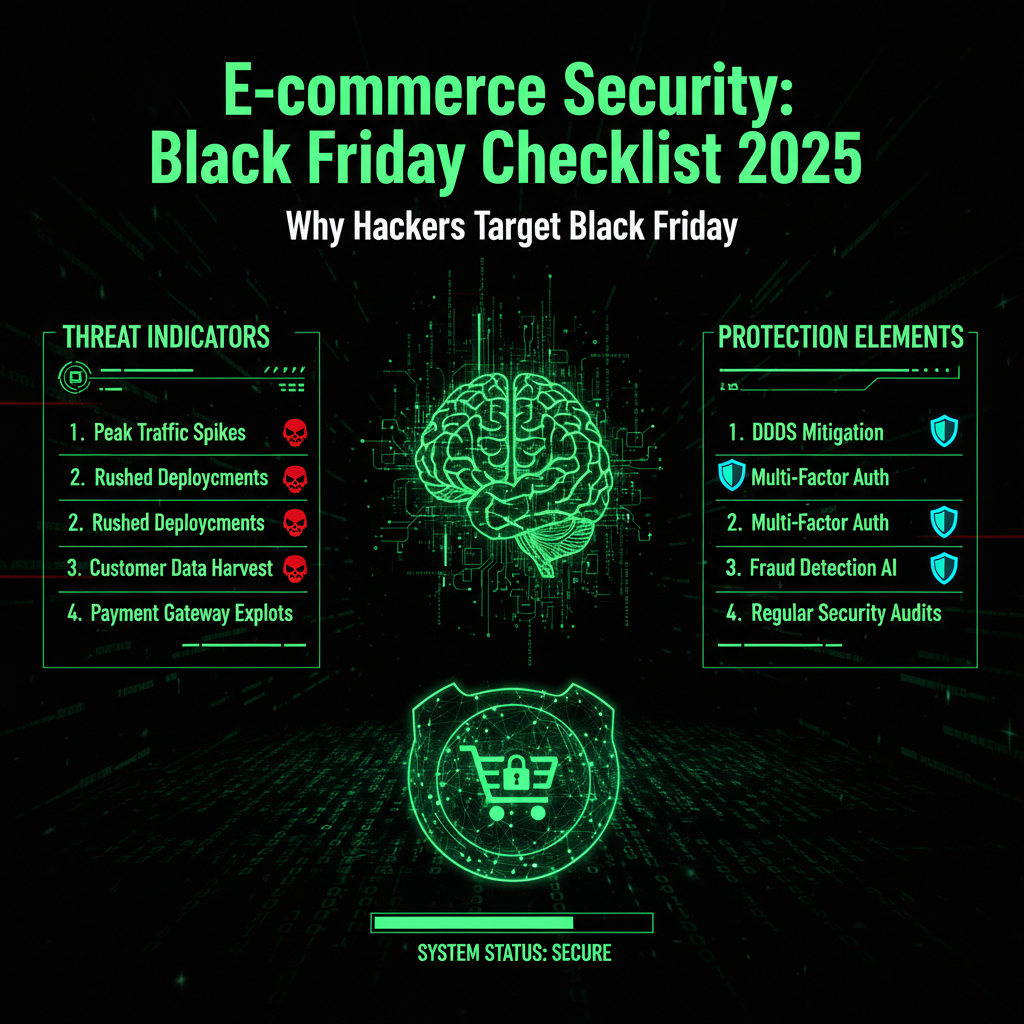
Black Friday 2025 is shaping up to be the most cyber-threatened shopping event in history. Cybercriminals and scammers intensify their efforts during this holiday shopping season because:
- High traffic: Millions of shoppers flood online stores, increasing the attack surface exponentially and attracting AI-powered bots that mimic legitimate shoppers to exploit vulnerabilities.
- High value: The surge in transactions means more sensitive payment details, personal and financial information, and credit card information are at risk, making Black Friday a prime target for data breaches.
- High pressure: Retailers and security teams focus heavily on managing discounts and sales, often overlooking critical cybersecurity measures and security awareness training during this hectic holiday shopping season.
- Low tolerance for downtime: Every minute a store is offline costs thousands in lost revenue and damages customer trust, especially during peak Black Friday sales where transaction volumes can reach 5.1 million per minute.
- Complex supply chains: Retailers rely on numerous third-party vendors, APIs, and integrations, which expand vulnerabilities and invite supply-chain exploits, increasing the risk of cyber attacks.
Hackers plan months in advance, exploiting vulnerabilities like outdated software, weak passwords, and unmonitored APIs. They use AI-driven bots to launch phishing attacks, credential stuffing, and checkout page exploits such as Magecart attacks that inject malicious code to skim payment details.
Cybercriminals also deploy sophisticated scams, including phishing emails with fake Black Friday deals and cloned store websites designed to steal credentials and payment information. These tactics have led to a 400% increase in scam attempts during recent Black Friday events, targeting shoppers with malicious URLs and fake websites.
The Black Friday 2025 Security Checklist
Start your Black Friday cybersecurity preparation at least 2 weeks before the event. Early action is critical to secure your e-commerce store and protect shoppers during this high-risk holiday shopping season.
1. Update Everything
- ✅ Update WordPress, Joomla, or other CMS cores to the latest versions.
- ✅ Update all plugins, especially WooCommerce, payment gateways, and security plugins.
- ✅ Update your theme and ensure compatibility with the latest PHP version (8.1+ recommended).
- ✅ Patch all third-party libraries and APIs to close known vulnerabilities.
Why: Outdated software is a prime target for exploits such as SQL injection and cross-site scripting (XSS). Hackers scan for these weaknesses during Black Friday, aiming to breach your store when it’s most vulnerable. Keeping software updated is a fundamental cybersecurity best practice to reduce vulnerabilities and protect sensitive information.
2. Strengthen Authentication
- ✅ Enforce strong, unique passwords (16+ characters) for all admin and staff accounts.
- ✅ Enable multi-factor authentication (MFA) or two-factor authentication (2FA) on all admin accounts.
- ✅ Limit login attempts to block brute force attacks after 5 failed tries.
- ✅ Change default usernames like "admin" to reduce red flags for attackers.
- ✅ Encourage staff and customers to use password managers to manage complex passwords securely.
Why: Credential stuffing and account takeover attacks account for 78% of Black Friday hacks. Strong authentication controls, including multi-factor authentication and password managers, are your first line of defense against these automated threats and help protect sensitive personal and financial data.
3. Secure Payment Processing
- ✅ Verify PCI DSS compliance for all payment processing systems.
- ✅ Use tokenization to avoid storing credit card information directly.
- ✅ Ensure SSL certificates are valid and properly configured for all pages, especially checkout pages.
- ✅ Enforce HTTPS on all payment and checkout URLs to encrypt sensitive data in transit.
- ✅ Monitor for Magecart-style client-side malware that can skim payment details during checkout.
Why: Payment data is the crown jewel for cybercriminals. Protecting checkout pages and encrypting payment details is essential to prevent data breaches, maintain shopper trust, and comply with data security regulations. The average Black Friday breach results in €2.3 million in revenue loss, underscoring the importance of robust payment security.
4. Enable Security Monitoring
- ✅ Activate a Web Application Firewall (WAF) to block malicious traffic.
- ✅ Deploy intrusion detection systems with real-time alerting.
- ✅ Continuously monitor client-side scripts and APIs for unauthorized changes or suspicious activity.
- ✅ Test and verify backup systems regularly to ensure quick recovery.
Why: Early detection of cyber threats allows you to respond before damage occurs. Continuous monitoring helps identify suspicious activity, including phishing attempts, malware infections, and AI-driven automated attacks, enabling your security team to stay vigilant and protect your store throughout the holiday shopping season.
5. Prepare for DDoS Attacks
- ✅ Enable DDoS protection services like Cloudflare or Sucuri.
- ✅ Scale server resources to handle 3-5 times normal traffic during peak Black Friday shopping periods.
- ✅ Configure Content Delivery Networks (CDNs) to distribute traffic and reduce load.
- ✅ Conduct load testing to ensure your infrastructure can handle peak demand without crashing.
Why: Distributed Denial-of-Service (DDoS) attacks aim to overwhelm your site and cause costly downtime during critical sales periods. Proper preparation prevents these disruptions and ensures shoppers can complete their purchases smoothly during the busiest shopping periods like Black Friday and Cyber Monday.
6. Test Your Backup and Incident Response
- ✅ Create full backups of files and databases, stored securely off-site.
- ✅ Test your restore process to ensure recovery can be completed within 2 hours.
- ✅ Automate daily backups and verify their success regularly.
- ✅ Develop and rehearse incident response protocols for quick action if hacked.
Why: In the event of a breach, a clean backup and a clear recovery plan minimize downtime and data loss, helping you stay safe online during the shopping season and maintain customer confidence. Testing backups before Black Friday is a cybersecurity best practice that can save your store from prolonged outages.
The Matrix* Tie-in: The Battle Preparation
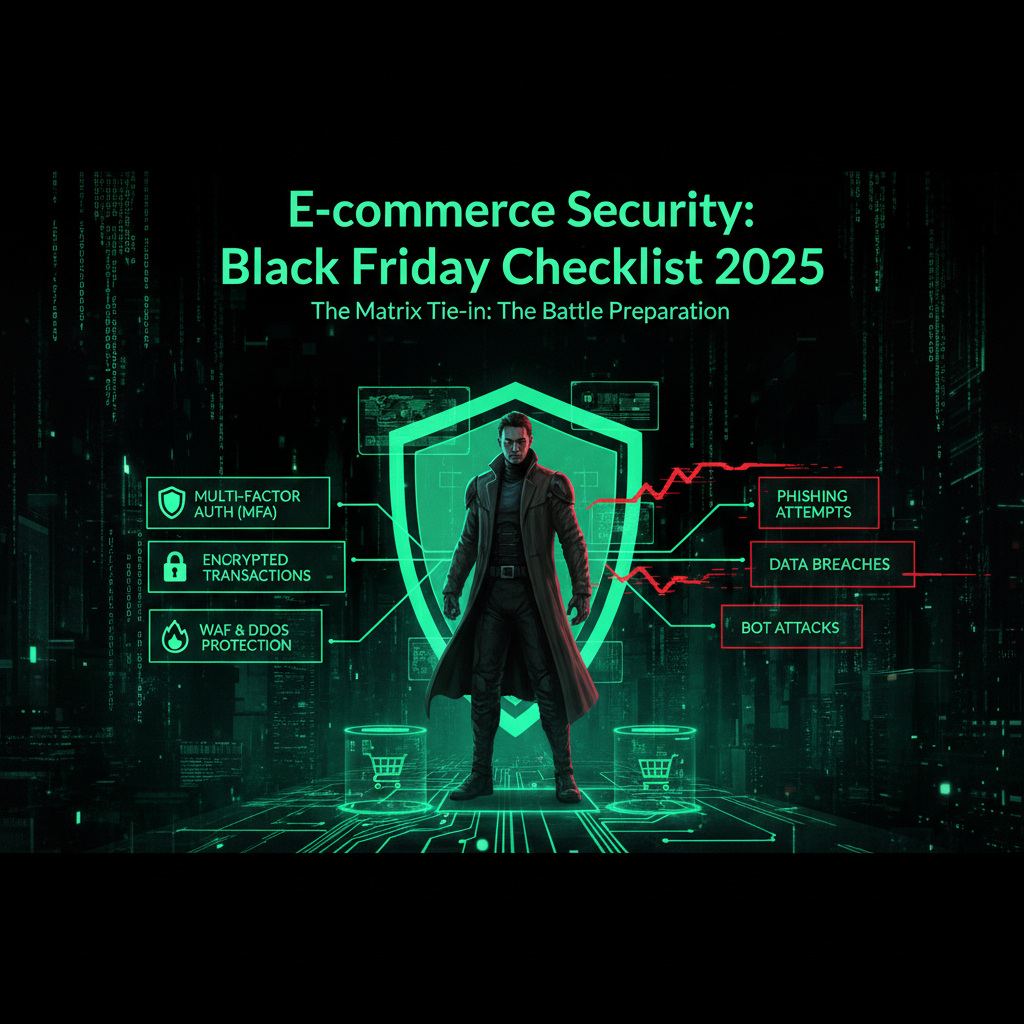
In the Matrix*, you don’t wait for the Agents* to attack. You prepare, fortify, and defend. Black Friday 2025 is a battle where cybercriminals are the Agents*, and your e-commerce store is the target.
Prepare now. Don’t wait until November 28th. Implement strong security measures, monitor continuously, and stay vigilant against phishing, scams, malware threats, and AI-powered cyber attacks that are increasingly common during the holiday shopping season.
Common Black Friday Security Mistakes
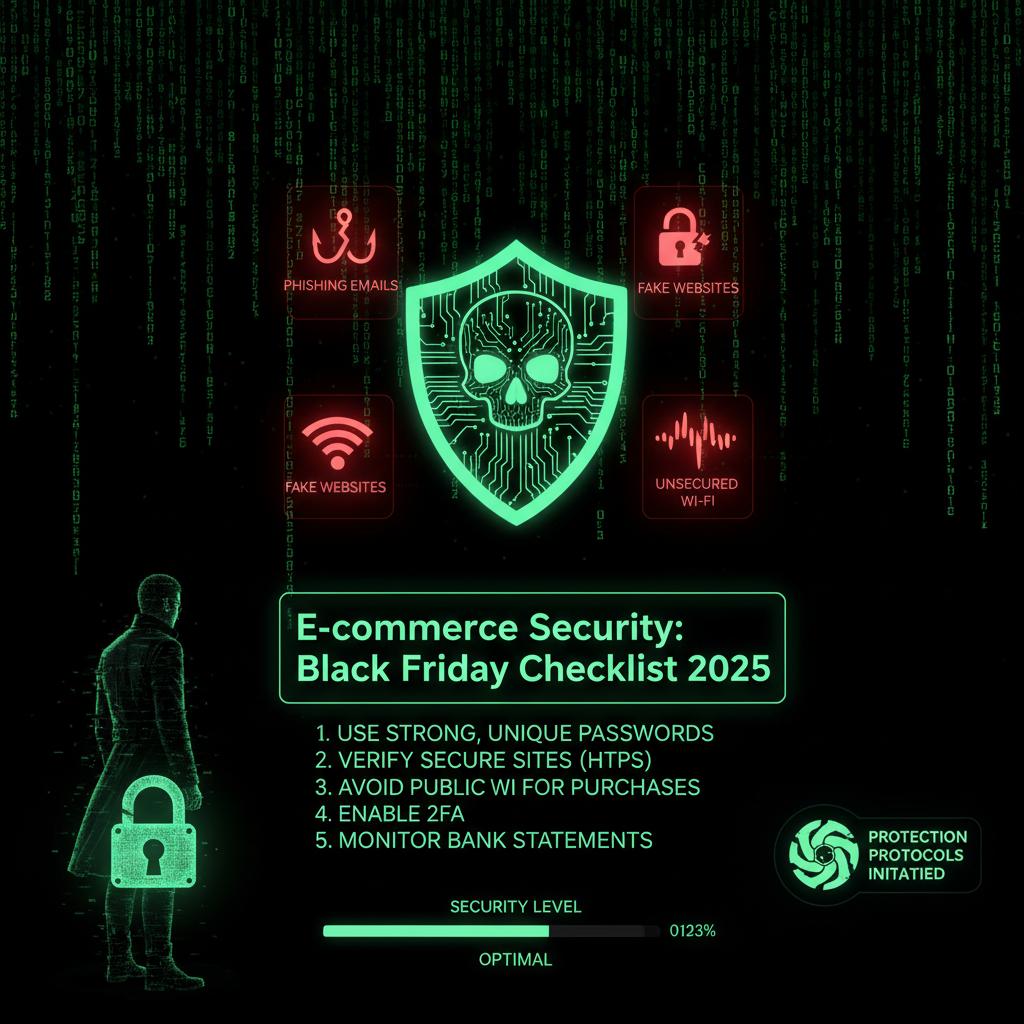
Every year, retailers make avoidable mistakes that lead to costly breaches and downtime during Black Friday and Cyber Monday:
- Last-minute updates: Updating plugins or themes on November 27th can break your site during peak sales and introduce new vulnerabilities.
- Ignoring cybersecurity: Delaying security fixes until after Black Friday leaves you exposed to malicious attacks, phishing scams, and data breaches.
- No monitoring: Without real-time alerts, breaches can go undetected for hours, increasing damage and revenue loss.
- Weak backups: Backup failures or untested restore processes leave you vulnerable to prolonged outages and data loss.
- Overlooking phishing and scams: Failing to educate staff and shoppers about phishing attacks, fake websites, and malicious URLs increases risk during this high-volume shopping season.
Don’t make these mistakes. Follow the checklist and start your Black Friday cybersecurity preparation early. Our maintenance plans include comprehensive Black Friday security measures, so you can focus on holiday sales while we protect your store and shoppers.
Black Friday Cybersecurity Statistics
Understanding the scale of Black Friday 2025 cybersecurity threats highlights the urgency of preparation:
- Record Online Sales: Black Friday 2025 saw U.S. e-commerce sales reach approximately $9.8 billion, a 9.1% increase year-over-year, contributing to a Cyber Week total of $38.2 billion, up 7.7% YoY. This surge attracts sophisticated cyber attacks powered by AI and automation.
- Cyber attacks increase by 300% during Black Friday and Cyber Monday, with phishing attacks accounting for 42% of threats and 32% targeting digital wallets and payment systems.
- Over 400% increase in scam attempts during Black Friday 2024, including phishing attacks using fake websites and malicious URLs designed to steal personal and financial data.
- 78% of Black Friday hacks start with brute force login attempts exploiting weak passwords and default admin usernames.
- €2.3 million average revenue loss from a Black Friday security breach, with downtime lasting 3-6 hours and costing approximately €2,000 per hour.
- 12,000 customer credit cards stolen in a single Black Friday attack in 2024, highlighting the critical need for PCI DSS compliance and encryption of payment details.
- AI-driven attacks now account for hundreds of thousands of daily attempts on retail sites, using automation to bypass traditional security controls and exploit vulnerabilities across multiple platforms.
These statistics underscore why Black Friday cybersecurity is a top priority for retailers in 2025. Our security audit service helps identify vulnerabilities and strengthen your security posture before the holiday shopping season peaks.
The Verdict
Black Friday 2025 is your biggest revenue day and your biggest cybersecurity risk. The stakes have never been higher.
Prepare at least 2 weeks in advance. Follow the checklist, test everything, and implement strong security controls across your e-commerce ecosystem to protect your store, shoppers, and sensitive information.
Or let us handle it. We secure e-commerce sites for Black Friday every year. We know what to check, what breaks, and how to prevent disasters caused by cybercriminals, scammers, and malicious attacks.
Don’t let hackers ruin your Black Friday deals or compromise your shoppers’ personal and financial data. Secure your site now. Our security audit service and maintenance plans include Black Friday cybersecurity preparation tailored for 2025.
Frequently Asked Questions
Why do hackers target Black Friday specifically?
Black Friday is a prime target because of the massive increase in online shopping traffic, the high volume of sensitive payment details processed, and the pressure on retailers to maintain uptime and sales. Cyber attacks increase by 300% during Black Friday and Cyber Monday, with cybercriminals exploiting weak security measures, phishing scams, AI-driven automation, and malicious URLs to maximize damage.
When should I start Black Friday security preparation?
Start at least 2 weeks before Black Friday. Early preparation allows time to update software, strengthen authentication, test backups, and implement monitoring. Last-minute updates or ignoring security until after Black Friday can lead to costly breaches and downtime.
What are the most important security measures for Black Friday?
Critical measures include updating all software and plugins, enforcing strong passwords and multi-factor authentication, securing payment processing with PCI DSS compliance and encryption, enabling real-time security monitoring, and preparing for DDoS attacks. Using a password manager and educating staff about phishing and scams also improve your security posture.
How much revenue can I lose from a Black Friday security breach?
The average revenue loss from a Black Friday breach is €2.3 million, with downtime lasting 3-6 hours and costing approximately €2,000 per hour. Beyond direct losses, breaches damage customer trust and brand reputation, which can have long-term financial impacts.
Can I test my site's security before Black Friday?
Yes. Conduct load testing to ensure your server can handle peak traffic, test backups to verify quick restoration, and perform security scans to identify vulnerabilities. Our security audit service includes these tests to help you stay safe online during the holiday shopping season.
What should I do if my site gets hacked on Black Friday?
If hacked, immediately disconnect your site from the internet if possible, restore from a clean backup, change all passwords, scan for malware, and notify your hosting provider. Having an incident response plan in place ensures a faster recovery and minimizes damage.
How can I prevent DDoS attacks on Black Friday?
Enable DDoS protection services like Cloudflare or Sucuri, scale up server resources to handle 3-5 times normal traffic, configure a CDN for traffic distribution, and perform load testing before Black Friday. Our maintenance plans include DDoS protection and load testing to keep your store online during peak shopping periods.
Advanced Security Measures: Beyond the Basics
Beyond the essential checklist, these advanced measures provide additional protection:
7. Implement Content Security Policy (CSP)
- ✅ Configure CSP headers to prevent XSS attacks
- ✅ Whitelist trusted domains for scripts and resources
- ✅ Block inline scripts and eval() functions
- ✅ Monitor CSP violations for attack detection
Why: CSP prevents malicious scripts from executing, blocking Magecart-style attacks that inject payment skimmers into checkout pages.
8. Secure Third-Party Integrations
- ✅ Audit all third-party services and APIs
- ✅ Use API keys with minimal required permissions
- ✅ Monitor API usage for anomalies
- ✅ Implement rate limiting on API endpoints
Why: Third-party integrations are common attack vectors. Supply chain attacks can compromise your site through vulnerable partners.
9. Enable Real-Time Fraud Detection
- ✅ Monitor for suspicious transaction patterns
- ✅ Implement velocity checks (multiple orders from same IP)
- ✅ Use geolocation verification for high-value orders
- ✅ Flag orders with mismatched billing/shipping addresses
Why: Fraud detection prevents chargebacks and protects revenue. Real-time monitoring stops fraudulent transactions before completion.
10. Prepare Incident Response Team
- ✅ Assign security team members for Black Friday coverage
- ✅ Establish communication channels for emergencies
- ✅ Prepare rollback procedures for critical updates
- ✅ Document escalation procedures
Why: Quick response minimizes damage. Having a prepared team reduces recovery time from hours to minutes.
Real-World Black Friday Attack Scenarios
Scenario 1: Magecart Payment Skimming
The Attack: Attackers inject malicious JavaScript into checkout pages
The Method: Exploit vulnerable third-party plugin to inject payment skimmer
The Impact: Credit card data stolen from thousands of customers
The Prevention: CSP headers, regular security scans, monitoring for unauthorized script changes
The Cost: €2.3 million in revenue loss, regulatory fines, customer trust damage
Scenario 2: DDoS Attack During Peak Hours
The Attack: Coordinated DDoS attack overwhelms server during peak shopping
The Method: Botnet launches massive traffic flood
The Impact: Site offline for 4 hours during peak sales period
The Prevention: DDoS protection service, CDN, scalable infrastructure
The Cost: €8,000 in lost revenue, customer frustration, brand damage
Scenario 3: Credential Stuffing Attack
The Attack: Automated login attempts using stolen credentials
The Method: Botnet attempts thousands of logins per minute
The Impact: Customer accounts compromised, fraudulent orders placed
The Prevention: Rate limiting, CAPTCHA, MFA, strong password requirements
The Cost: Chargebacks, customer refunds, reputation damage
Scenario 4: SQL Injection via Search Function
The Attack: Exploit vulnerable search functionality
The Method: Inject malicious SQL queries through search parameters
The Impact: Database compromised, customer data stolen
The Prevention: Input validation, parameterized queries, WAF rules
The Cost: GDPR fines up to €20 million, data breach notification costs
Payment Security Deep Dive
Payment security is critical during Black Friday. Here's what you need to know:
PCI DSS Compliance Requirements
- Level 1: Over 6 million transactions annually - annual audit required
- Level 2: 1-6 million transactions - self-assessment questionnaire
- Level 3: 20,000-1 million e-commerce transactions - self-assessment
- Level 4: Under 20,000 e-commerce transactions - self-assessment
Tokenization vs. Encryption
| Method | How It Works | Best For |
|---|---|---|
| Tokenization | Replaces card data with random tokens | Storing payment data for repeat customers |
| Encryption | Encrypts card data using cryptographic keys | Transmitting payment data securely |
Payment Gateway Security Best Practices
- Use reputable payment processors (Stripe, PayPal, Square)
- Never store full credit card numbers
- Use hosted payment pages when possible
- Implement 3D Secure (3DS) for additional authentication
- Monitor for suspicious payment patterns
Load Testing and Performance Preparation
Black Friday traffic can be 3-5x normal levels. Proper preparation prevents crashes:
Load Testing Checklist
- ✅ Test with 3x normal traffic volume
- ✅ Test checkout process under load
- ✅ Test database performance at peak
- ✅ Test CDN and caching effectiveness
- ✅ Identify and fix bottlenecks
Performance Optimization
- Caching: Enable full-page caching, object caching, database query caching
- CDN: Distribute static assets globally
- Database: Optimize queries, add indexes, use read replicas
- Images: Compress and optimize all product images
- Code: Minify CSS/JS, remove unused code
Scaling Strategies
- Vertical scaling: Increase server resources (CPU, RAM)
- Horizontal scaling: Add more servers, use load balancers
- Auto-scaling: Automatically add resources during traffic spikes
- Database scaling: Use read replicas, connection pooling
Monitoring and Alerting: What to Watch
Real-time monitoring helps detect attacks before damage occurs:
Key Metrics to Monitor
- Server resources: CPU, memory, disk I/O, network traffic
- Application performance: Response times, error rates, transaction times
- Security events: Failed logins, blocked attacks, suspicious activity
- Business metrics: Conversion rates, cart abandonment, revenue
Alert Thresholds
- CPU usage > 80% for 5+ minutes
- Memory usage > 90%
- Error rate > 1%
- Response time > 3 seconds
- Failed login attempts > 100 per minute
- Blocked attacks > 1000 per hour
Post-Black Friday Security Review
After Black Friday, conduct a security review:
Review Checklist
- ✅ Analyze security logs for attack patterns
- ✅ Review performance metrics and bottlenecks
- ✅ Assess backup and recovery effectiveness
- ✅ Document incidents and response times
- ✅ Update security measures based on findings
- ✅ Plan improvements for next year
Industry Best Practices: What Top Retailers Do
Leading e-commerce sites follow these practices:
- Security-first culture: Security is integrated into all processes
- Regular security audits: Monthly or quarterly security assessments
- Employee training: Security awareness training for all staff
- Bug bounty programs: Reward security researchers for finding vulnerabilities
- Red team exercises: Simulated attacks to test defenses
- Incident response drills: Regular practice of response procedures
Cost of Inaction: The Real Price of Poor Security
Failing to secure your site costs more than you think:
Direct Costs
- Revenue loss from downtime: €2,000-€5,000 per hour
- Data breach costs: €2.3 million average
- Regulatory fines: Up to €20 million (GDPR)
- Legal fees: €50,000-€200,000
- Forensic investigation: €20,000-€100,000
Indirect Costs
- Customer trust loss: 60% stop doing business after breach
- Brand reputation damage: Long-term revenue impact
- SEO penalties: Google flags compromised sites
- Insurance premiums: Cyber insurance costs increase
- Competitive disadvantage: Customers choose competitors
What is PCI DSS and why does it matter for Black Friday?
PCI DSS (Payment Card Industry Data Security Standard) is a security standard for organizations that handle credit card data. What it requires: Secure network architecture, strong access controls, encryption of card data, regular security testing, and comprehensive security policies. Why it matters: Non-compliance can result in fines up to €500,000 per incident, loss of ability to process payments, and legal liability. For Black Friday: High transaction volumes increase risk. Compliance ensures payment data is protected during peak shopping periods. Best practice: Use tokenization, never store full card numbers, use secure payment gateways, and conduct regular compliance audits. Our security audits include PCI DSS compliance checks to ensure your payment processing meets standards.
How do I know if my site can handle Black Friday traffic?
Load testing determines your site's capacity: What to test: Simulate 3-5x normal traffic, test checkout process, monitor server resources, measure response times. Key metrics: Response time should stay under 2 seconds, error rate under 1%, server resources under 80% utilization. When to test: At least 2 weeks before Black Friday to allow time for fixes. Tools: Use load testing tools like LoadRunner, Apache JMeter, or professional services. Red flags: Site crashes, slow checkout, database errors, server overload. Solution: Scale infrastructure, optimize code, enable caching, use CDN. Our maintenance plans include load testing and performance optimization to ensure your site handles peak traffic.
What's the difference between a WAF and DDoS protection?
WAF and DDoS protection serve different purposes: WAF (Web Application Firewall): Protects against application-layer attacks like SQL injection, XSS, and malicious requests. Filters traffic at the application level. DDoS Protection: Protects against network-layer attacks that overwhelm servers with traffic. Filters traffic at the network level. Both needed: WAF protects against sophisticated attacks, DDoS protection prevents traffic floods. For Black Friday: Both are essential. WAF blocks malicious requests, DDoS protection keeps site online during traffic spikes. Best practice: Use both services for comprehensive protection. Our security services include both WAF and DDoS protection to keep your site secure and online.
Can I use a staging site to test Black Friday security measures?
Yes, staging sites are essential for testing: What to test: Security updates, performance optimizations, load capacity, backup restoration. Benefits: Test without affecting live site, identify issues before Black Friday, practice incident response. Limitations: Staging may not perfectly mirror production, traffic patterns differ. Best practice: Test all critical updates on staging first, use production-like data, test under realistic load. When to test: At least 2 weeks before Black Friday. Important: Don't test on production during Black Friday. Our maintenance plans include staging environment setup and testing to ensure updates are safe.
What should I do if I discover a security vulnerability right before Black Friday?
Immediate action is required: Assess severity: Critical vulnerabilities require immediate patching, low-severity can wait. Test patch: Test fix on staging site first. Deploy carefully: If critical, deploy immediately with rollback plan. Monitor closely: Watch for issues after deployment. Alternative: If patch is risky, use WAF rules to block exploitation temporarily. Best practice: Have security patches ready before Black Friday. Professional help: Consider professional security service for immediate response. Our security team can assess vulnerabilities and deploy patches safely, even during Black Friday.
How do I protect customer data during Black Friday?
Multiple layers of protection are needed: Encryption: Encrypt data in transit (HTTPS) and at rest (database encryption). Access controls: Limit who can access customer data, use strong authentication. Monitoring: Monitor for unauthorized access, unusual data access patterns. Compliance: Follow GDPR, PCI DSS, and other regulations. Backup security: Encrypt backups, store securely, test restoration. Best practice: Use principle of least privilege, encrypt everything, monitor access, regular security audits. Our security audits include data protection assessments to ensure customer data is properly secured.
Why We Write About E-Commerce Security (And Why It Matters for Your Website)
You might be wondering: "Why is a website maintenance company writing about e-commerce security? This is directly about WordPress, but why do you cover every security scenario?"
Because every security scenario matters. Here's why:
When we give you a heads-up about critical security issues like Black Friday security preparation, we're not just being helpful—we're protecting your privacy and saving all of us time. Here's the reality:
- Your e-commerce platforms passwords are valuable to hackers. If your online stores get compromised through an e-commerce security vulnerability, attackers don't just steal your personal data—they steal your website passwords, your hosting credentials, your FTP access, and your database passwords. Suddenly, your website is compromised not because of a WordPress core vulnerability, but because your online stores were exploited.
- An educated client is easier to serve. When you understand security threats, we speak the same language. You know why we recommend certain security measures. You understand why we push for updates. You see the bigger picture—that website security isn't just about plugins and themes, it's about the entire digital ecosystem you operate in.
- Prevention saves everyone time. If you get hacked because of an e-commerce security issue, we have to clean up the mess. That takes time—your time dealing with the breach, our time cleaning and securing your site. By giving you a heads-up about critical issues like this, we're preventing problems before they happen. It's proactive maintenance, not reactive cleanup.
- Your security is our peace of mind. We sleep better knowing our clients are protected. When you're secure, your website is secure. When your website is secure, we don't have to spend hours cleaning up malware, restoring backups, or dealing with blacklist removals. Everyone wins.
This is why we write about e-commerce security and other security issues that affect your website. They're not unrelated—they're part of the same security ecosystem. Your e-commerce platforms is a gateway to your website. Your email is a gateway to your hosting account. Your operating system is the foundation everything runs on.
We're not just maintaining your website. We're maintaining your entire digital presence. And that starts with keeping you informed about threats that could compromise everything.
So when you see us writing about e-commerce security or seasonal threats, remember: we're protecting your website by protecting you. Because in the end, your security is our security. Your peace of mind is our peace of mind. And an educated client who understands the threats? That's a client we can serve better, faster, and more effectively.
