

Canary Tokens: How to Catch Hackers With Fake Credentials That Alert You
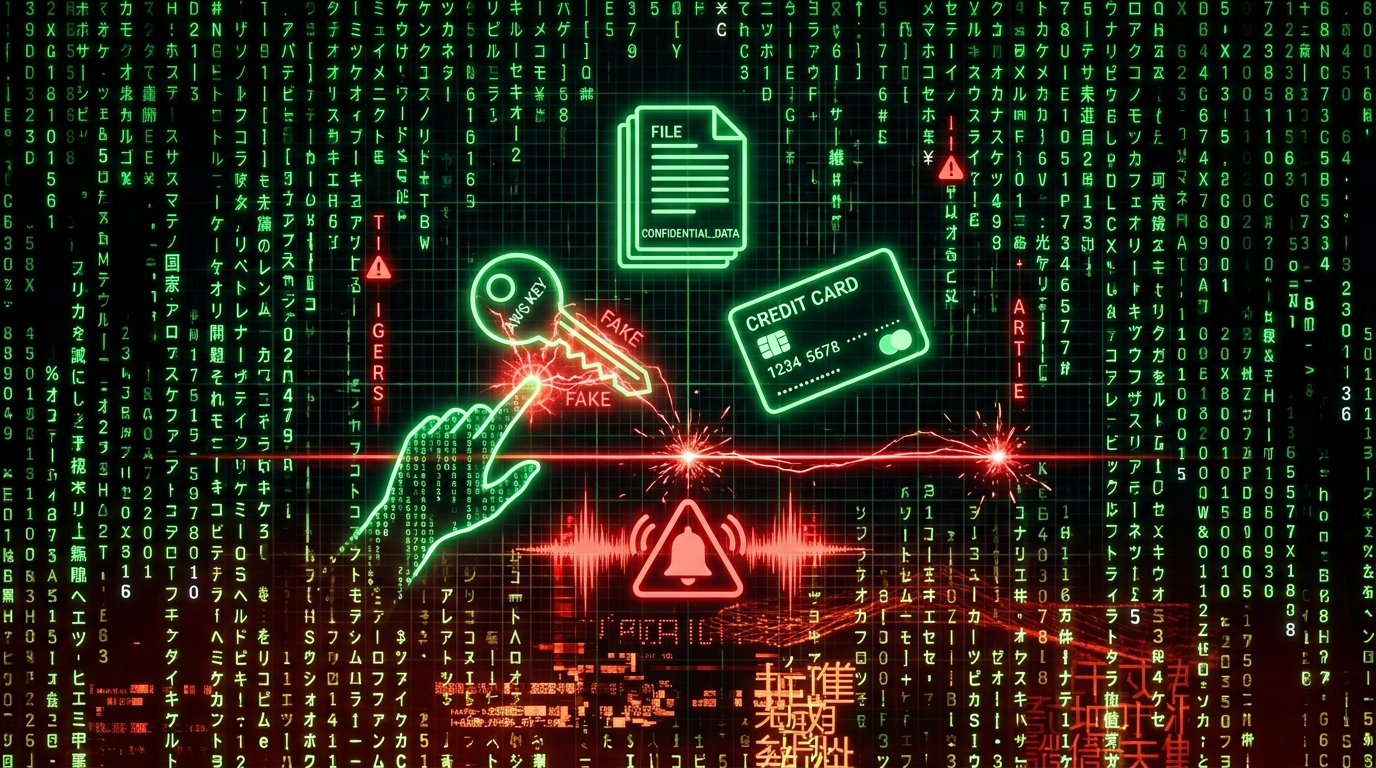
A canary token is a fake piece of information that looks sensitive. AWS access keys. A credit card number. An Excel file with "confidential" data. When an attacker finds it and uses it, you get an alert—instant proof of a breach. Zero false positives. Low effort. This is how deception becomes early-warning detection.
What Are Canary Tokens?
Canary tokens (also called honeytokens) are digital tripwires. They're decoy assets designed to look real—credentials, documents, files—but when touched, they fire an alert to you. Think of them as burglar alarms disguised as valuables.
The concept comes from the idea of canaries in coal mines: an early warning that something is wrong. In security, the "canary" is fake data. If someone accesses it, you know.
Canarytokens.org (by Thinkst) offers them for free. You create a token, deploy it somewhere an attacker might look, and wait. Access = instant alert with IP, user agent, timestamp, and often the exact action taken.
How It Works
The flow is simple:
- Create — Generate a token for the resource type you want (AWS key, Word doc, credit card, DNS name, etc.)
- Deploy — Place it where an attacker would find it (a backup folder, a config file, a shared drive, a repo)
- Trigger — Attacker discovers it, believes it's real, and uses it
- Alert — You receive a notification with details: when, where, from whom
Example: You drop a fake credit card token in a folder labeled "Finance - Internal." An attacker exfiltrates your files, tries to use the card. The moment the card is validated, Canarytokens fires. You get an alert showing the transaction attempt, date, time, and often the source. You now know you've been breached—and you have early evidence.
What Can You Create?
Canarytokens support dozens of token types. Here are the main categories:
Documents & Files
- Microsoft Word — Opened = alert
- Microsoft Excel — Opened = alert
- PDF (Acrobat Reader) — Opened = alert
- Custom EXE/DLL — Executed = alert
- Windows Fake File System — Attacker browses a fake folder structure; accessing a file = alert
Cloud & Credentials
- AWS API keys — Used via AWS API = alert
- AWS Infrastructure — Attacker explores your "AWS" setup = alert
- Azure login certificate — Used to log in = alert
- Azure Entra ID — Phished login = alert
- Kubeconfig — Kubernetes config used = alert
- CrowdStrike API key — Used = alert
Web & Phishing
- Web bug — URL visited = alert
- Web image — Image you upload, when viewed = alert
- QR code — Scanned = alert
- Fast / Slow redirect — Visit URL, redirect fires alert (slow can collect more info)
- Unique email address — Email sent to it = alert
- Cloned website (JS/CSS) — Someone clones your site, loads it = alert
Network & Databases
- DNS — Name resolved = alert
- MySQL dump — Loaded = alert
- Microsoft SQL Server — Accessed = alert
- SVN repository — Checked out = alert
- WireGuard VPN config — Used = alert
- Network folder (WebDAV) — Browsed = alert
Other
- Credit card — Used in a transaction = alert
- Sensitive Windows command — Command run = alert
- Log4shell — Detects if a log line is vulnerable to CVE-2021-44228
- Fake app — Opened on device = alert
- SAML IdP app — Fake app in Identity Provider dashboard, opened = alert
Use Cases: Where to Put Them
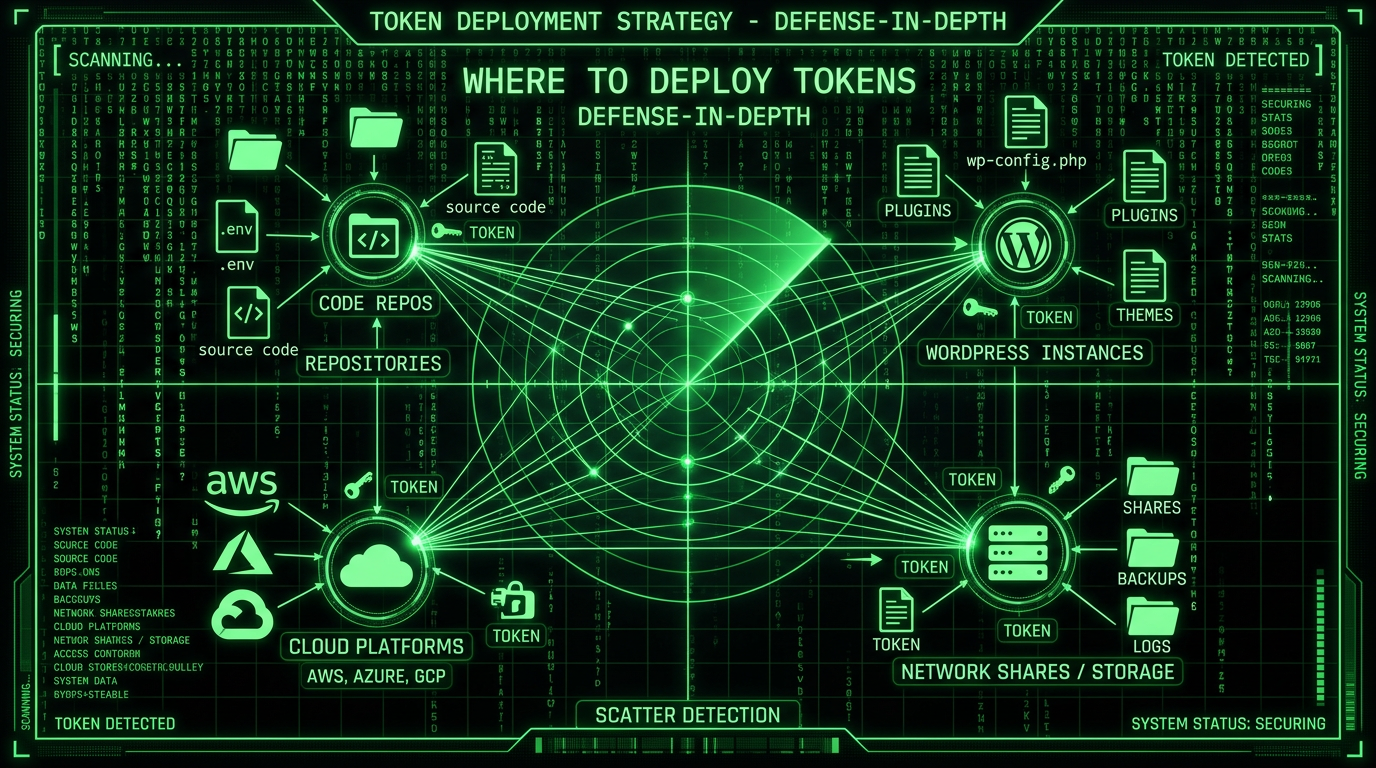
1. Website & WordPress / CMS
Place fake credentials in .env.example or backup config files. Attackers often search for wp-config.php backups, .env files, or database dumps. A Canary token in a fake config.backup or .env.sample triggers the moment someone tries to use those "credentials."
2. Insider Threat Detection
Scatter tokens in network shares, internal wikis, or folders that only certain roles should access. If an insider exfiltrates or browses files they shouldn't, the token fires. Access = instant red flag.
3. Repositories & Code
Put fake API keys or AWS credentials in .env.example committed to Git. Developers know to replace them; attackers who clone the repo and try to use them trigger an alert. Same for leaked backups or staging configs.
4. Phishing & Email
Use a unique Canary email address in internal docs or fake "confidential" emails. If that address receives mail, someone shared it or it was exfiltrated. Early sign of a phishing or data leak.
5. Document Exfiltration
Leave "confidential" Word or Excel files in shared drives or cloud storage. Names like Q4_Salaries.xlsx or Passwords_Backup.docx. When opened by an attacker (or rogue insider), you get an alert with IP and timestamp.
6. Cloned Website Detection
Embed a Canary web bug or image in your site. If someone clones your site for phishing or brand abuse, the cloned copy will load that resource—and fire an alert. You know your site was copied.
7. Cloud & Kubernetes
Fake AWS keys, Kubeconfig files, or Azure certificates in backup folders or "secrets" directories. Attackers who gain access and try to use them will trigger alerts. Grafana Labs and other companies use this at scale (Grafana's blog).
8. Log4j & CVE Detection
The Log4shell token helps verify if a system is vulnerable to CVE-2021-44228. Place it in logs; if the token fires, the vulnerability is exploitable.
Why It Works
- Zero false positives — Legitimate users don't open fake salary spreadsheets or use fake AWS keys. If a token fires, something is wrong.
- Low effort — Create a token in minutes, drop it in place. No complex deployment.
- High-fidelity alerts — You get IP, user agent, timestamp, and often the exact action. Fast, actionable intelligence.
- Deception as defense — You're not just blocking; you're detecting. Attackers can't tell real from fake until it's too late.
Get Started
Go to canarytokens.org/nest. Create a token for the resource type you need. Deploy it. Set up notifications (email, webhook). Done.
It's free. It's from Thinkst (makers of Canary and Canarytokens). No account required for basic use.
The Takeaway
Canary tokens turn your environment into a detection grid. Fake credentials, dummy files, decoy URLs—any access equals an instant red flag. Use them for WordPress configs, cloud backups, shared drives, and repos. Combine them with firewalls, 2FA, and monitoring. Deception is a low-effort layer that can catch breaches early. Most attackers won't know they've tripped the wire until you do.
