The WordPress plugin repository offers over 59,000 free WordPress plugins, making it feel like a candy store for website owners. Need a feature? Just click “Install” and it’s ready to use on your WordPress site. However, this abundance of third-party plugins comes with significant security risks that every WordPress user must understand to protect their WordPress website from hackers and malware. Many third-party plugins lack proper plugin maintenance, leaving security vulnerabilities unpatched.
Free WordPress plugins and third-party plugins often carry hidden security vulnerabilities that hackers exploit to compromise your WordPress core and site data. In 2024-2025, WordPress plugins remain one of the most common vectors for malware infections and security breaches. With over 7,966 new vulnerabilities discovered in the WordPress ecosystem in 2024 alone—96% of which were found in plugins—understanding the real price of free third-party plugins is crucial for keeping your WordPress site safe and secure. Many third-party plugins lack proper plugin maintenance, leaving critical security flaws unpatched[1][2][4].
The Hidden Dangers of Free WordPress Plugins
WordPress powers over 810 million websites worldwide, accounting for about 43% of all websites as of 2025. This massive popularity makes WordPress sites a prime target for hackers exploiting security vulnerabilities in third-party plugins and themes. Many free third-party plugins, especially popular WordPress plugins, are frequently targeted by attackers to inject malware or create backdoors that compromise your WordPress core, degrade user experience, and expose sensitive data. Without proper plugin maintenance, these third-party plugins become easy targets for exploitation[2][5][7].
In fact, Trojans account for 64.31% of all malware attacks on Windows systems, making them the most common malware type on this platform. Trojan malware often disguises itself as legitimate software, including free WordPress plugins, tricking users into installing malicious code unknowingly. A 2009 BitDefender survey found Trojan-type malware accounted for 83% of global malware detected during the first half of that year, and this trend continues strongly into 2024-2025, with Trojans representing about 58% of all malware attacks worldwide[1][3][4].
Hackers rely heavily on user interaction to install Trojans, often bundling malware with free plugins or cracked premium plugins, known as nulled plugins. These malicious plugins can compromise your WordPress core, expose sensitive data, degrade user experience, and even damage your website’s search engine rankings due to blacklisting or spam activity[7][9].
The Supply Chain Attack: When Trusted Plugins Turn Malicious
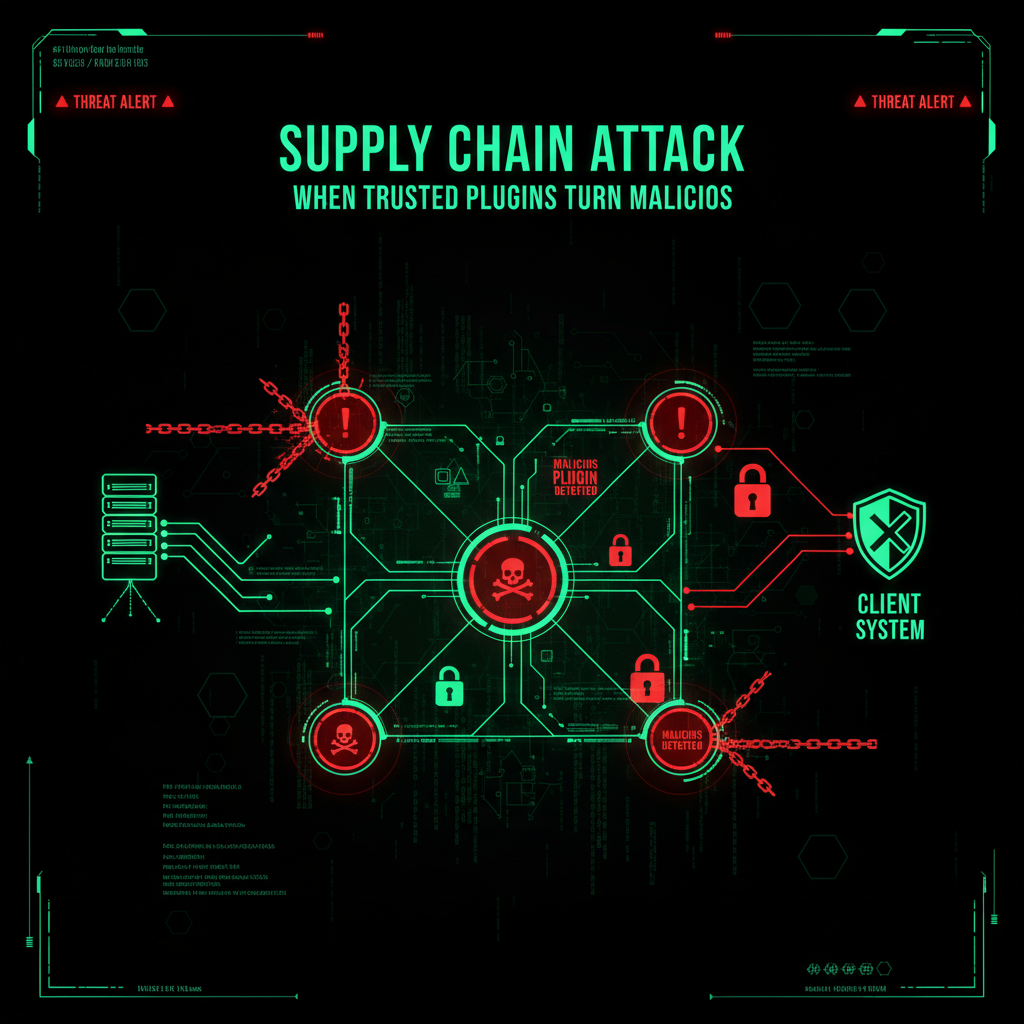
A common and dangerous scenario in WordPress security is the supply chain attack. Here’s how it typically unfolds:
- The Setup: A developer creates a legitimate free WordPress plugin, such as a “Simple Captcha” or “Header Code Insert,” which gains popularity with 100,000+ installs.
- The Offer: The developer, tired of maintaining the plugin for free, sells it to a third party or company, often for a few thousand dollars.
- The Switch: The new owners release an update that appears normal but secretly contains a backdoor script, giving hackers admin-level access to all websites using the plugin.
- The Attack: Overnight, thousands of WordPress sites start redirecting visitors to malicious gambling sites, mining cryptocurrency, or distributing malware.
This is not hypothetical. Supply chain attacks on WordPress plugins happen regularly, exploiting the trust users place in official WordPress plugin updates. You didn’t install malware directly; it arrived disguised as a trusted update from the WordPress plugin repository or your WordPress dashboard. In fact, many recent WordPress security breaches in 2025 stem from such compromised plugin updates, highlighting the critical need to vet plugins and monitor updates carefully[1][2][5][7].
The Matrix* Tie-in: Smith’s Replication and Plugin Vulnerabilities
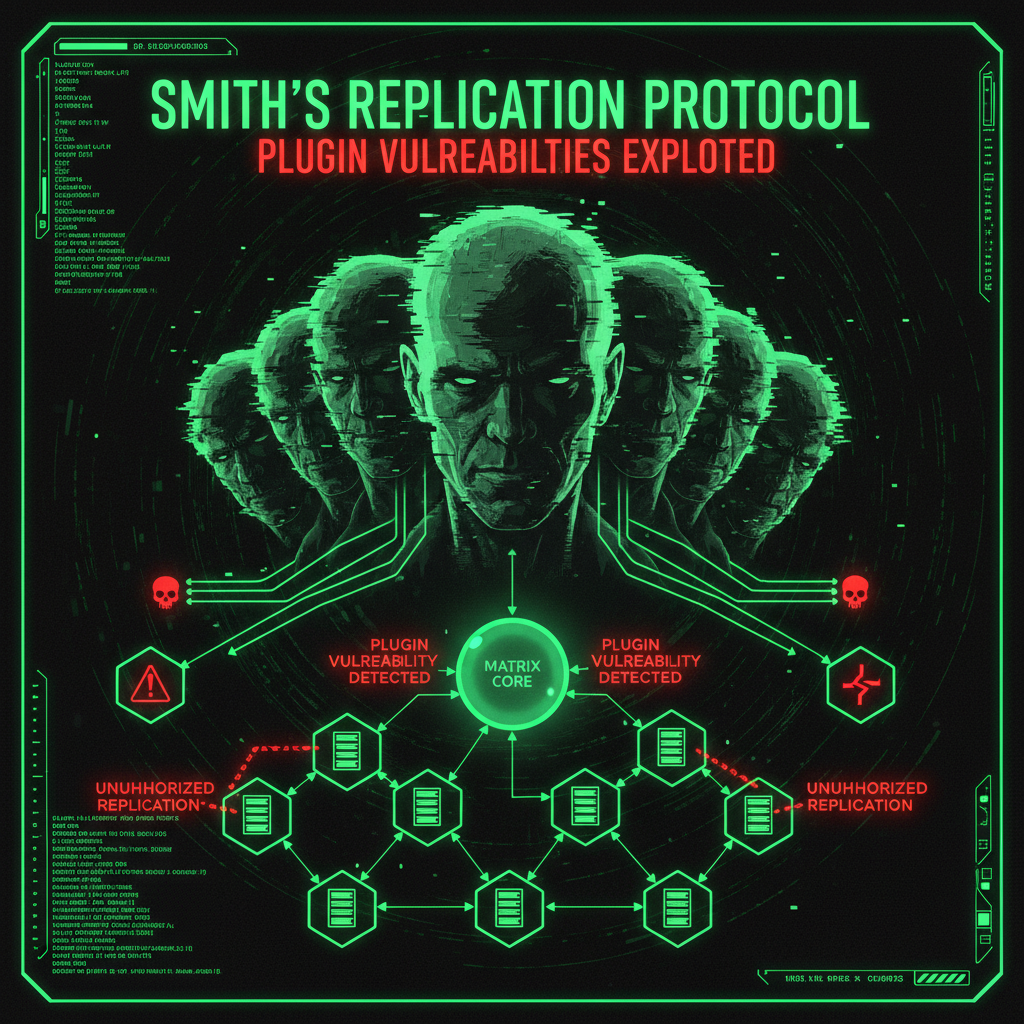
In The Matrix Reloaded, Agent Smith replicates himself, turning the system against itself from within. Similarly, a compromised WordPress plugin acts like Agent Smith inside your WordPress site. It has trusted access, lives inside your /wp-content/plugins/ folder, and holds admin privileges.
When hackers gain control of a popular WordPress plugin, they effectively hold the keys to thousands of websites. They don’t need to hack each site individually — the plugin update does the work for them, exploiting security vulnerabilities and escalating privileges. This makes plugins one of the most critical attack surfaces in WordPress security, especially when multiple plugins are installed on a live site. Attackers often exploit vulnerabilities such as remote code execution (RCE), broken access control, and privilege escalation in plugins to compromise entire networks of WordPress sites[1][3][5].
The Nulled Plugin Trap: Free at What Cost?
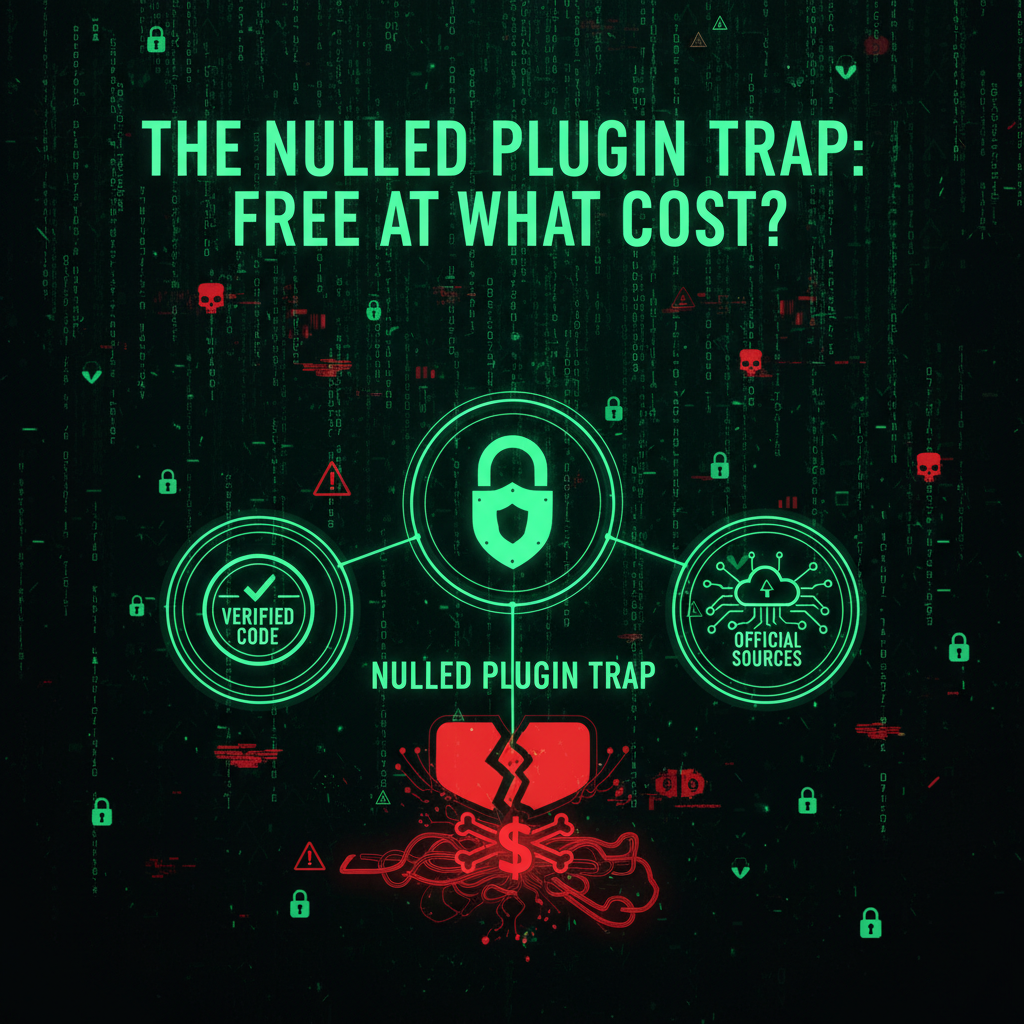
Even more dangerous than supply chain attacks are nulled plugins and themes. These are premium plugins like Elementor Pro or WP Rocket, cracked and distributed for free on third-party websites. Using nulled plugins is a significant security risk.
100% of nulled plugins contain malware or backdoors. Why would a pirate site pay for a premium plugin, crack its license, and offer it for free? The answer is simple: to inject malicious code that compromises your WordPress site. This can lead to data breaches, unauthorized access, and damage to your business reputation[7][9].
Using nulled plugins or themes can cause your WordPress website to unknowingly sell illegal products, redirect site visitors to harmful sites, or become part of a botnet. The small savings on license fees are not worth the risk of a full-scale data breach or website takeover. Moreover, nulled software often lacks access to official security patches and updates, leaving your WordPress site vulnerable to known exploits and security flaws[7][9].
How to Stay Safe: Best Practices for WordPress Plugin Security
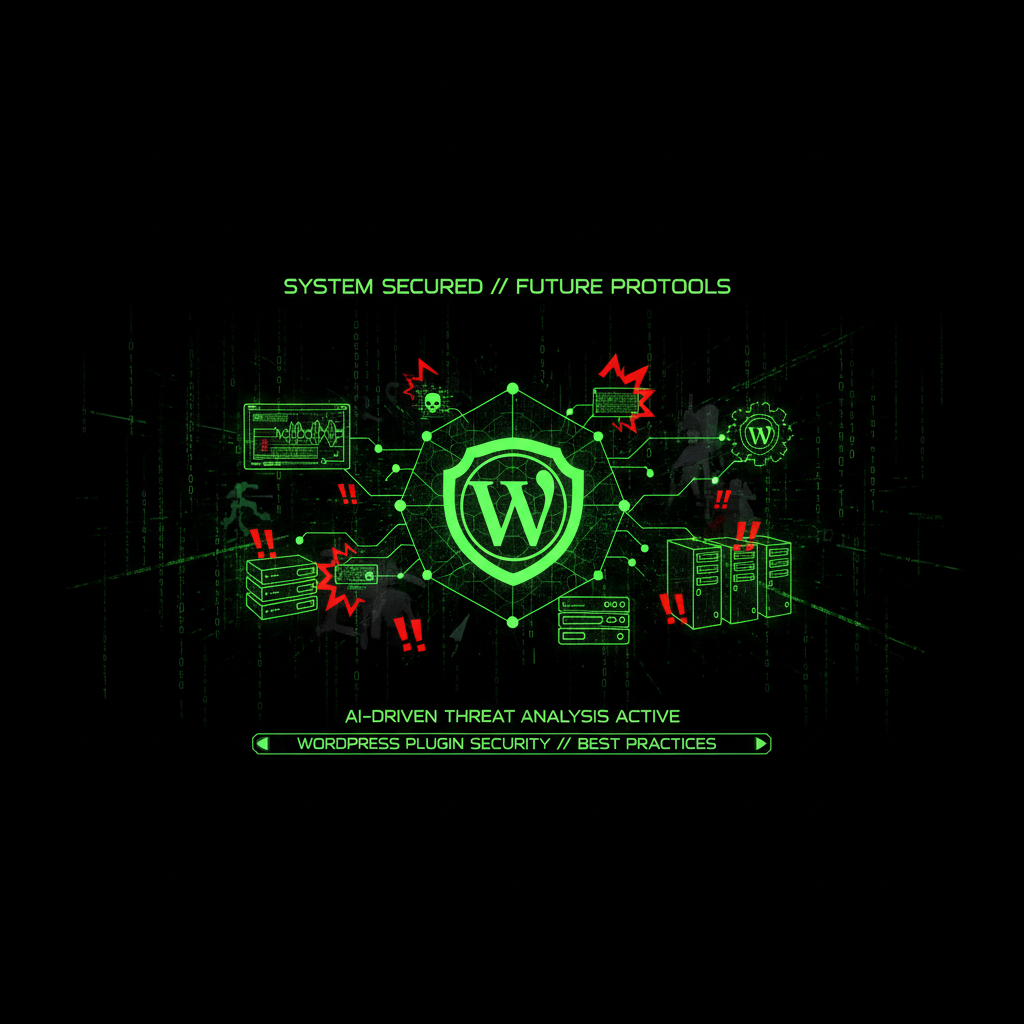
You cannot avoid using plugins and themes entirely if you want a fully functional WordPress website. However, you can take smart, proactive security measures to minimize risks and protect your WordPress core and site visitors.
1. Check the Author, Not Just the Plugin
Always verify who owns the plugin. Is it a reputable company with a physical address and a solid business model, or an anonymous user like “User1234”? Reputable WordPress developers and companies (such as Yoast, Gravity Forms, or Wordfence) protect their software because their reputation depends on it. Official WordPress plugins and themes from the WordPress plugin directory are generally safer, but always check reviews, update history, and the number of active installs to assess trustworthiness. Plugins with frequent updates and a large user base tend to have fewer vulnerabilities and better security patches[1][2][8].
2. Avoid Abandonware and Outdated Plugins
If a WordPress plugin or third-party plugin hasn’t been updated in over six months, it’s best to delete it. Outdated third-party plugins often lack the latest security patches due to poor plugin maintenance, making your WordPress site vulnerable to exploits like remote code execution (RCE), privilege escalation, and backdoors. Many security breaches in 2025 stem from unpatched vulnerabilities in popular WordPress third-party plugins and themes. Regular plugin maintenance and auditing your third-party plugins for updates is essential for maintaining website security and preventing data breaches[1][2][4][6].
3. Never Use Nulled Plugins or Themes
Using nulled software is like inviting hackers into your WordPress site. These cracked versions always contain hidden malware or backdoors. The small savings on license fees are not worth the risk of a full-scale data breach or website takeover. Instead, invest in premium plugins and themes from official sources to ensure you receive timely security updates and support. Using official WordPress plugins and themes also ensures compatibility with the latest versions of WordPress core and reduces security risks[7][9].
4. Audit Your Plugins Regularly
Do you really need 45 third-party plugins on your WordPress website? Every additional third-party plugin increases your attack surface and potential security flaws. Remove any unused or unnecessary third-party plugins — don’t just deactivate them, delete them completely. Use security plugins like Wordfence or Sucuri to scan for vulnerabilities and suspicious activity regularly. These security plugins help monitor your WordPress dashboard and alert you to potential threats or outdated versions of third-party plugins. Regular plugin maintenance and audits help maintain a lean, secure WordPress environment and improve site performance and user experience[2][6][7].
5. Keep Plugins Updated and Use Security Measures
Always update to the latest version of your third-party plugins and WordPress core. Developers release security patches regularly to fix vulnerabilities, but proper plugin maintenance requires staying current with updates. Using the latest version of a third-party plugin reduces the risk of exploitation by hackers. Employ a robust security plugin to monitor your WordPress site for suspicious activity and apply security updates promptly. Regular plugin maintenance includes monitoring for updates, testing compatibility, and removing abandoned third-party plugins. Additionally, implement strong login security, file permission controls, and regular backups to further protect your WordPress website. These layered security measures and consistent plugin maintenance are essential to defend against evolving security threats and maintain a safe and secure WordPress site[1][6][7].
The Real Cost of Free Plugins
While free WordPress plugins may seem like a bargain, the hidden costs can be devastating. The average cost of a premium plugin license ranges from to 0 per year, a small price compared to the potential damage caused by a compromised plugin.
Cleaning a hacked WordPress site can cost anywhere from 0 to ,000, not including lost revenue, damaged reputation, and the potential loss of search engine rankings. Millions of WordPress websites are at risk due to vulnerable plugins and themes, with hackers constantly exploiting security flaws to gain unauthorized access and cause data breaches. The impact of a security breach extends beyond immediate costs, affecting user trust, SEO rankings, and long-term business viability[2][7][9].
Don’t let a Trojan Horse third-party plugin compromise your WordPress site. Vet your third-party plugins carefully, invest in premium and official WordPress plugins, and maintain a strong security strategy with regular plugin maintenance to protect your website, your users, and your business. Proper plugin maintenance is not optional—it’s essential for WordPress security.
Why We Write About Free Plugin Security Risks (And Why It Matters for Your Website)
You might be wondering: “Why is a website maintenance company writing about free plugin security risks? This is directly about WordPress, but why do you cover every plugin risk?”
Because every plugin risk matters. Here’s why:
When we give you a heads-up about critical security issues like Trojan Horse plugins, we’re not just being helpful—we’re protecting your privacy and saving all of us time. Here’s the reality:
- Your WordPress plugins passwords are valuable to hackers. If your plugin ecosystem gets compromised through a free plugin security risk, attackers don’t just steal your personal data—they steal your website passwords, your hosting credentials, your FTP access, and your database passwords. Suddenly, your website is compromised not because of a WordPress core vulnerability, but because your plugin ecosystem was exploited.
- An educated client is easier to serve. When you understand security threats, we speak the same language. You know why we recommend certain security measures. You understand why we push for updates. You see the bigger picture—that website security isn’t just about plugins and themes, it’s about the entire digital ecosystem you operate in.
- Prevention saves everyone time. If you get hacked because of a free plugin security risk, we have to clean up the mess. That takes time—your time dealing with the breach, our time cleaning and securing your site. By giving you a heads-up about critical issues like this, we’re preventing problems before they happen. It’s proactive maintenance, not reactive cleanup.
- Your security is our peace of mind. We sleep better knowing our clients are protected. When you’re secure, your website is secure. When your website is secure, we don’t have to spend hours cleaning up malware, restoring backups, or dealing with blacklist removals. Everyone wins.
This is why we write about free plugin security risks and other security issues that affect your website. They’re not unrelated—they’re part of the same security ecosystem. Your WordPress plugins is a gateway to your website. Your email is a gateway to your hosting account. Your operating system is the foundation everything runs on.
We’re not just maintaining your website. We’re maintaining your entire digital presence. And that starts with keeping you informed about threats that could compromise everything.
So when you see us writing about plugin risks or security threats, remember: we’re protecting your website by protecting you. Because in the end, your security is our security. Your peace of mind is our peace of mind. And an educated client who understands the threats? That’s a client we can serve better, faster, and more effectively.