

Your Developer Disappeared. Your WordPress Site Is Under Attack. Here's What to Do.
They built you a beautiful site. Then they vanished. All you're left with: a WordPress login at /wp-admin, bots already hitting it, outdated plugins, and no one to call. Each plugin is a door. Hackers have keys to every outdated lock. Here's a practical checklist to secure your site—even if you're not technical.
The Reality
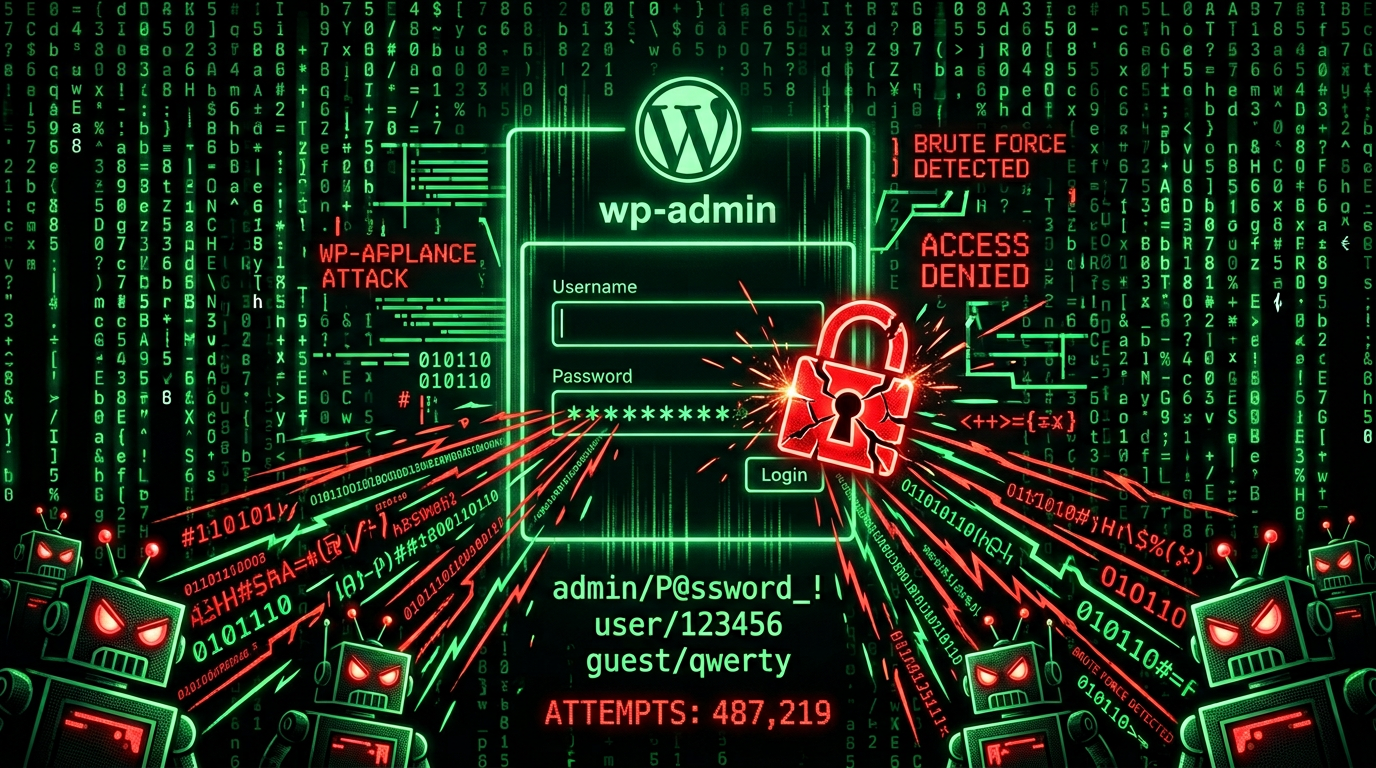
Your WordPress admin sits at /wp-admin. Bots found it within hours of launch. They're running thousands of password combos right now. Meanwhile:
- Plugins haven't been updated in months—each one is a potential door
- No 2FA—stolen credentials get full access
- No firewall—malicious traffic hits your server directly
- No monitoring—you won't know you're hacked until rankings tank or clients complain
You won't know you've been hacked until your AI SEO rankings tank. And your clients stop calling.
7-Step Security Checklist
Do these in order. Each one closes a door.
1. Enable 2FA on Your Admin Account (Today)
What: Two-factor authentication—a code from your phone in addition to your password.
Why: Stolen or guessed passwords are useless without your phone.
How: Install a plugin like Two-Factor (by the WordPress.org team) or Wordfence Login Security. Connect it to an authenticator app (Google Authenticator, Authy). Enable it for your admin account first, then for any other users with high privileges.
Time: 10–15 minutes.
2. Update WordPress Core, Plugins, and Themes
What: Run all available updates.
Why: Outdated software is the #1 way sites get hacked. Known vulnerabilities are public—attackers scan for them.
How: Go to Dashboard → Updates. Back up first (see Step 5). Update WordPress core, then all plugins, then all themes. If something breaks, you have a backup to restore from.
Time: 5–20 minutes, depending on how many updates.
3. Add a Firewall (WAF)
What: A Web Application Firewall filters malicious traffic before it reaches your server.
Why: Blocks brute force, SQL injection, and many scripted attacks before they hit your site.
How: Use a plugin like Wordfence or Sucuri, or a Cloudflare WAF if your host supports it. Enable rate limiting on the login page—after 5 failed attempts, block the IP for 15 minutes.
Time: 20–30 minutes for plugin setup.
4. Move or Hide the Login Page (Optional but Strong)
What: Change /wp-admin or /wp-login.php to a custom URL.
Why: Bots target the default path. A custom URL stops most automated attacks.
How: Plugins like WPS Hide Login or iThemes Security let you set a custom login URL. Don't use something obvious like /secret—pick something random.
Time: 5 minutes.
5. Set Up Automated Backups
What: Daily backups of your database and files, stored off-site.
Why: When something goes wrong—hack, bad update, mistake—you restore from a clean backup. No backup means you're gambling.
How: Use UpdraftPlus, BackupBuddy, or your host's backup service. Store backups in Google Drive, Dropbox, or S3—not just on the same server.
Time: 15–20 minutes initial setup.
6. Enable File Integrity Monitoring
What: Alerts when core files or plugins are changed without you doing it.
Why: Hackers modify files to inject malware. Monitoring catches that in minutes instead of weeks.
How: Wordfence and Sucuri include file scanning. Enable it and check alerts regularly.
Time: Usually included in firewall plugin setup.
7. Add CAPTCHA or Limit Login Attempts
What: CAPTCHA on the login form, or lockout after too many failed tries.
Why: Stops automated password guessing. Scripts can't solve CAPTCHAs; humans can.
How: reCAPTCHA (by Google) or hCaptcha integrate with many security plugins. Combined with rate limiting, brute force becomes impractical.
Time: 10 minutes.
What a Protected Site Looks Like
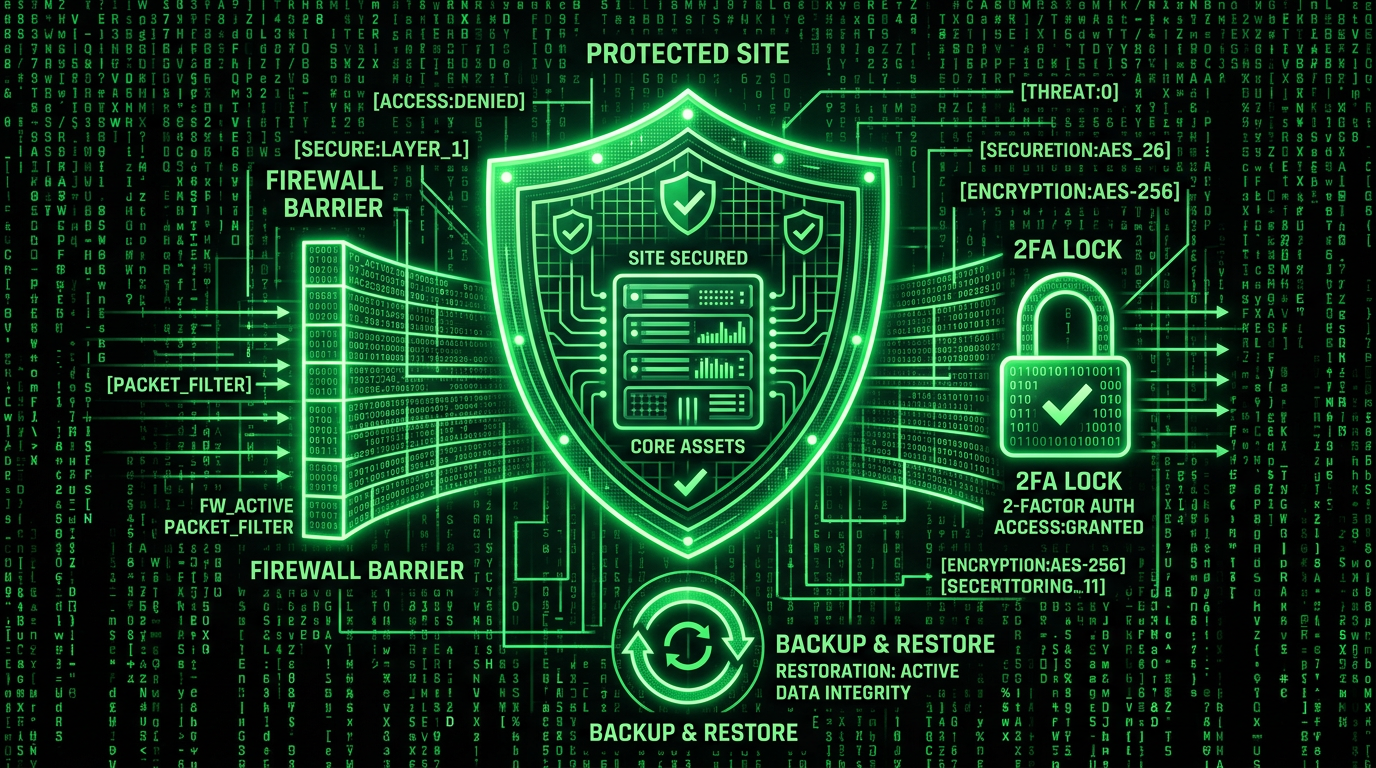
A law firm launches a new WordPress site. Within hours, bots hit /wp-admin. But this time:
- Rate limiting kills brute force after 5 attempts
- CAPTCHA blocks the scripts
- 2FA stops stolen credentials
- Firewall filters the noise before it touches the server
A plugin vulnerability drops next week. Updates are staged, tested, deployed. Something still slips through? File monitoring catches it in minutes. Clean backup restores in under 10.
Most devs build pages. The ones clients keep on retainer protect revenue.
Need Help?
If this feels overwhelming—or you've already been hacked—we handle WordPress security, malware removal, and ongoing maintenance so you can focus on your business.
