

He lost his phone. Worst case: it had a very easy password. The person who found it was not the dumbest guy—he unlocked it and pulled out everything. Passwords, email, banking apps, notes with logins. Identity at risk. Then, not long after, the client's website got hacked. The username and access had been on that phone.
This is a real story. One device, one weak lock, and the whole chain broke: identity, accounts, and finally the business site. The first link that broke was the password—and that is the point. A proper password is not an option; it is a must-have. Below we walk through what happened, then answer three questions that could have changed the outcome: what is a security token, what is zero trust security, and how Android vs iOS security fits in.
The First Security Factor: A Proper Password Is a Must-Have, Not an Option
Before tokens, before zero trust, before anything else: a proper password is mandatory. Weak or easy passwords are the number-one enabler of takeover—whether on your phone, your email, or your website admin. Security tokens and 2FA add a second layer; they do not replace a strong password. If the first factor is trivial, the second factor often cannot save you (e.g. if the attacker has your phone and your weak PIN, they have both). Treat the password as the non-negotiable foundation. No shortcuts, no "I'll change it later," no reusing the same password everywhere. A proper password—long, unique, and hard to guess—is a must-have, not an option.
What Actually Happened
The client had put almost everything on his phone: email, password manager (or worse—passwords in notes or browser), social and work accounts, and his website admin username. The phone was protected only by a simple PIN or pattern—so the first security factor (the device lock) was weak. Once the finder got in, he had:
- Access to email (password reset and 2FA codes)
- Saved logins and possibly the website admin password
- Enough to impersonate the owner and trigger password resets elsewhere
Identity compromised first; then accounts; then the website. No extra proof of who he was was required—the phone was treated as "trusted" and held the keys. That is the opposite of zero trust and the opposite of protecting access with something only the real user has, like a security token.
What Is a Security Token?
A security token is something you have—a physical or software device—that proves it is really you when you log in. It generates or holds a one-time code or cryptographic proof that cannot be reused. Even if someone steals your password, they cannot log in without the token. Standards like WebAuthn / FIDO2 underpin many hardware keys and platform authenticators.
Common forms:
- Hardware security keys (e.g. YubiKey): You plug in or tap the key; the site checks it. No key, no login—even with the correct password.
- Authenticator apps (e.g. Google Authenticator, Authy): Generate time-based one-time codes. Safer than SMS because the code is not sent over the network to the same device an attacker might control.
- Built-in platform authenticators: Face ID / Touch ID or Android biometrics that unlock a key stored in the device's secure element. Better than a simple PIN if the device is lost, because biometrics are harder to extract than a short PIN.
In our client's case, if his website and email had required a security token (a hardware key or a proper 2FA app, not SMS to the same phone), the finder would have had passwords but not the second factor. The token is "something you have" that is separate from "something you know" (password). Losing the phone would still be serious—but it would not have handed over full control of his identity and site.
What Is Zero Trust Security?
Zero trust means: do not trust by default. Every access request is verified, no matter where it comes from—inside or outside the network, "trusted" device or not. Assume breach; prove every time that the user and device are legitimate. NIST's zero trust architecture formalizes this for enterprises; the same mindset applies to your devices and accounts.
In a zero trust mindset:
- You treat the first factor as non-negotiable: a proper password (and a strong device lock) is a must-have, not an option. Weak passwords are the enabler of most takeovers.
- You do not assume the phone is safe because it is "his" phone—you assume it could be lost or stolen.
- You do not store the only copy of critical credentials on one device; you require a second factor (e.g. a security token) that is harder to steal or clone.
- You limit what one device can do: strong device lock, encryption, and the ability to wipe or revoke access remotely.
For our client, zero trust would have looked like: strong device lock (long PIN or biometrics), no sole reliance on that phone for 2FA (e.g. backup codes or a hardware key), and website admin access protected by 2FA so that a stolen password list was not enough. The finder had "something you have" (the phone) and "something you know" (easy PIN, then everything on the phone). Zero trust asks: "Verify again. Prove it's really you."
Android vs iOS Security: How Device Choice Affects the Outcome
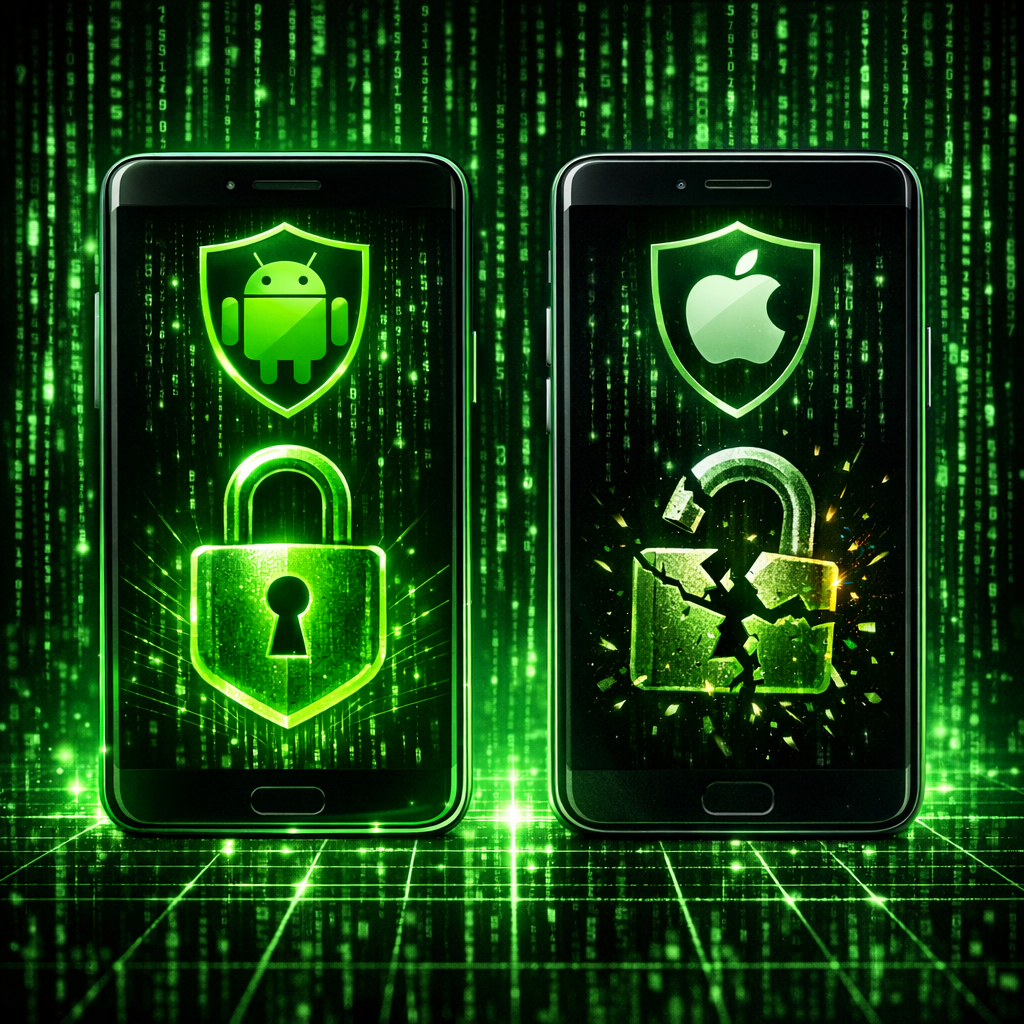
Could the outcome have been different on another platform? Android vs iOS security is a real difference—not because one is "unhackable," but because they handle device lock, encryption, and updates differently.
- Device encryption: Both Android and iOS encrypt device data when the lock screen is on. The strength of that protection depends heavily on the lock: a trivial PIN (e.g. 1234 or 0000) is fast to brute-force; a long PIN or strong passphrase plus biometrics makes extraction much harder.
- Brute-force and lockout: iOS has aggressive lockout and optional data wipe after too many failed attempts. Android behavior varies by manufacturer and version—some delay attempts, some wipe; not all are equally strict. A "not the dumbest guy" attacker will prefer a device with weaker lockout.
- Updates: iOS users generally get security updates quickly. Android fragmentation means many devices run old, unpatched versions. An outdated OS can have known exploits that make extraction or abuse easier. So in Android vs iOS security, consistent security updates are a plus for iOS—though a strong lock and not storing the crown jewels on the device matter more than brand alone.
- App sandboxing and permissions: Both platforms sandbox apps. How much sensitive data (passwords, 2FA codes, notes) is in one place—and how well the lock protects it—matters more than Android vs iOS in the abstract. Either way, one weak lock on one device that holds everything is the real vulnerability.
So: the client's disaster was not "Android" or "iOS" per se—it was weak lock + everything on one device + no second factor. Strong lock (long PIN/passphrase, biometrics), up-to-date OS, and a security token or separate 2FA would have reduced the risk on either platform. For a deeper dive on hardening after a breach, see our 5 mistakes after your site gets hacked.
What to Do Now: Proper Password First, Then Tokens, Zero Trust, and Device Lock
If you want to avoid this chain (lost phone → identity → hacked site), treat the phone as one link in a chain, not the only key. The first step is non-negotiable:
- Proper password—must-have, not optional: Use a strong, unique password for every critical account (email, website admin, hosting, password manager). Long (12+ characters), mixed characters, no dictionary words or obvious patterns. A weak password is the first thing that failed in our client's case. Tokens and 2FA add protection; they do not replace a proper password. This is the foundation.
- Strong device lock: Long PIN (at least 6 digits; better, alphanumeric passphrase) or strong biometrics. Avoid trivial patterns and PINs. The device lock is the password for your phone—treat it as a must-have too.
- Security token or proper 2FA: Use a hardware key or authenticator app for email and website admin. Do not rely on SMS to the same phone for critical accounts.
- Zero trust habit: Do not keep the only copy of passwords or 2FA on one device. Use a password manager with a strong master password and, where possible, a second factor. Assume the device could be lost—so what would an attacker get?
- Updates: Keep the OS and apps updated. In the Android vs iOS security discussion, staying current matters on both.
If your site was already compromised, change every password, enable 2FA everywhere, and clean the site properly—see our malware removal and security audits. Then lock down access with tokens and a zero trust mindset so one lost device does not hand over your identity or your website. A maintenance plan that includes monitoring and hardening helps keep the site side of the chain intact.
Conclusion
One lost phone, one easy password, one person who knew how to use what they found—and identity and website both paid the price. The takeaway: a proper password is a must-have, not an option. Understanding what a security token is (something you have that proves "you" at login), what zero trust security is (never trust by default; verify every time), and how Android vs iOS security affects device protection (lock strength, updates, lockout) gives you the concepts. Applying them—proper password first, then strong lock, token or proper 2FA, and not storing the crown jewels in one place—reduces the chance that the next lost phone becomes a full takeover.
Frequently Asked Questions
What is a security token?
A security token is something you have—a hardware key, authenticator app, or built-in secure element—that proves your identity when logging in. It provides a second factor beyond your password, so even if someone steals your password, they cannot log in without the token. Examples include YubiKey and time-based one-time codes from apps like Google Authenticator.
What is zero trust security?
Zero trust means never trusting by default. Every access request is verified regardless of where it comes from or which device is used. You assume the network or device could be compromised and require proof every time. For individuals, that means strong device locks, not relying on one device for all credentials, and using a second factor (e.g. a security token) for critical accounts.
Android vs iOS security: which is more secure?
Neither is "unhackable." Both encrypt data and sandbox apps. iOS tends to deliver security updates quickly to most devices; Android varies by manufacturer and can lag. What matters more is your behavior: a strong device lock (long PIN or passphrase), keeping the OS updated, and not storing the only copy of passwords and 2FA on one device. On either platform, use a security token or authenticator app for important accounts.
Can someone unlock my phone if they find it?
If the lock is weak (short PIN, simple pattern), a determined person can brute-force or guess it. Strong locks (long PIN, alphanumeric passphrase, biometrics) and strict lockout or wipe after failed attempts make it much harder. Enable remote wipe (Find My iPhone, Find My Device) so you can erase the device if it is lost or stolen.
Why did the client's website get hacked after losing his phone?
His phone held the keys: email access, saved passwords or notes with logins, and likely his website admin username. The finder unlocked the phone, extracted that data, and used it to log in or reset passwords. Without a second factor (e.g. a security token) and with everything on one weakly protected device, losing the phone was enough to compromise identity and then the site.
Is a proper password really mandatory, or can I rely on 2FA alone?
A proper password is a must-have, not an option. 2FA and security tokens add a second layer; they do not replace a strong password. If your device lock or account password is weak, an attacker who gets the device (or the password) can often obtain or bypass the second factor. Strong, unique passwords for every critical account are the foundation—then add 2FA and tokens on top.
How do I protect my website admin from a lost or stolen phone?
First: use a proper password for your site and hosting—long, unique, not reused. That is non-negotiable. Then add strong 2FA (hardware security key or authenticator app, not SMS to the same phone), a strong device lock, and do not keep the only copy of critical passwords on that device. If the site was already compromised, get a professional malware removal and security audit, then harden access and consider a maintenance plan with monitoring.
