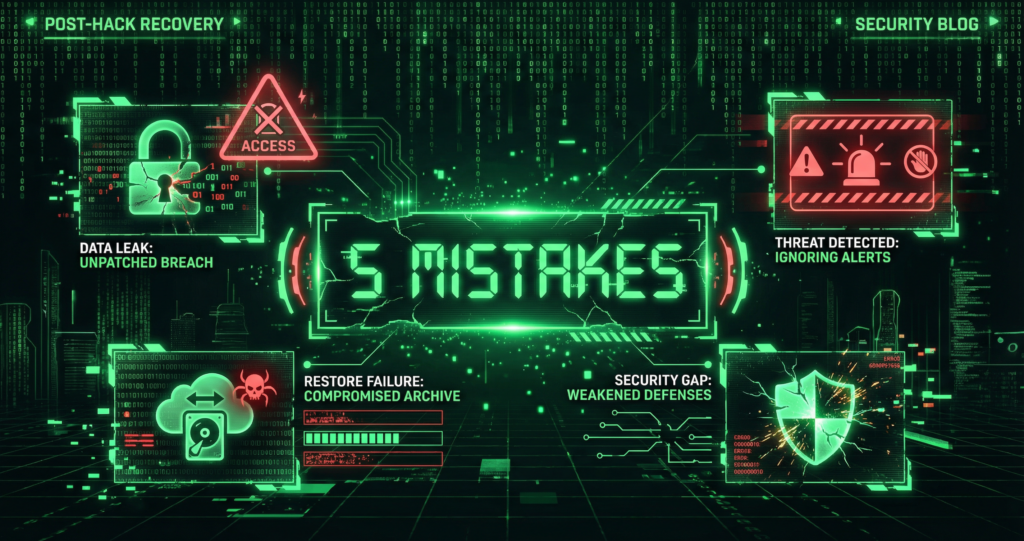
A hack is a crisis. Panic leads to bad decisions. Here are the five mistakes we see most often—and how to avoid them.
We have cleaned thousands of infected sites. The ones that get hit again usually made one of these errors.
Recent Developments
- Restoring from backup does not fix the vulnerability—attackers can regain access using the same entry point.
- Post-hack recovery requires forensic documentation and credential resets before making changes; rushing to “fix” can alert attackers or destroy evidence.
- Reinfection is common when people do half-cleanups or skip root-cause patching—the average time to detect malware is 50–200 days when handled in-house.
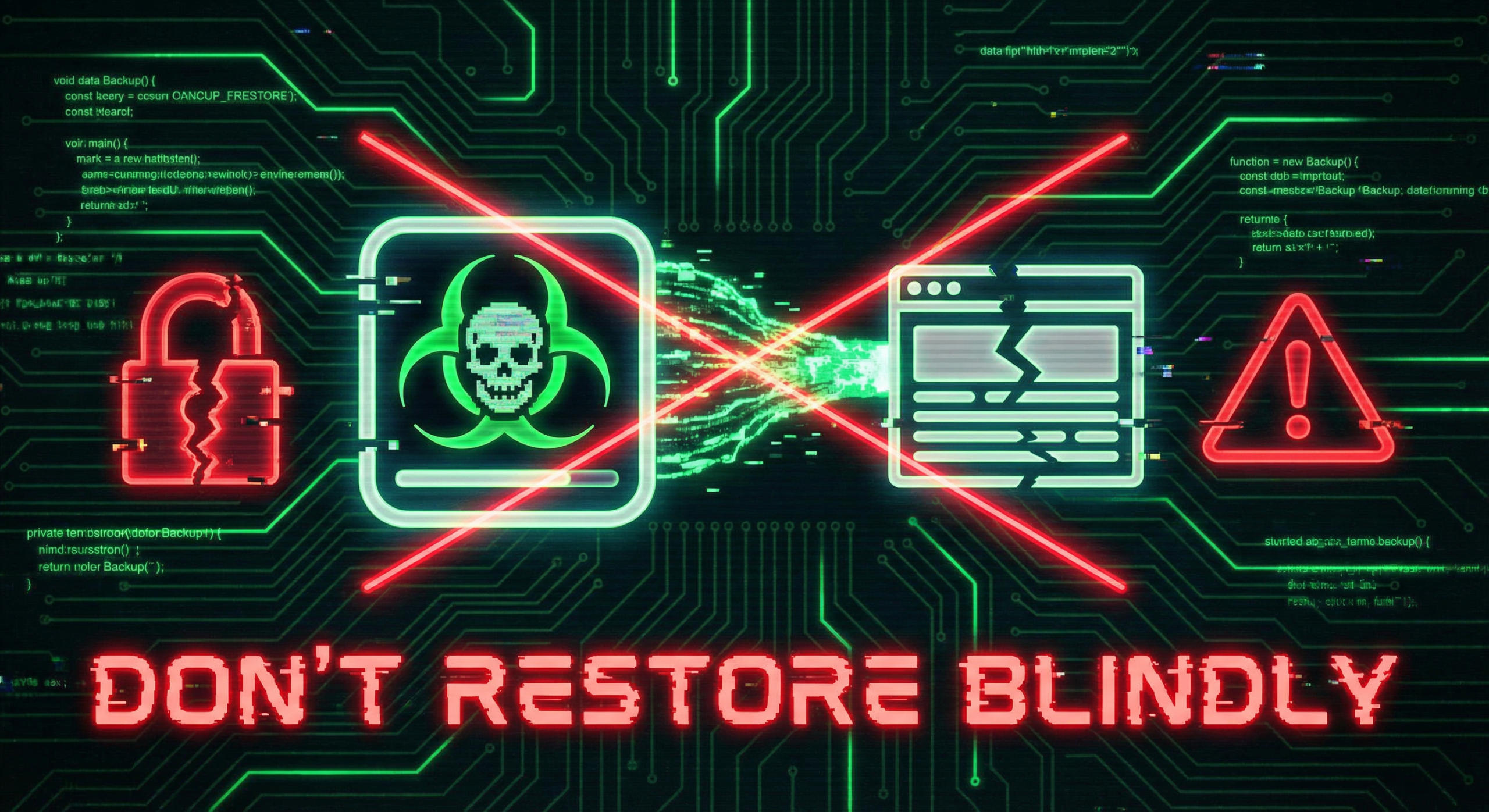
Mistake 1: Restoring a Backup Without Verifying It’s Clean
Your site is down. Google shows a red warning. The first impulse: restore from backup.
That is the #1 mistake. If the backup was taken after the infection, or if the backup itself was never scanned, you are restoring malware—and reinfecting the site. Many infections persist for weeks before discovery. “Yesterday’s backup” may already be compromised. Even a complete restore does not fix the vulnerability—attackers can regain access using the same entry point.
Do this instead: Do not restore blindly. Take a forensic backup (for evidence) before touching anything. Document symptoms. Contact a professional malware removal service to clean, investigate, and harden. Only restore from a backup that has been verified clean and predates the infection.
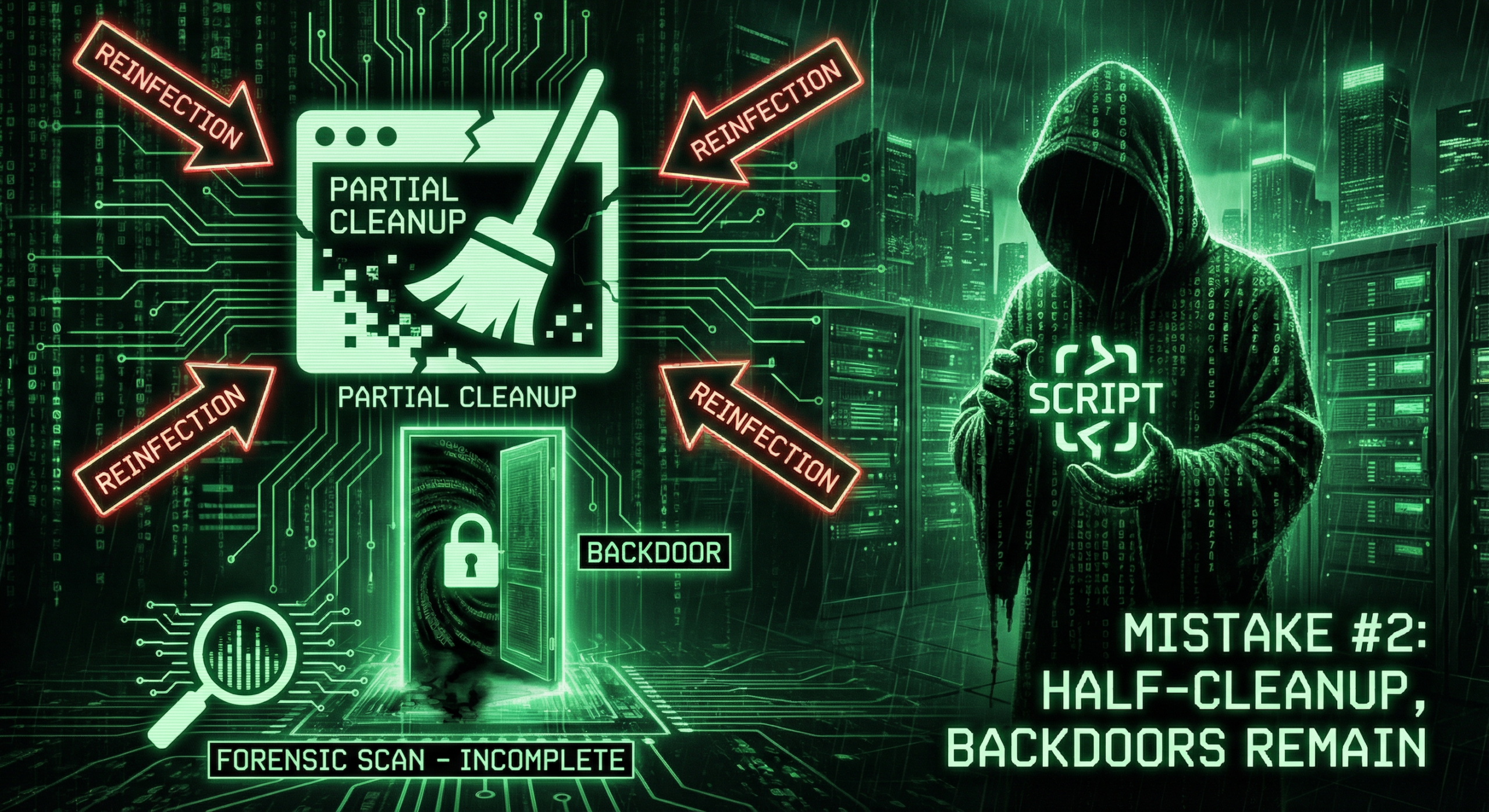
Mistake 2: Doing a Half-Cleanup
Removing the obvious malware (the visible backdoor, the spam page) is not enough. Sophisticated infections hide in core files, database, or multiple locations. Attackers often leave backdoors and cron jobs to regain access—audit user accounts and processes before declaring a site clean.
We have seen sites “cleaned” by the owner—only to get reinfected days later because the root cause stayed. As in our 50-Day Malware Nightmare case study, a cloaked script in a core file can evade basic scanners.
Do this instead: Run a deep forensic scan. Replace core files from a clean source. Scan the database. Change all credentials. A full cleanup closes every door the hacker left open.
Mistake 3: Reusing the Same Passwords
If the hacker stole credentials, your old passwords are compromised. Using them again—or slight variations—means they can log back in.
Change every password: admin, database, FTP, hosting panel, email. Use strong, unique passwords. Enable 2FA everywhere.
Do this instead: Generate new passwords with a password manager. Enable 2FA on all admin and hosting accounts. Assume every old credential is burned.
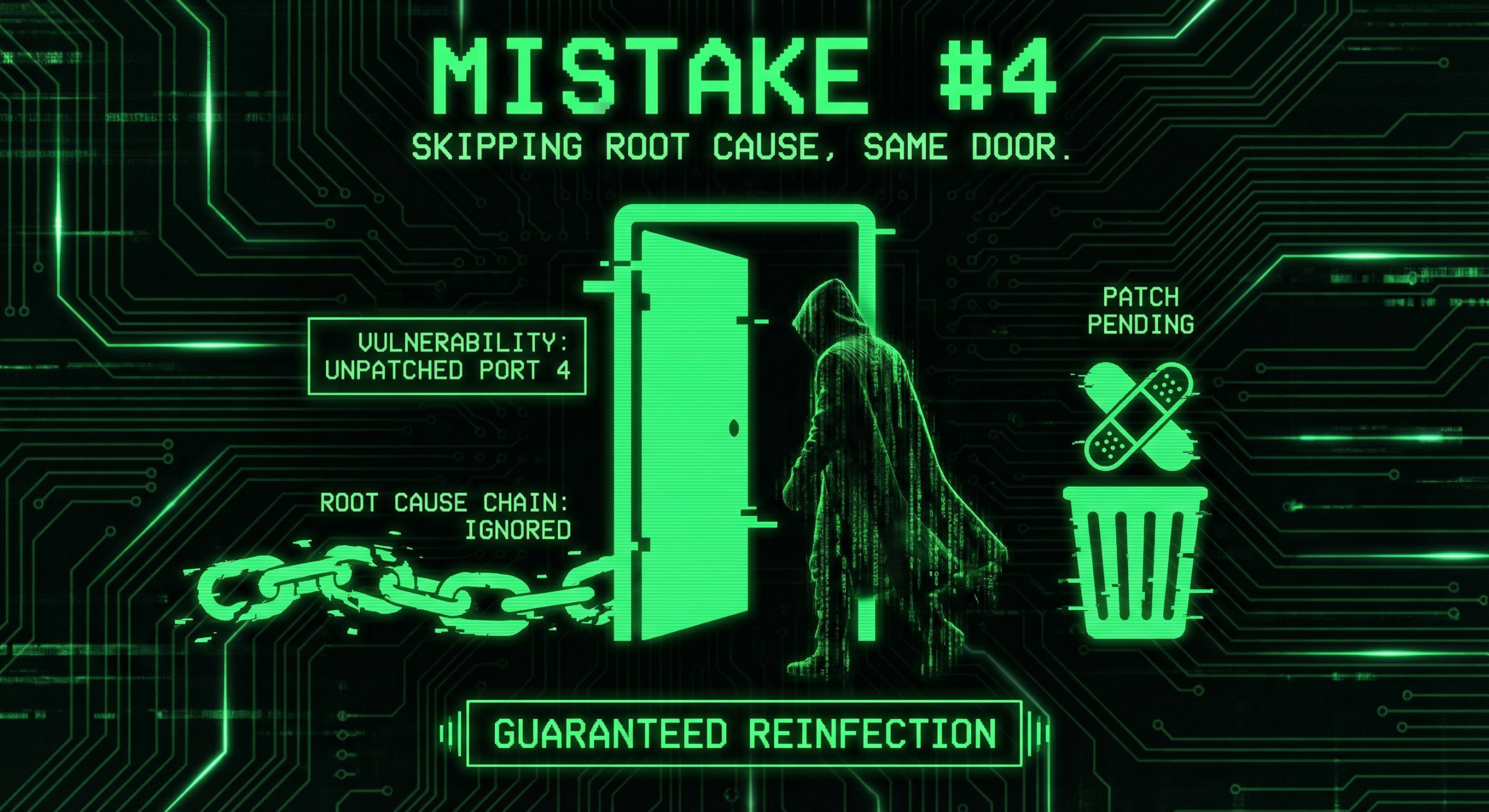
Mistake 4: Skipping the Root Cause
Cleaning the infection fixes the symptom. Failing to fix the vulnerability guarantees another hack.
Common causes: outdated plugin, weak password, vulnerable theme, compromised hosting account. If you do not patch the entry point, the next attacker uses the same door.
Do this instead: Identify how they got in. Update all software. Remove abandoned plugins. Harden the server. Get a security audit to find and fix gaps. See our 7 mistakes that get WordPress sites hacked for a prevention checklist.
Mistake 5: Ignoring Backups and Monitoring
After a hack, you need backups you can trust. If backups were on the same server—or never tested—they may be infected too.
And if you do not add monitoring, you will not know when the next attack succeeds.
Do this instead: Set up off-site backups. Test restores. Use a maintenance plan that includes malware scanning, firewall tuning, and 24/7 monitoring. Prevention is cheaper than another cleanup.
Conclusion
After a hack: do not restore from backup blindly, do not half-clean, do not reuse passwords. Find and fix the root cause. Secure backups and monitoring. Get professional help if the site is critical.
If you have been hacked, our malware removal service cleans, hardens, and helps prevent the next one. If you want to avoid these mistakes from the start, see our security audits and maintenance plans.
Frequently Asked Questions
Should I restore from backup after a hack?
Only if the backup is from before the infection and has been verified clean. Restoring from an infected backup reinfects the site. When in doubt, do a professional cleanup instead of a blind restore.
How long does malware removal take?
Simple infections: 24–48 hours. Complex or deeply embedded malware: several days. Depends on site size, infection type, and whether the root cause is clear.
Will my site get hacked again?
It can, if the vulnerability is not fixed. Reinfection is common when people do half-cleanups or reuse old credentials. A full cleanup plus hardening (updates, 2FA, monitoring) greatly reduces the risk.
Can I clean my site myself?
You can try, but sophisticated malware hides in core files, database, and encoded scripts. DIY cleanup often misses backdoors. For business sites, professional removal is safer and faster.
What should I do first when I discover a hack?
1) Take a forensic backup (for evidence—do not restore from it yet). 2) Do not restore from an old backup unless it is verified clean and predates the infection. 3) Document symptoms. 4) Contact a professional malware removal service. 5) Change all passwords after the site is clean.
How do I know if the hack is fully removed?
Run multiple malware scans (Sucuri, Wordfence, manual review). Check core files against a clean source. Monitor for reinfection. A professional service provides a clearance report and hardening steps.