

Migrating between WordPress and Joomla is not a simple export–import. It is a high-risk operation. Miss one step, and you lose traffic, rankings, or data.
We have migrated hundreds of sites in both directions. These five pitfalls cause most failures.
Pitfall 1: Not Planning Redirects Before You Move
Every URL changes during a CMS migration. Old links break. Search engines lose their maps. Visitors hit 404s.
If you do not map old URLs to new URLs and implement 301 redirects before launch, you will lose SEO value and confuse users.
Avoid it: Build a redirect map before migration. Use a tool or spreadsheet to match every old URL to its new equivalent. Implement redirects at launch—or before—so no request hits a dead end.

Pitfall 2: Migrating Without a Verified Backup
Migration can go wrong. Database corruption. Plugin conflicts. Incomplete data transfer. If you have no backup—or an untested one—you cannot roll back.
As we wrote in The Déjà Vu Glitch, backups that have never been restored are not reliable.
Avoid it: Take a full backup before migration. Verify it with a test restore. Keep the source site live until the new site is proven stable.
Pitfall 3: Assuming Content Will “Just Transfer”
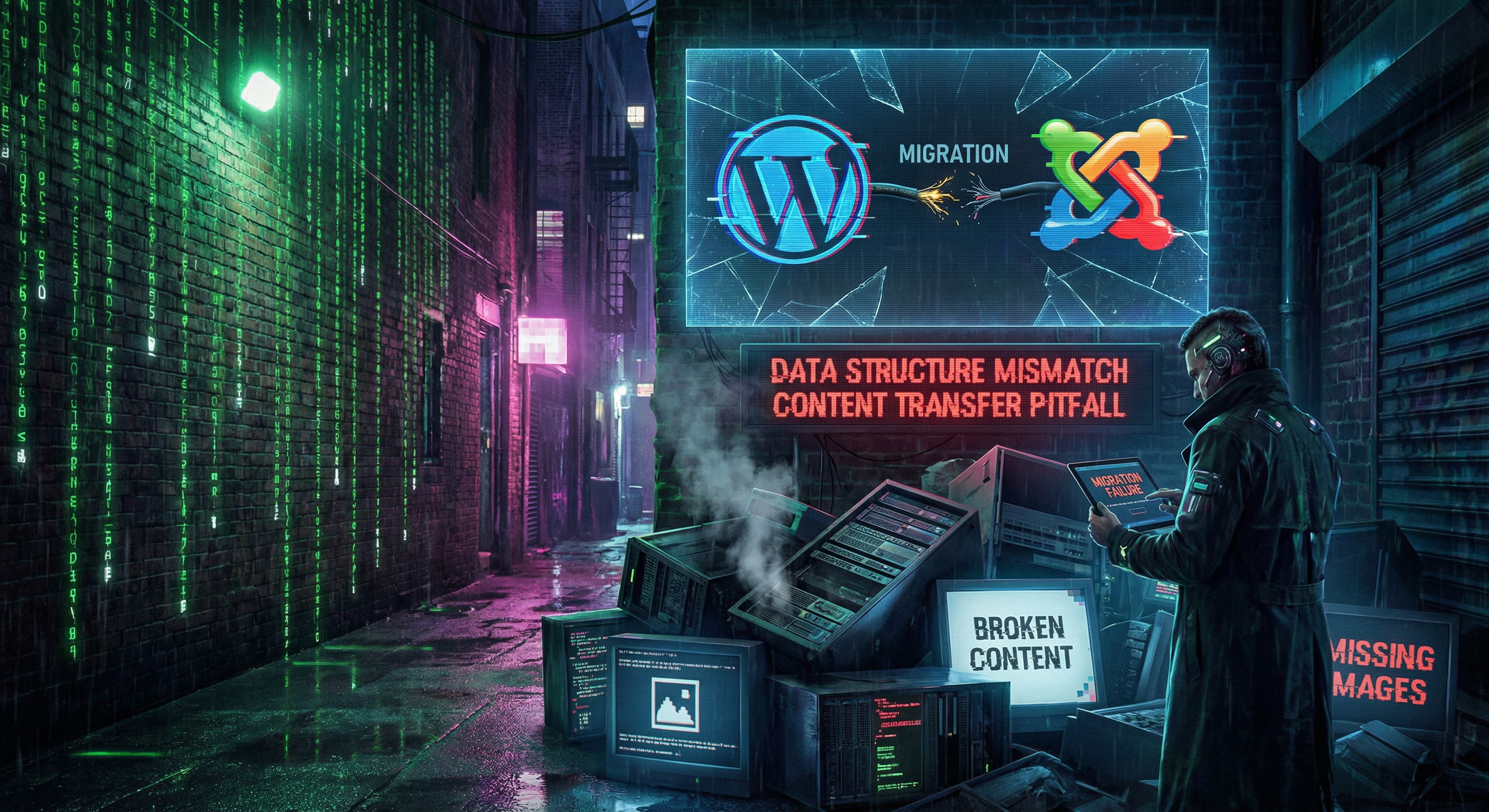
WordPress and Joomla store content differently. Posts, pages, categories, custom fields, images—the structure does not match. A naive export–import drops data, breaks formatting, or misplaces images.
We have seen migrations where half the content was missing. Images pointed to wrong paths. Categories collapsed. Metadata lost.
Avoid it: Use migration tools designed for WordPress↔Joomla (e.g. CMS2CMS, FG Joomla to WordPress). Do a test migration first. Validate content count, image paths, and URLs before going live.
Pitfall 4: Ignoring SEO and Indexing During the Switch
Beyond redirects: meta titles, meta descriptions, structured data, sitemaps, robots.txt. All of these change with the new CMS. If you launch without updating them, search engines may deindex pages or show wrong snippets.
Google needs time to process redirects. A sudden drop in indexed pages can look like a penalty. As we covered in Exiled from the Source, SEO recovery after a hack—or a botched migration—can take months.
Avoid it: Recreate or migrate meta data. Submit a new sitemap. Use Google Search Console to monitor indexing. Consider a phased migration for large sites.
Pitfall 5: Doing It Yourself Without Experience
Migration is technical. One wrong step can break the site, corrupt the database, or leave you with a half-working hybrid. Many attempt it to save money—then pay more to fix the mess.
We specialize in WordPress to Joomla and Joomla to WordPress migrations. We handle redirects, content mapping, and post-migration hardening.
Avoid it: If the site is mission-critical, hire experts. The cost of a botched migration—downtime, lost rankings, data loss—exceeds the cost of doing it right.

Conclusion
Migration between WordPress and Joomla is possible. But these five pitfalls—no redirect plan, no verified backup, naive content transfer, SEO neglect, and DIY without experience—cause most failures.
Plan redirects. Test backups. Validate content. Protect SEO. Get help if the site matters. See our website migration services for a professional migration.
Frequently Asked Questions
Can I migrate WordPress to Joomla myself?
Technically yes, but it is risky. Content structure differs. Redirects, SEO, and data integrity require experience. For business sites, professional migration reduces downtime and data loss.
Will my SEO be hurt by migrating?
Not if you do it correctly. 301 redirects preserve link equity. Update meta data, sitemaps, and structured data. Monitor indexing in Search Console. A botched migration can cost months of rankings.
How long does a WordPress to Joomla migration take?
Depends on site size. Small sites (under 100 pages): 1–2 days. Larger sites with custom features: 1–2 weeks. Planning, testing, and redirect mapping add time but prevent costly errors.
Do I need to keep my old site live during migration?
Yes, until the new site is verified. Run the new site on a staging or temporary URL. Test everything. Implement redirects. Only then switch DNS and retire the old site.
What if content is missing after migration?
Restore from backup if you have one. Identify what failed (custom fields, images, categories). Re-run migration with corrected mapping or use a professional migration service to fix it.
Should I migrate or rebuild?
If the content and structure are sound, migration is faster and preserves SEO. If the site is broken, outdated, or needs a full redesign, a rebuild may be better. A professional can advise based on your goals.
