

"Don't worry, I have a backup."
Why Backups Fail When You Need Them Most (2024-2025)
Despite the widespread adoption of backup plugins and backup systems, recent verified data shows that backup success rates remain alarmingly low. On average, only about 57% of backups succeed, and just 61% of restore attempts are successful. This means many organizations face critical backup failures precisely when they need their backup files the most, leading to costly data loss and extended downtime that severely disrupt business operations and damage customer trust[1][4].
Shockingly, all tape backups and disk drives eventually fail, with a 100% failure rate over time. Yet, only 34% of companies regularly test their backups, leaving most unaware of potential issues until disaster strikes[1]. This lack of regular testing, monitoring, and verification of backup success is a major contributor to backup failure and the inability to restore critical website backups when needed.
These are the famous last words of a business owner staring at a white screen of death, realizing their backup strategy was incomplete or flawed.
In the Matrix*, a sense of déjà vu usually signals a glitch—something has been changed in the code. In website management, the real glitch happens when you try to restore your site from a backup, only to find the backup is useless due to corruption, incomplete data, or outdated files.
Having a backup file is not the same as having a tested, reliable restore strategy. The difference often costs thousands of dollars in emergency recovery fees, lost customer trust, and irreversible data loss.
The 3 Main Reasons Website Backups Fail

We audit hundreds of websites annually. While 90% have a backup plugin installed, less than 10% have a functional disaster recovery plan that includes tested restore processes and off-site cloud backups. This gap in preparedness is a major cause of backup failure and prolonged downtime.
Here is why most website backups fail when it matters most:
1. The "Same Server" Trap: Storing Backups Locally
Most free backup plugins save the backup file on your web server or local storage. This is a critical mistake in any backup strategy and a common backup mistake.
If a hacker gains access to your server and deletes your site, they also delete your backups. If your server suffers a hardware failure or your hosting provider experiences an outage, your backups are lost along with your site data. This is why relying on local backups or backups stored on the same storage location as your site is a dangerous practice that leads to backup failure and significant data loss.
Storing backups on the same server is like keeping your spare car key inside the locked car. It makes you feel safe, but it is useless in an emergency. Instead, off-site cloud backups provide a necessary safety net for disaster recovery and data protection. Using reliable cloud storage services like Amazon S3, Google Drive, Dropbox, or Google Cloud ensures your backup files are stored safely, separate from your primary website data.
2. The Corrupted Database and Incomplete Backup Process
A WordPress site is composed of files and a constantly changing database. Many backup plugins fail to lock the database correctly during the backup process, resulting in corrupted or incomplete SQL files. This leads to incomplete backups that cannot be restored properly, causing restore failures and backup failure.
You won't know the backup is broken until you attempt the restore process and encounter a critical error message. This is a common cause of backup failure and costly data loss.
A backup that hasn't been tested is not a backup. It's a hope. Regular backup testing and restore testing are critical components of any reliable backup strategy. Without proper backup verification, you're operating blind—you won't know if your backups are corrupted, incomplete, or inaccessible until disaster strikes. Implementing backup monitoring and automated backup verification processes ensures you catch failures before they become critical. Regularly monitoring your backups and testing restores is essential to ensure data integrity and a smooth recovery, reducing the risk of restore failures. Automated monitoring tools can help track backup success and alert you to failures in the backup process.
3. The Restore Complexity and Lack of Recovery Plan
Even if you have a clean backup file stored safely off-site, restoring your site can be complex. Do you know how to:
- Access the server via SFTP or file manager?
- Create a new empty database via phpMyAdmin?
- Edit the
wp-config.phpfile to connect the new database? - Import large SQL files without timing out the server?
If the answer is "no," then you don't really have a backup strategy. You have a ZIP file and a panic attack waiting to happen. This lack of a tested disaster recovery plan and clear restore process is a major reason why many website backups fail when needed most.
The Matrix* Tie-in: The Glitch Explained

In the movies, a glitch happens when the Agents* rewrite the code of the Matrix*. The black cat walks by twice.
When your site gets hacked, the Agents* (malware bots) rewrite your code, inject backdoors, and modify core files. To fix the glitch, you need to revert to the exact moment before the infection occurred.
But if your backup is from 30 days ago, you lose a month of orders, blog posts, and customer data. Worse, if your backup is infected because the hack happened weeks before you noticed, restoring it just restores the malware, causing repeated backup failure and extended downtime.
The 3-2-1 Backup Rule: Industry Best Practice
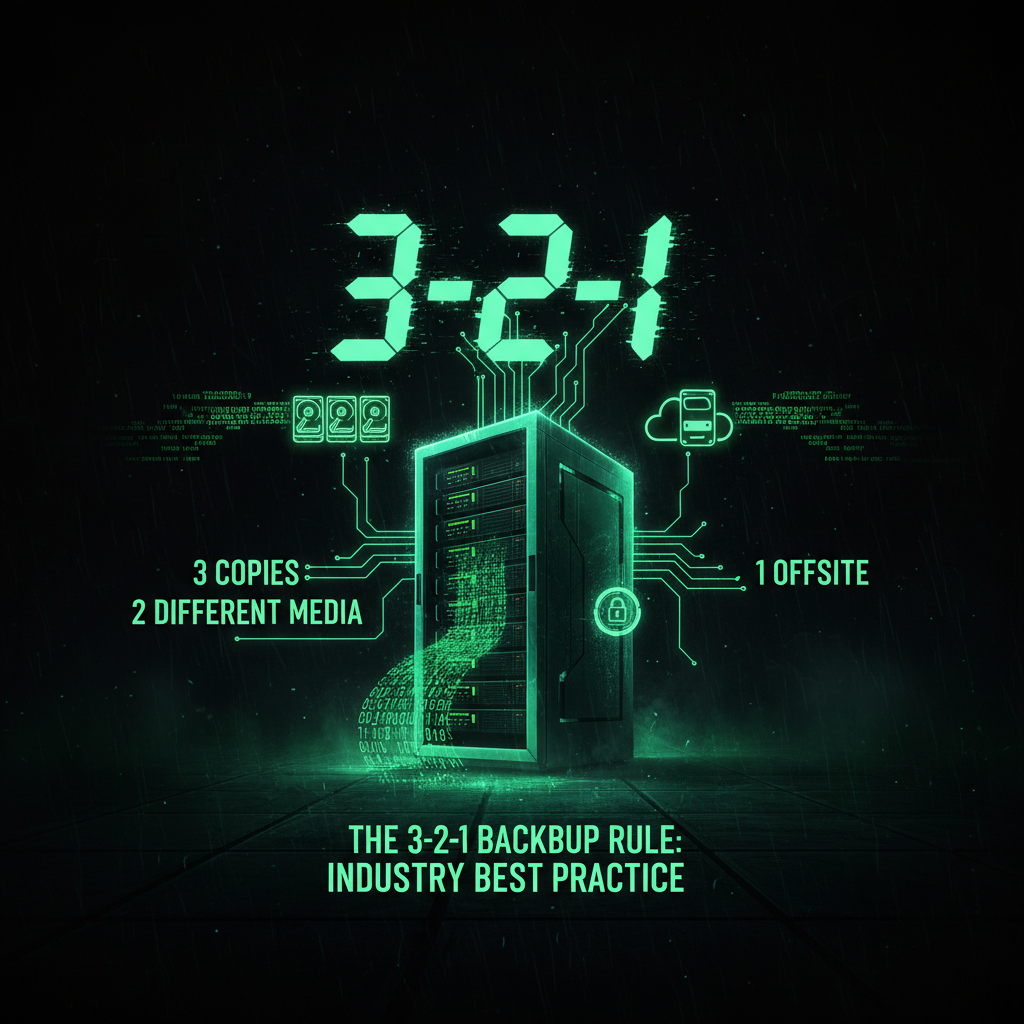
The 3-2-1 backup rule is a fundamental principle in data protection that every website owner should follow. This rule states that you should have:
- 3 copies of your data (original + 2 backups)
- 2 different storage media (e.g., local server + cloud storage)
- 1 off-site backup (stored in a different physical location)
Following the 3-2-1 backup rule ensures redundancy and protects against multiple failure scenarios. If your primary server fails and your local backup is corrupted, your off-site cloud backup provides a safety net. This approach significantly reduces the risk of backup failure and total data loss.
The Solution: Off-Site, Incremental, Encrypted, and Tested Backups
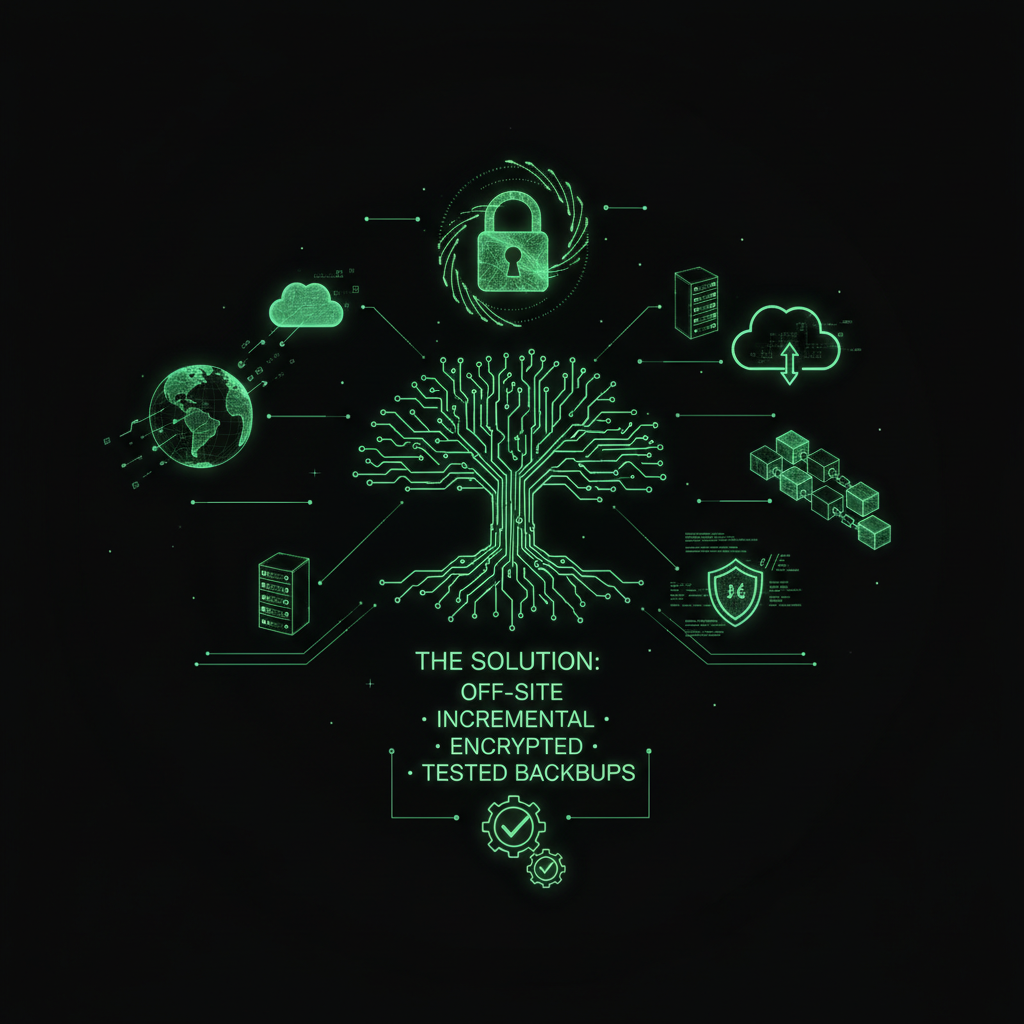
Real disaster recovery requires a professional approach. This is the Red Pill standard we use at ProWebCare:
- Off-Site Storage: We send encrypted backups to a remote cloud backup service (Amazon S3, Google Cloud, Dropbox, or Google Drive) completely separate from your hosting provider. If your server crashes or is hacked, your data is stored safely off-site, ensuring backup success and data protection.
- Incremental Restore Points: We take daily backups and keep them for 30-90 days. This allows recovery to a specific point in time, minimizing data loss and meeting recovery point objectives (RPO), which is critical for business continuity and effective disaster recovery plans.
- Tested Restore Process: We periodically perform restore testing to verify that backups actually restore correctly, treating it like a fire drill. This backup verification process ensures your backup system works when you need it and prevents restore failures. Regular backup testing is essential—we don't just create backups, we verify they work.
- Human Restore Support: If your site goes down, you don’t need to troubleshoot complex errors or learn SQL. You just contact us, and we handle the entire restoration process, including troubleshooting the issue and ensuring a smooth restoration process.
Additionally, we implement comprehensive backup monitoring and backup automation on a regular schedule, ensuring backup success and troubleshooting any issues proactively to prevent backup failure. Our backup automation system handles scheduling, execution, and verification automatically, reducing human error. This includes monitoring backup frequency, performing regular backup verification, verifying backup encryption, and confirming that both full backups and incremental backups complete successfully. We also conduct periodic restore testing to ensure your backups are not just created, but actually functional when needed.
Backup Verification and Testing: The Critical Step Most Skip
Most website owners assume that if a backup plugin says "backup completed successfully," the backup is good. This is a dangerous assumption. Backup verification requires more than just checking if a file was created—it means actually testing that the backup can be restored.
Backup testing should be performed regularly, not just when disaster strikes. This involves:
- Restore testing in a staging environment to verify backup integrity
- Backup verification to ensure files are complete and uncorrupted
- Backup monitoring to track success rates and catch failures early
- Verification that backup automation is working correctly
Without regular backup testing and backup verification, you're flying blind. You won't know your backups are broken until you desperately need them. Implementing backup monitoring and automated backup verification processes is essential for any serious backup strategy.
The Verdict: Why Backup Plugins Alone Aren't Enough
Backup plugins often give a false sense of security. They are the Blue Pill—a comfortable illusion that your data is safe.
When the glitch happens—and it will—you need more than a file. You need a comprehensive backup strategy with off-site, incremental, encrypted backups, regular backup testing, backup verification, and a tested disaster recovery plan. Relying solely on plugins without regular restore testing, backup monitoring, and a clear recovery plan leads to backup failure and costly data loss.
Don't wait until the white screen of death to test your system. Implement backup verification and restore testing today, monitor your backup success rates with proper backup monitoring, and if needed, hire the Operators* to handle it for you.
Frequently Asked Questions
Why do my backups keep failing?
Your backups keep failing primarily due to a combination of human error, misconfigurations, outdated backup systems, integration issues, hardware failures, and insufficient testing. Backup software glitches, encryption password mismatches, and poor error reporting can also cause backup failure. These issues are widespread, with only about 57% of backups and 61% of restores being successful on average in 2025. Regularly monitoring and troubleshooting your backup system is essential to prevent repeated failures and ensure backup success.
What to do if a backup fails?
If a backup fails, detect the failure promptly and diagnose the root cause. Initiate recovery or re-backup procedures immediately while ensuring your disaster recovery plan is activated and tested. Regularly test your backups and restores to minimize downtime and data loss. Automated alerts and monitoring tools can help you catch failures early and reduce risk. Engaging professional support can also expedite recovery and troubleshooting.
How do I get my website back up?
To get your website back up effectively, especially in the context of the "Déjà Vu Glitch," follow best practices in disaster recovery: use off-site, incremental backups; ensure backups are encrypted and tested; and have a clear restore process. If you lack technical skills, engage professional support to handle the restoration and troubleshooting, ensuring a fast and reliable recovery.
How to prevent backup failure?
Prevent backup failure by implementing a robust backup strategy that includes off-site cloud backups, following the 3-2-1 backup rule, incremental backup schedules, encryption of sensitive data, regular backup testing and restore testing, comprehensive backup monitoring, and backup verification processes. Implement backup automation to reduce human error and ensure consistency. Regularly perform backup verification to ensure your backups are actually restorable. Keep backup plugins updated and work with your hosting provider to ensure compatibility and support. The key is not just creating backups, but actively testing and verifying them through backup testing and restore testing.
