

Most people expose more data than they protect. Attackers collect it before writing a single line of malware. OSINT—open-source intelligence—turns public data into a map of your digital presence. Here is what they see and how to shrink your footprint.
Hacking is not just code. Real intelligence starts with information. Domains, WHOIS records, social profiles, breach databases, and tech fingerprints—all legal, all public. Your attackers use it to target you. Understanding what they see is the first step to defense.
What Is OSINT?
OSINT means Open-Source Intelligence. It is information gathered from public sources:
- Social media profiles
- Websites and domain registrations
- Email addresses and metadata
- IP addresses and hosting data
- Public records and breach databases
- Forums, search engines, and cloud services
No hacking required. Attackers connect the dots: your domain reveals your hosting; your hosting reveals your IP; your email appears in a breach; your LinkedIn shows your role. You leave the door open.
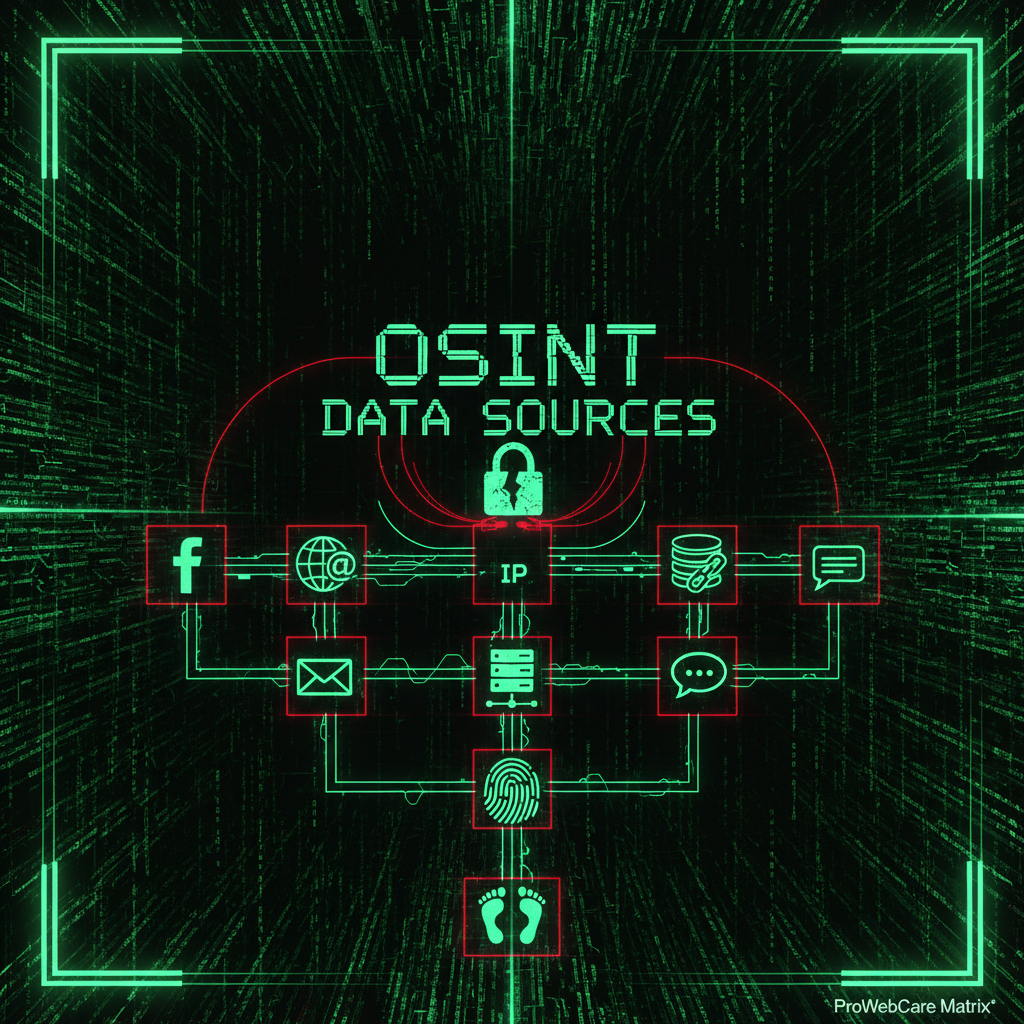
What Attackers See About Your Site
For a typical WordPress or Joomla site, an attacker can gather:
Domain and WHOIS Data
Domain registration exposes registrant name, email, address, and phone. Many owners use personal emails—the same ones they use for admin logins and hosting. One breach, one credential reuse, and the attacker has a path in. Use privacy protection where possible and separate admin emails from public contact info.
Tech Stack Fingerprinting
Tools like Wappalyzer and BuiltWith reveal your CMS, themes, and plugins. WordPress version, WooCommerce, Contact Form 7—attackers know what you run. Outdated plugins are gold: they look up known CVEs and exploit them. Keeping maintenance plans current closes these holes.
Email Addresses and Breach Data
Admin emails, contact forms, and author pages leak addresses. Combined with breach databases (Have I Been Pwned, leaked credential dumps), attackers get username-plus-password pairs. Credential stuffing—trying stolen logins across sites—succeeds because people reuse passwords. Strong, unique passwords and 2FA block this path.
Social and Organizational Links
LinkedIn, Twitter, company bios—they reveal who runs the site and how decisions are made. Social engineering targets become obvious. Phishing emails can be tailored. Awareness and training reduce risk; so does limiting what you expose publicly.
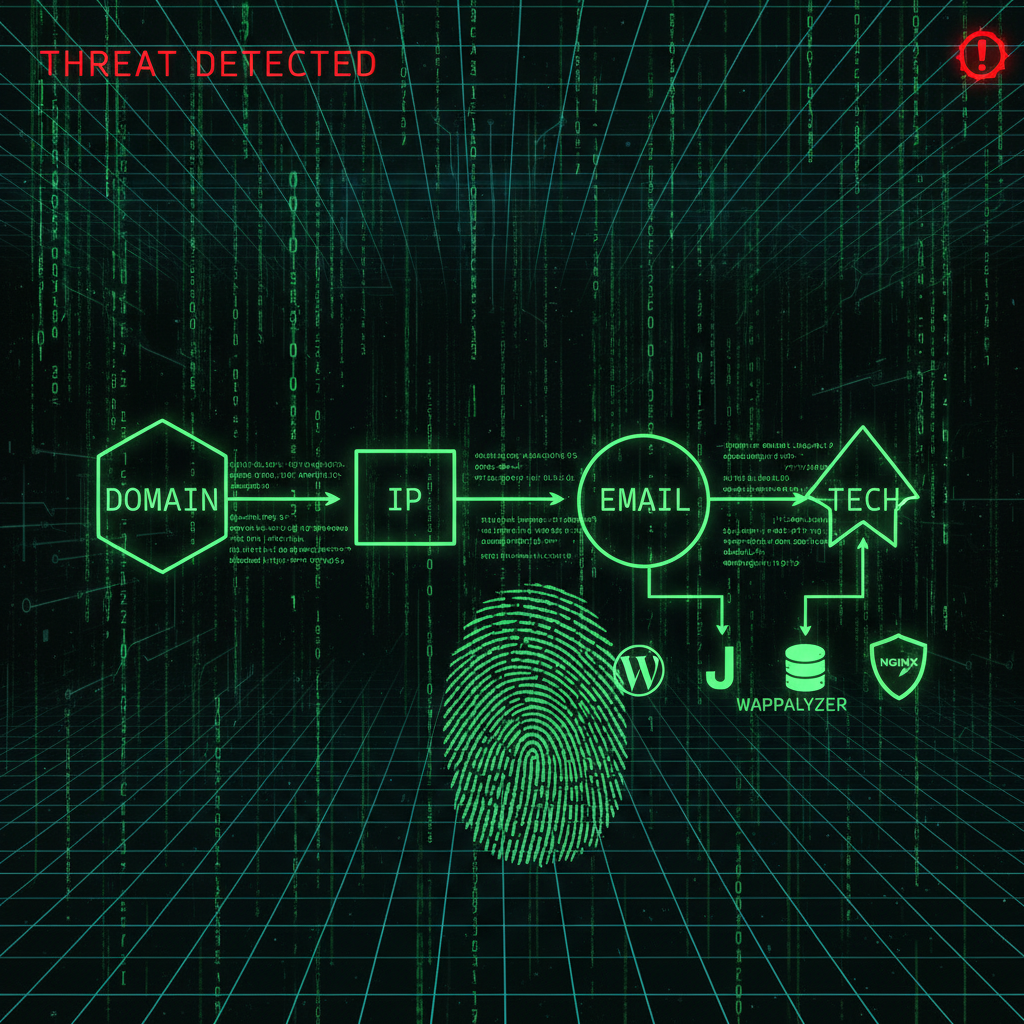
Why This Matters for WordPress and Joomla
Reconnaissance comes before exploitation. Attackers map your infrastructure, then choose the best entry point: weak plugin, stolen credential, or spear-phishing the right person. Mass attacks are automated. Targeted attacks use OSINT to be precise.
A security audit often starts with the same view—what an attacker would see. We map your exposure: domains, emails, plugins, hosting, and public profiles. Then we harden what is visible and reduce the attack surface.
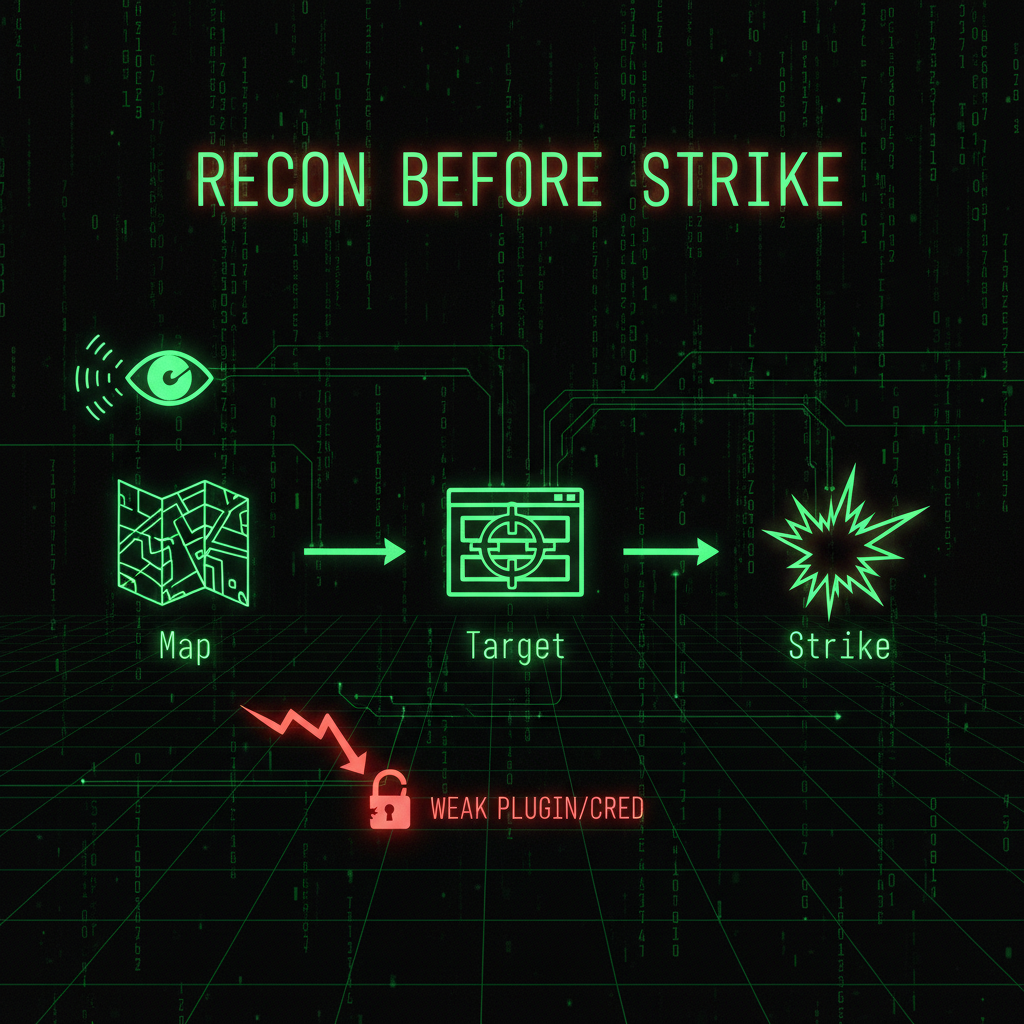
Defensive Steps: Shrinking Your Footprint
You cannot hide everything, but you can reduce what attackers use:
- WHOIS privacy: Use privacy protection on domain registration. Separate registrant contact from admin and hosting emails.
- Admin emails and usernames: Do not use personal or public emails for WordPress/Joomla admin—and do not use [email protected] or the username «admin»; both are trivial to guess. Use an unpredictable address (e.g. [email protected] or [email protected]) so the email itself acts like a secret. Keep it out of public listings. Where possible, block or rate-limit login attempts that use the username «admin».
- Software updates: Outdated plugins and themes are the #1 exploited vector. Run regular maintenance and remove abandoned plugins.
- Strong credentials: Unique passwords per account, 2FA on all admin and hosting logins. Assume any old credential in a breach is compromised.
- Exposure checks: Search your domain and key emails in breach databases. Run a 10-minute security audit to see what you are missing.
Maltego and similar OSINT platforms are what investigators use to connect the dots. You do not need the tool—you need to understand that the dots exist and that attackers are connecting them.

Conclusion
OSINT turns scattered public data into intelligence. Attackers use it to map you before they strike. Your domain, emails, tech stack, and social presence feed that map. Shrinking your footprint—WHOIS privacy, separate admin emails, updates, strong credentials—reduces what they can use.
Site compromised? Our malware removal service cleans and hardens. Want to see what attackers see and fix it first? Our security audits and website repair map your exposure and close the gaps. After you hire us for a custom website, we build a 100% custom solution that fits your needs and flies under the radar of mass attacks—no default CMS fingerprint, no plugin catalog for attackers to target.
Frequently Asked Questions
What is OSINT in cybersecurity?
OSINT (Open-Source Intelligence) is information gathered from public sources—websites, social media, domain records, breach databases, and more. In cybersecurity, attackers use OSINT to map targets before launching attacks. Defenders use it for threat analysis and exposure checks.
Is OSINT legal?
Yes. OSINT uses only publicly available information. No hacking or unauthorized access is involved. Legal limits apply to how the data is used (e.g., fraud, harassment), not to collecting it.
What can attackers learn from my domain?
From your domain and WHOIS records, attackers can see registrant name, email, address, hosting provider, and sometimes IP ranges. Combined with tech fingerprinting, they identify your CMS, plugins, and vulnerabilities. Use WHOIS privacy and separate admin emails from public contact info.
How does OSINT relate to WordPress security?
Attackers use OSINT to find WordPress sites, identify themes and plugins, and locate outdated or vulnerable software. They also use breach data to match admin emails with stolen passwords. Keeping WordPress updated, using strong unique passwords, and enabling 2FA reduces OSINT-based attacks.
What is Maltego?
Maltego is an OSINT platform used by investigators and security professionals. It visualizes connections between domains, IPs, emails, people, and organizations. Most site owners do not need it—but understanding that such tools exist shows how easily attackers map digital footprints.
How can I reduce my digital footprint?
Use WHOIS privacy, separate admin emails from public ones, remove or update unused plugins, enable 2FA, and use unique passwords. Run exposure checks (e.g., breach databases) and a security audit to see what attackers see. Regular maintenance keeps software current and limits exploitable surfaces.
