

Joomla powers millions of sites worldwide, but most site owners have no idea how to keep them secure and fast. Joomla 3 and 4 have reached end-of-life; outdated core and extensions are the main cause of hacked Joomla sites. This checklist gives you a clear, step-by-step routine—no guesswork.
Recent developments
- Joomla 3 and 4 reached end-of-life (EOL), meaning no more security patches. Sites still on these versions are exposed to known vulnerabilities.
- Joomla 5.x is the current supported line, with automatic update options to reduce the time your site runs with known holes.
- Security research shows a large share of compromised Joomla sites had outdated software or vulnerable extensions—regular maintenance drastically reduces risk.
Use this checklist from daily checks to quarterly reviews. If you prefer to focus on your business, our maintenance plans cover both WordPress and Joomla.
Why Joomla maintenance matters
Your Joomla site needs regular care like any other CMS. Without it you risk:
- Security holes from outdated software: Old Joomla core and extensions are the top target for attackers. Once a vulnerability is public, unpatched sites get hit fast.
- Slow performance and poor SEO: Cache buildup, database bloat, and old code slow the site down. Google and users both penalize slow pages.
- Extension and template conflicts: Outdated extensions can break after a Joomla or PHP update. Keeping everything updated and removing unused extensions reduces breakage.
- Database bloat: Sessions, cache tables, and old logs pile up and slow queries. Regular cleanup keeps the site responsive.
In our experience, most Joomla sites we see in trouble have fallen behind on core or extension updates. According to IBM’s Cost of a Data Breach research, the average cost of a small business breach is around $8,700. Downtime, lost trust, and recovery add more. Our maintenance plans handle updates, backups, and monitoring so you don’t have to.
Daily tasks (a few minutes)
Quick checks that catch problems early:
- Uptime: Confirm the site loads. Use an uptime monitor (e.g. UptimeRobot) to get alerts if it goes down.
- Security alerts: If you use a security extension (e.g. Akeeba Admin Tools, RSFirewall), check the dashboard for warnings.
- Backups: Confirm automated backups ran. If you use Akeeba Backup or similar, check that the last backup completed successfully.
Our maintenance plans include 24/7 monitoring so we handle these for you.
Weekly tasks
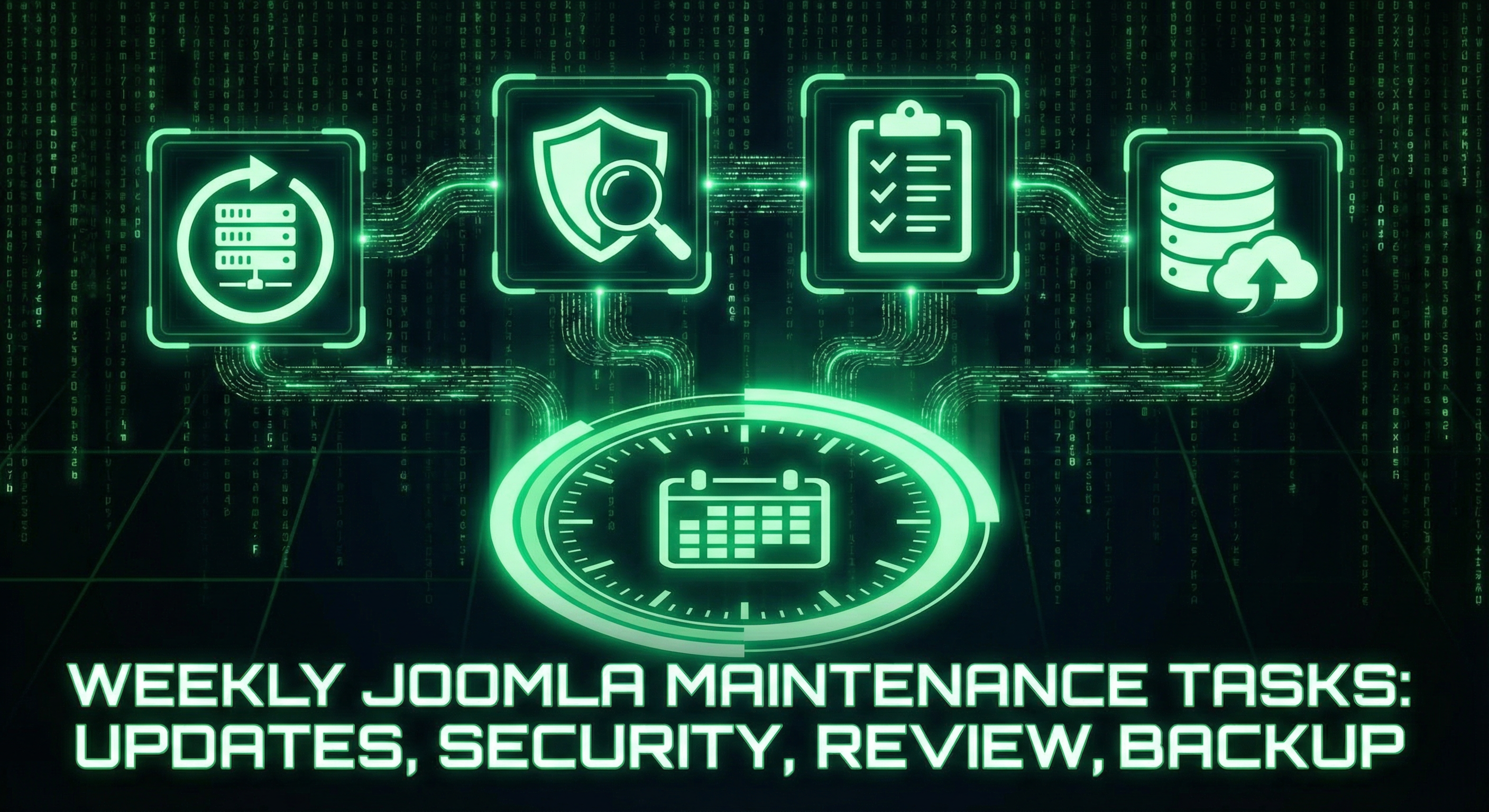
1. Check for core, extension, and template updates
Log into the Joomla Administrator (back end). Go to System → Update → Joomla and System → Update → Extensions. Install available updates. Always backup first and, if possible, test on a staging copy.
Update best practices:
- Backup files and database before updating
- Test on a staging site if you have one
- Update extensions before Joomla core when possible
- Update in small steps and check the site after each change
If you don’t have time to do this weekly, our maintenance plans include safe, supervised updates for Joomla and extensions.
2. Run a security check
Use your security extension to scan for malware, suspicious files, and bad configuration. In Users → Manage, look for unknown or unused accounts and remove them. Check file change logs if your extension provides them.
What to look for:
- Unexpected or modified files
- Unknown user accounts or Super User accounts you didn’t create
- Outdated core or extensions with known vulnerabilities
If you see anything suspicious or get repeated alerts, our security audit can do a full review.
3. Review activity and verify backups
Check login and activity logs for failed logins or odd behaviour. Confirm backups are running and that a recent backup exists off the server (e.g. in cloud storage).
Monthly tasks
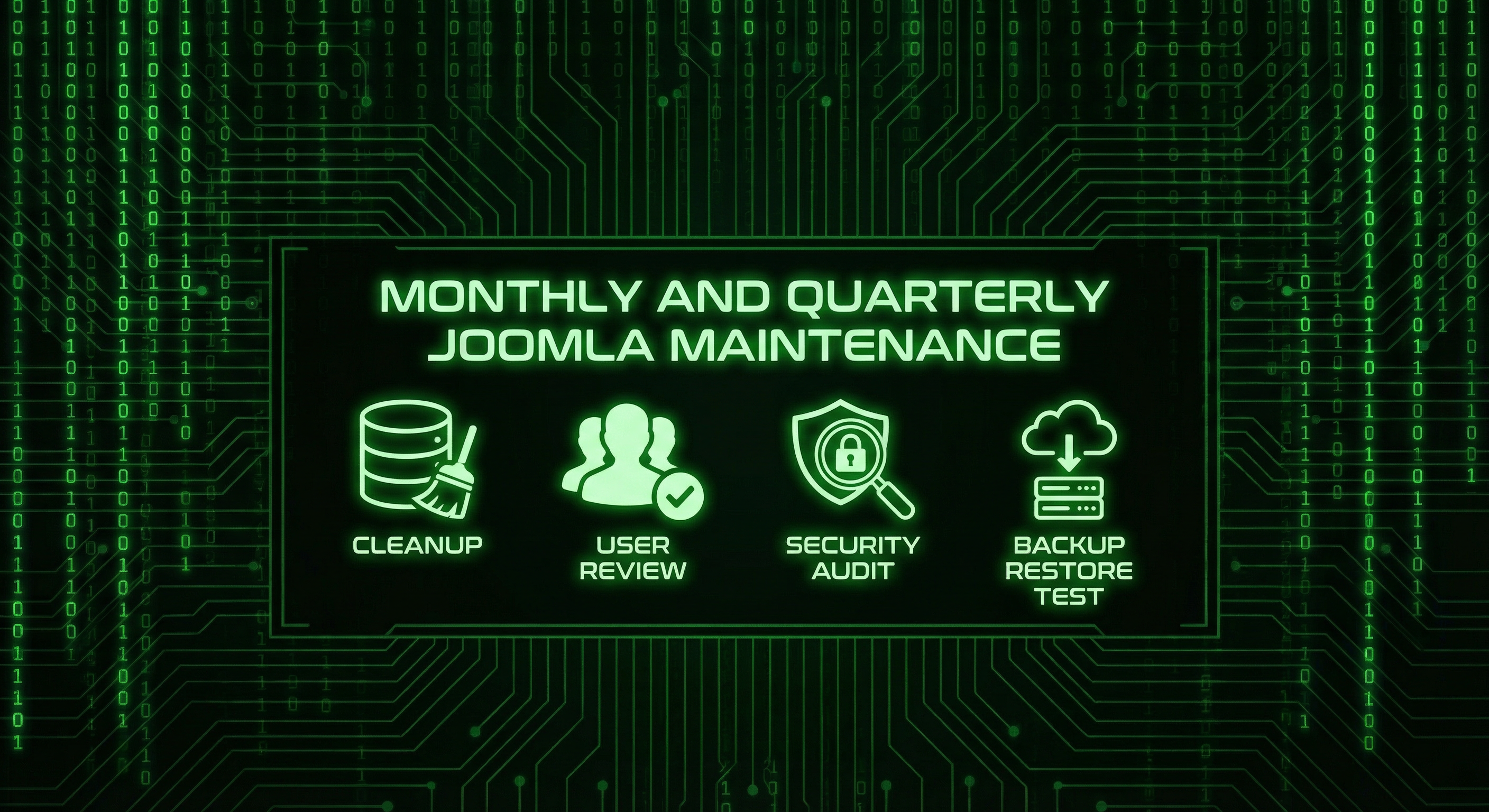
1. Clean the database
Clear cache and old data: System → Clear Cache. Use an extension like Akeeba Backup’s “Database Table Optimization” or a dedicated maintenance extension to remove old sessions, cache tables, and log entries. This can noticeably improve speed.
2. Review users and permissions
In Users → Manage, remove users who no longer need access. Ensure every account has a strong, unique password and that Super User accounts are limited to people who need them.
3. Check disk space and error logs
Confirm the server has enough free space. Check PHP and Joomla error logs (e.g. in administrator/logs/ or your host’s log panel) for repeated errors that need fixing.
4. Quick content check
Test important forms and links. Fix broken links and update any obviously outdated content.
Quarterly tasks
1. Deeper security review
Review file permissions, SSL certificate validity, and server security settings. Run a full malware scan. Our security audit covers this in depth.
2. Test a backup restore
Restore a backup to a test environment and confirm the site works. If restore fails, fix the backup process before you need it in an emergency.
3. Hosting and PHP version
Confirm your hosting plan and PHP version are still supported and suitable for your Joomla version. Plan upgrades (e.g. Joomla 5.x → 6.x when released) in advance.
4. Performance check
Run PageSpeed Insights or similar. Note Core Web Vitals and fix obvious bottlenecks. We can help with speed optimization if needed.
Before you run updates
Use this mini checklist every time you update core or extensions:
- Create a full backup (files + database) and store it off the server
- Note current Joomla and PHP versions
- If you have staging, test the update there first
- Apply updates one at a time where possible and check the site after each
- Clear Joomla and browser cache after updating
Useful Joomla maintenance tools
These help with the tasks above:
- Akeeba Backup: Full site and database backups, restores, and scheduling.
- Akeeba Admin Tools (or RSFirewall): Security hardening, file scanning, and configuration checks.
- Joomla Update: Built-in core update (System → Update → Joomla).
- UptimeRobot or similar: Free uptime monitoring and alerts.
- Google PageSpeed Insights: Free performance and Core Web Vitals check.
When to get professional help
Consider a maintenance plan or one-off help if:
- You don’t have time for weekly/monthly tasks
- You’re not comfortable in the Joomla back end or with updates
- You’ve had a hack or repeated security warnings
- Your site is critical for your business and downtime is costly
Our maintenance plans cover Joomla and WordPress: updates, backups, monitoring, and support. Get in touch for a free site review.
Frequently asked questions
How often should I maintain my Joomla site?
At least: daily quick checks (uptime, backups, alerts), weekly updates and security scans, monthly database and user cleanup, and quarterly full security and backup tests. If that’s too much, a maintenance plan does it for you.
What if I’m still on Joomla 3 or 4?
Joomla 3 and 4 are end-of-life and no longer receive security fixes. Plan a migration to Joomla 5 as soon as you can. We can help with migration or with bringing a Joomla site up to date.
Do I need to update extensions every time?
Yes. Outdated extensions are a major source of Joomla hacks. Check System → Update → Extensions weekly. Remove extensions you don’t use, and replace abandoned ones with supported alternatives.
How long does Joomla maintenance take?
Done manually, expect a few minutes daily, 30–60 minutes weekly, and an hour or so monthly and quarterly. A maintenance plan removes that time and gives you expert oversight.
What should I do first if I’ve neglected maintenance?
Backup the site immediately (files and database), then check System → Update → Joomla and Extensions for available updates. Apply critical security updates first. Run a security scan if you have Akeeba Admin Tools or RSFirewall. If you see signs of compromise or feel unsure, get a security audit before changing anything else.
Common mistakes to avoid
- Ignoring updates: “It still works” is not safe. Delayed updates leave known holes open. Update regularly.
- No backup before updates: Always backup before updating. If something breaks, you can restore.
- Too many or abandoned extensions: Each extension can introduce risk. Remove unused ones and avoid extensions that are no longer maintained.
- Weak or shared admin passwords: Use strong, unique passwords and limit Super User accounts. Enable two-factor authentication if your setup supports it.
Bottom line: Consistency beats perfection. Use this checklist as your baseline. If you’d rather focus on your business, our maintenance plans cover both WordPress and Joomla—contact us to get started.
If you also run WordPress, use our WordPress maintenance checklist for the same kind of routine.
