Hackers do not pick random targets. They exploit the same mistakes—over and over. Here are the seven that get WordPress sites compromised most often.
We have cleaned thousands of hacked sites. In almost every case, the breach traced back to one of these errors. Fix them now—before you become the next target.
Mistake 1: Letting Plugins and Core Sit Outdated
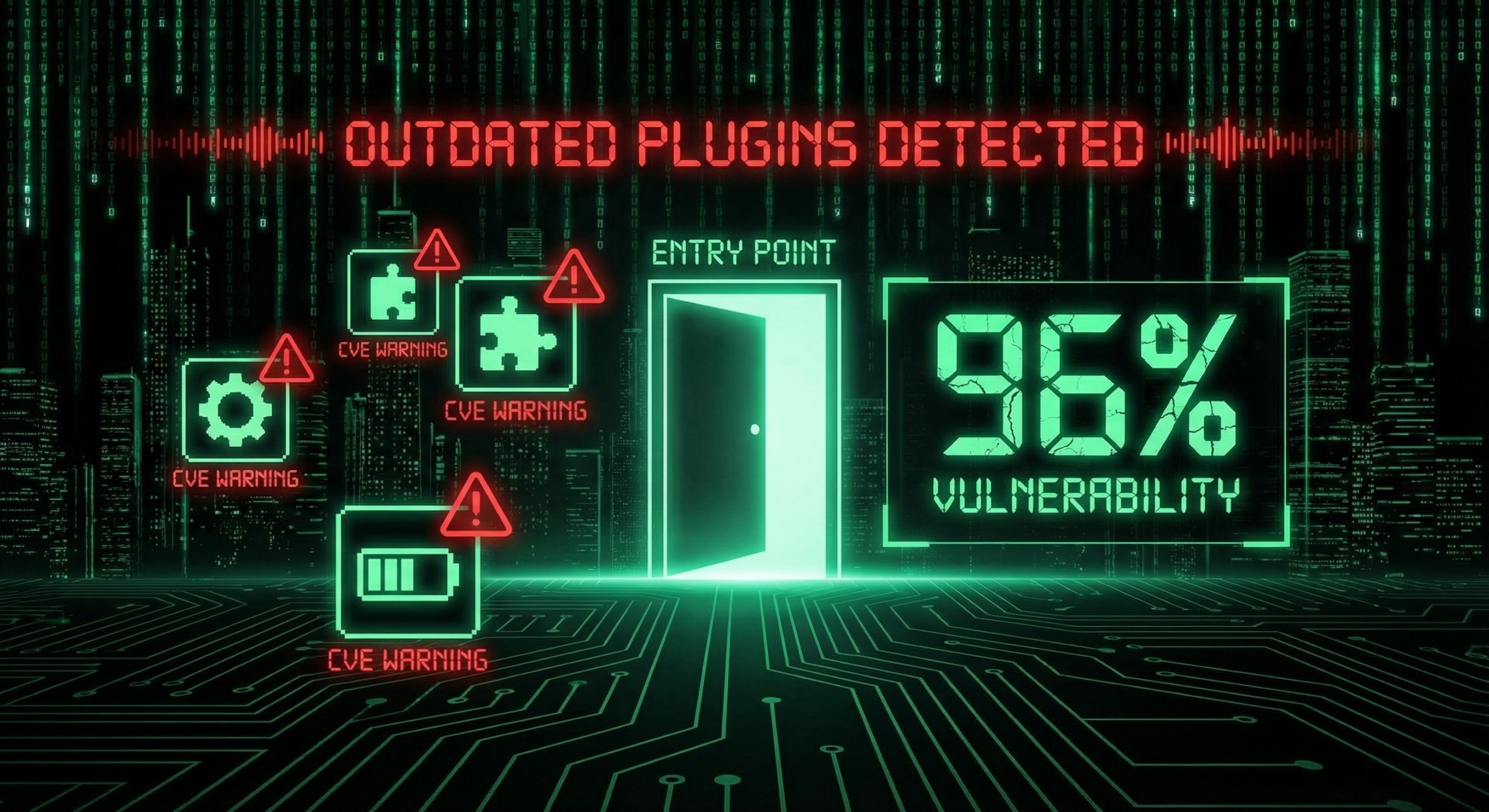
According to Wordfence, 96–97% of WordPress vulnerabilities come from plugins. The core, themes, and plugins—if they are old, they are targets.
Hackers scan for known CVEs. An outdated plugin is a door. One unpatched extension can compromise the entire site.
Fix: Update everything at least monthly. Remove abandoned plugins. Use a maintenance plan that automates updates and monitors for vulnerabilities.
Mistake 2: Using Weak Passwords and Skipping 2FA
Brute-force attacks try thousands of combinations per minute. A short or dictionary-based password is guessed quickly.
Two-factor authentication (2FA) stops most brute-force attempts. Even if someone guesses your password, they cannot log in without the second factor.
Fix: Use 16+ character passwords with letters, numbers, and symbols. Enable 2FA on all admin accounts. See our 10-minute security audit for a step-by-step checklist.
Mistake 3: Relying on Backups That Have Never Been Tested
Backups that have never been restored are not backups. They are hopes.
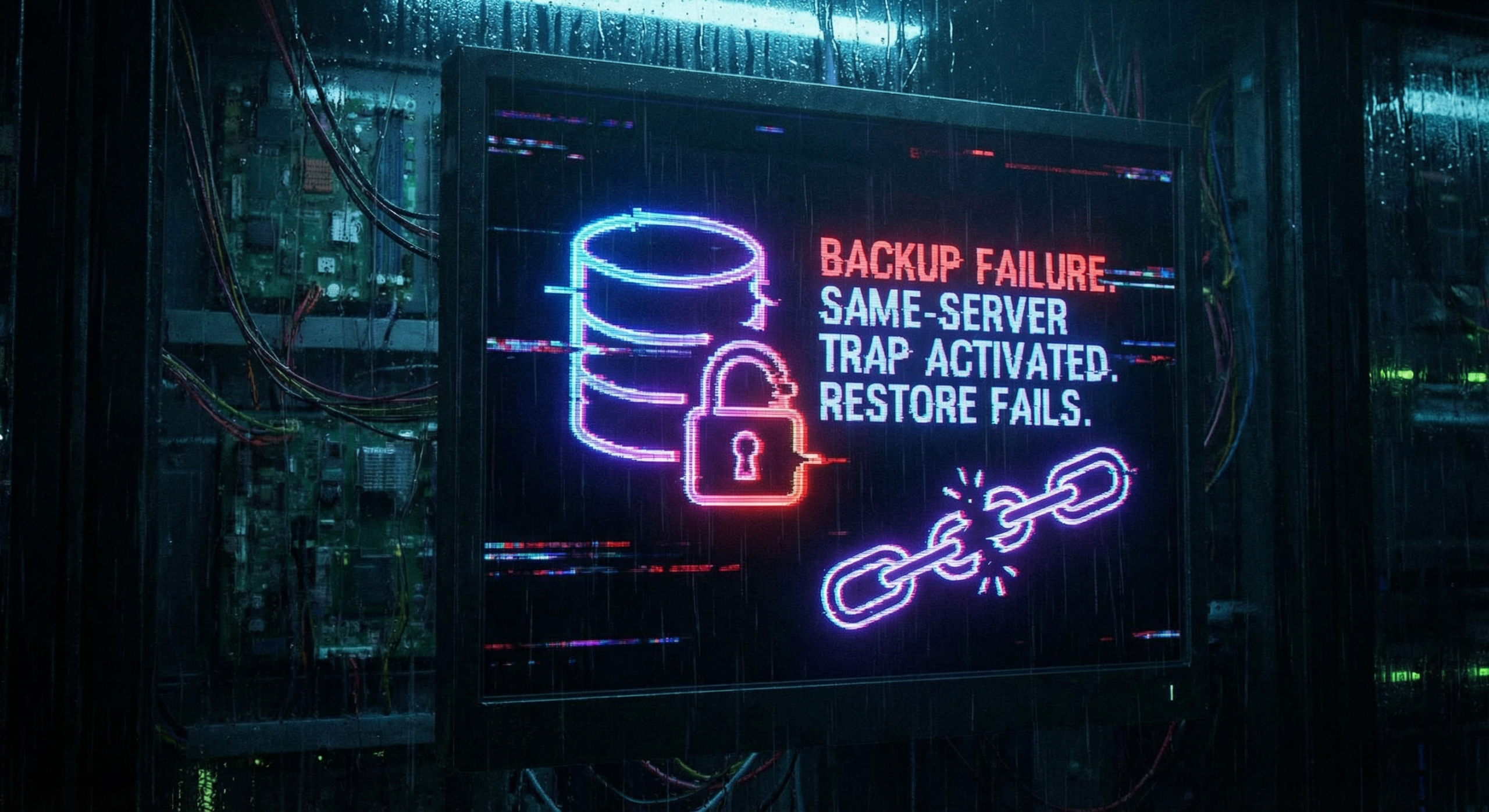
We have seen clients learn this the hard way: they get hacked, run the restore, and the backup fails. Corrupt. Incomplete. Or stored on the same server—so the hack took the backup too.
Fix: Backups must be off-site, automated, and tested. Run a restore at least once a year. See our backup failure case study for what goes wrong.
Mistake 4: Installing Too Many Plugins (Especially Untrusted Ones)
Each plugin adds code to your site. More code means more attack surface. Abandoned or low-quality plugins often hide vulnerabilities.
Supply-chain attacks—where a compromised plugin update ships malware—are rising. As we covered in our supply-chain attack post, even “trusted” plugins can become weapons.
Fix: Install only what you need. Prefer plugins with strong reviews and active maintenance. Delete unused plugins.
Mistake 5: Keeping the Default Admin Username
If your admin username is admin, hackers only need to guess the password. They already know half of the login.
Changing the username is simple. Many never do it.
Fix: Create a new admin account with a unique username. Transfer ownership. Delete the old admin account.
Mistake 6: Cheap Shared Hosting With No Real Security
Some hosts pack hundreds of sites on one server. One compromised site can infect others. Weak firewalls, no WAF, no intrusion detection—you get what you pay for.
As we wrote in Cross-Contamination: Why Multi-Site cPanel Fails, shared environments create cross-infection risks.
Fix: Choose hosting with strong security (firewall, WAF, malware scanning). Consider managed WordPress hosting or a VPS for critical sites.
Mistake 7: Assuming “It Won’t Happen to Me”
Complacency is the seventh mistake. Small sites get hacked every day. Hackers automate attacks—they do not care how big you are.
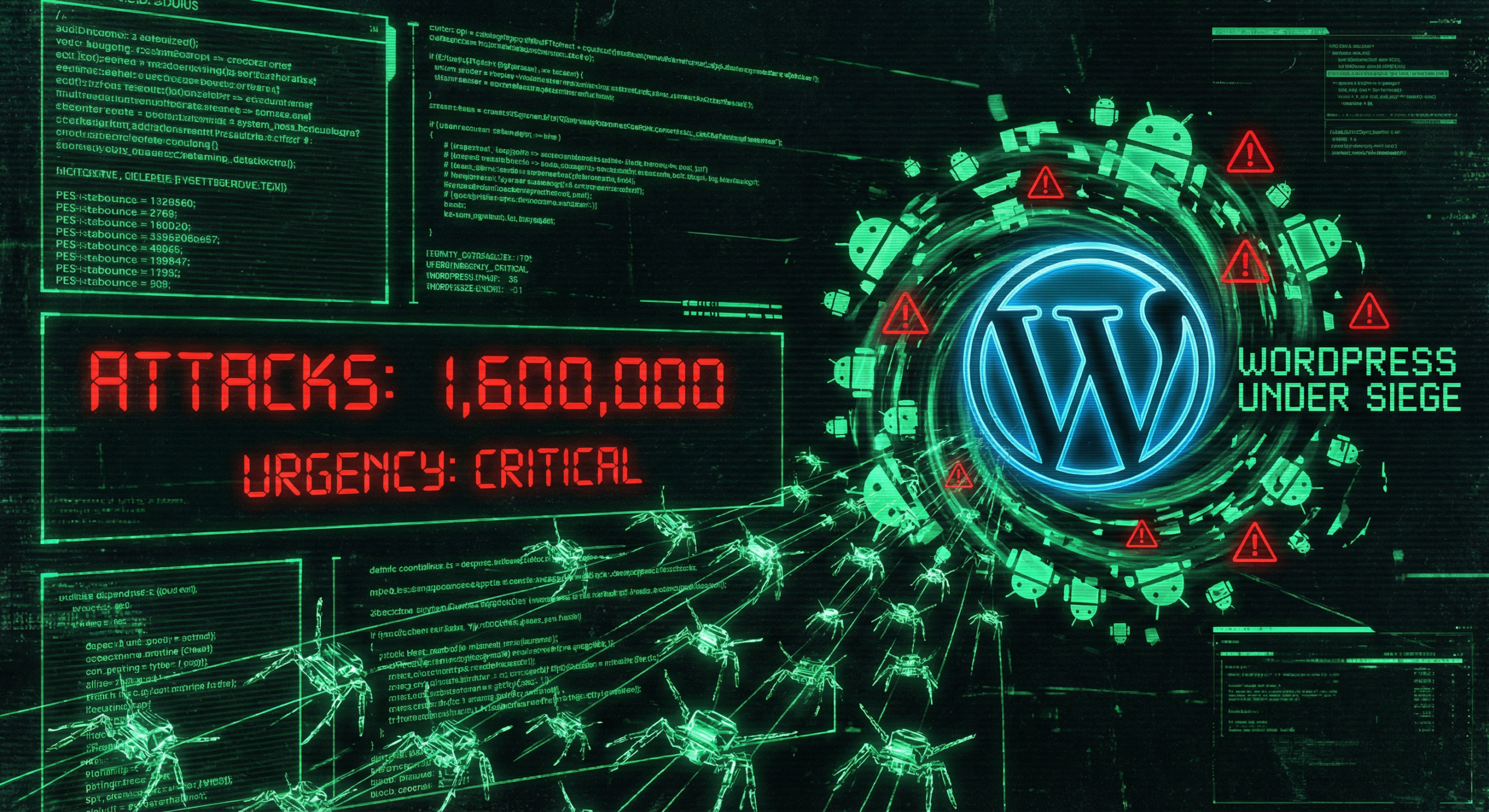
Over 1.6 million WordPress attacks happen in 48 hours. Your site is in the crosshairs.
Fix: Treat security as ongoing, not one-time. Run regular security audits. Use a maintenance plan that includes monitoring and hardening.
Conclusion
These seven mistakes cover most breaches. Fix them now. Update everything. Strengthen passwords. Enable 2FA. Test your backups. Trim plugins. Change the admin username. Choose better hosting. Stop assuming you are safe.
If you have already been hacked, see our malware removal service. If you want to prevent the next one, start with a security audit.
Frequently Asked Questions
What is the #1 cause of WordPress hacks?
Outdated plugins and core. About 96–97% of WordPress vulnerabilities come from plugins. If you do not update, you are exposed to known exploits.
Can a strong password alone protect my site?
No. Strong passwords help, but 2FA is essential. Brute-force attacks can crack weak passwords in minutes. 2FA blocks login even if the password is compromised.
How often should I update WordPress?
At least monthly. Security patches are released frequently. Use a maintenance plan that automates updates and tests compatibility.
Do I need a security plugin?
Yes. A good security plugin provides firewall protection, malware scanning, and brute-force blocking. Wordfence and Sucuri are reputable options—but they must be updated and configured.
What if I have already been hacked?
Do not panic. Do not try to “fix” it blindly. Contact a professional malware removal service to clean the site, close the breach, and harden it against reinfection.
Is shared hosting always insecure?
Not always, but cheap shared hosting often lacks strong security. Look for hosts with WAF, malware scanning, and isolation between accounts. For high-value sites, consider managed or VPS hosting.
How do I know if my backups work?
Restore one. Run a full restore to a staging or test environment at least once a year. If it fails, fix your backup strategy before you need it.