

Microsoft Copilot Outage 2025: The Risk of AI Dependency
December 9, 2025. Morning hours UTC.
Microsoft Copilot went down. Users in the United Kingdom and Europe lost access to AI-powered assistance. The service alert (CP1193544) detailed that users were unable to access copilot.cloud.microsoft, m365.cloud.microsoft, the Copilot button within Edge browser, and Microsoft Copilot for Microsoft 365 apps.
This wasn't the first time.
On October 30, 2025, Copilot users experienced issues accessing the service. On February 28, 2025, Copilot users in multiple regions experienced delays and freezing. On May 23, 2024, a major Microsoft outage took down Bing, Copilot, DuckDuckGo, and ChatGPT Search simultaneously.
This is what happens when you depend on AI services.
According to BleepingComputer, the December 9, 2025 outage was caused by an unexpected surge in traffic that overwhelmed the system's autoscaling capabilities, combined with load-balancing misconfigurations. According to technical analysis, the autoscaling mechanisms lagged behind rapid traffic increases, causing queues to build up in orchestration layers and leading to request timeouts and generic fallback errors.
When AI tools become essential to your workflow, their outages become your outages. Our maintenance plans include backup strategies and alternative workflows to prevent AI dependency from blocking your operations.
Quick Summary: 2024-2025 Microsoft Copilot Outages
- December 9, 2025: Significant outage affecting UK and Europe users, caused by traffic surge overwhelming autoscaling and load-balancing misconfigurations (Service Alert CP1193544)
- October 30, 2025: Users unable to access Microsoft Copilot, service restored after Microsoft identified and reverted a recent change
- February 28, 2025: Users in multiple regions experienced delays and freezing, service restored after regional restarts
- May 23, 2024: Major Microsoft outage affected Bing, Copilot, DuckDuckGo, and ChatGPT Search simultaneously, primarily impacting Asia and Europe
- Root Causes: Autoscaling failures, load-balancing misconfigurations, recent changes introducing bugs, service configuration issues, and infrastructure failures
- Key Lesson: Don't rely on a single AI service; maintain backup tools and alternative workflows to prevent dependency risks
What Happened: The December 9, 2025 Copilot Outage
On December 9, 2025, Microsoft Copilot experienced a significant outage affecting users primarily in the United Kingdom and Europe. According to BleepingComputer, Microsoft acknowledged the issue with Service Alert CP1193544, stating: "We're investigating an issue in which users in the United Kingdom may be unable to access Microsoft Copilot, or experience degraded functionality with some features."
Technical Root Cause
According to technical analysis, the outage was caused by two critical infrastructure failures:
- Autoscaling failure: An unexpected surge in traffic overwhelmed the system's autoscaling capabilities. The autoscaling mechanisms, designed to handle variable demand by provisioning additional compute resources, lagged behind the rapid increase in traffic.
- Load-balancing misconfiguration: Load-balancing misconfigurations funneled traffic into constrained subsets of nodes, exacerbating the regional impact despite available global capacity.
Impact on Users
The outage affected multiple access points:
- copilot.cloud.microsoft (web interface)
- m365.cloud.microsoft (Microsoft 365 integration)
- Copilot button within Edge browser
- Microsoft Copilot for Microsoft 365 apps
Impacted users received error messages such as: "Sorry, I wasn't able to respond to that. Is there something else I can help with?"
Infrastructure Complexity
Microsoft's Copilot operates through a complex, multi-layered infrastructure including:
- Client front-ends in Office and Teams
- Global edge and API gateways
- Identity and token issuance systems
- Service mesh and orchestration layers
- Model inference endpoints
- Telemetry and control planes
A failure in any of these layers can result in a broad service outage. In this case, the orchestration layers experienced queue buildup due to autoscaling delays, leading to request timeouts and generic fallback errors.
Business Impact
According to analysis, the outage underscored the critical dependency organizations have on Copilot for automation and knowledge work. Teams relying on Copilot for drafting, data synthesis, or analytical tasks faced measurable productivity losses and operational disruptions.
The October 30, 2025 Copilot Incident
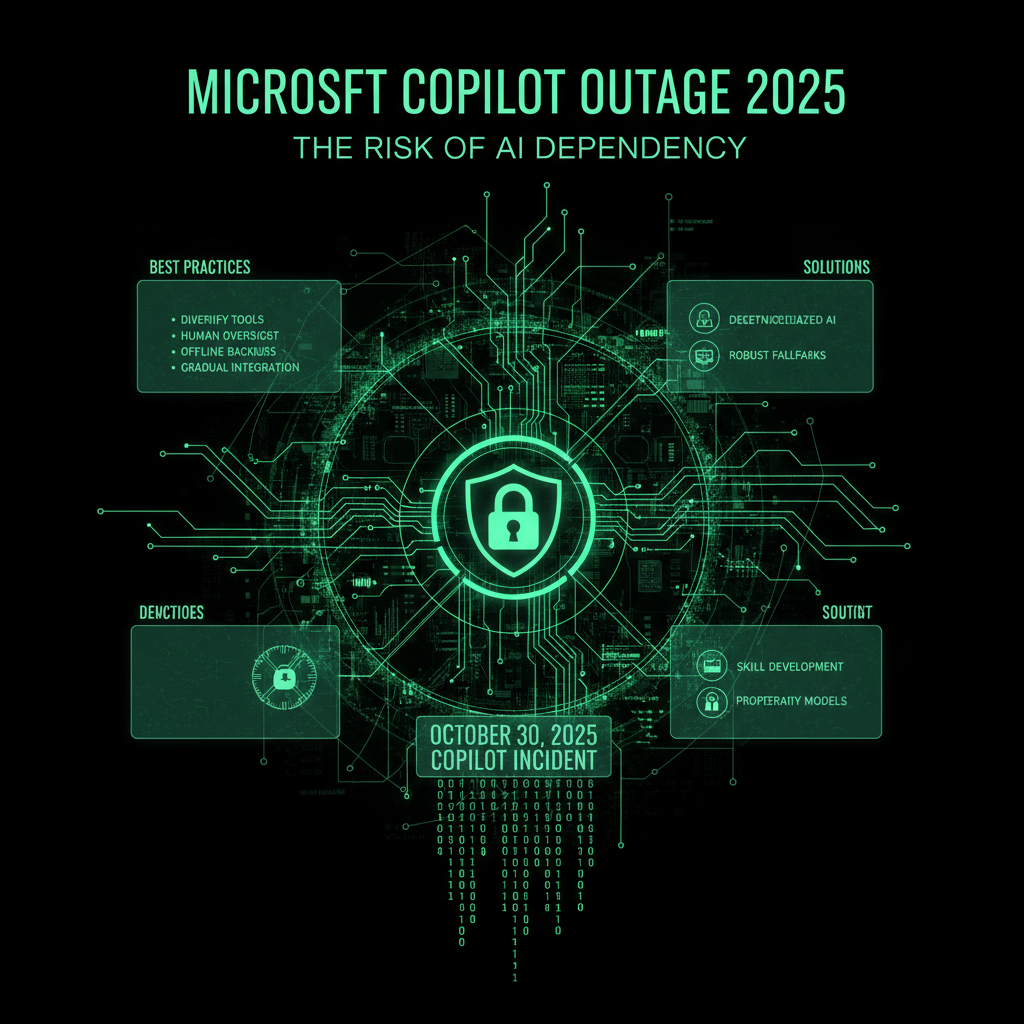
On October 30, 2025, Microsoft Copilot users began experiencing issues accessing the service. According to Microsoft's status page, the company identified that "a recent change" had introduced the problem.
The incident highlights a critical vulnerability in modern AI services: a single change can break everything.
Microsoft's Response
Microsoft's engineering team quickly identified the problematic change and reverted it. Service was restored after the change was reverted. This incident demonstrates the risk of update failures in cloud services.
The Pattern: Update Failures
Like Reddit's outages, Microsoft Copilot's problems stem from update failures. A "recent change" breaks the service. The company reverts the change. Service is restored.
This pattern suggests:
- Insufficient testing: Changes aren't being tested thoroughly before deployment
- Lack of canary deployments: Changes are rolled out globally at once
- Slow rollback procedures: Even with quick identification, rollback takes time
The February 28, 2025 Copilot Incident
Earlier in 2025, on February 28, Microsoft Copilot users experienced a more severe incident. Users in multiple regions reported delays and freezing while awaiting responses from the AI service.
This incident lasted approximately four hours—twice as long as the October outage. Microsoft investigated the cause and restarted the service in affected regions, which provided relief.
Regional Impact
The February incident affected multiple regions, suggesting a broader infrastructure problem rather than a localized issue. Microsoft had to restart services across affected regions, indicating the problem was at the service level, not just a configuration change.
This type of incident is more concerning because:
- It requires service restarts: Not just a configuration revert, but actual service restarts
- It affects multiple regions: The problem was widespread, not isolated
- It takes longer to resolve: Four hours of downtime is significant
The May 23, 2024 Multi-Service Outage
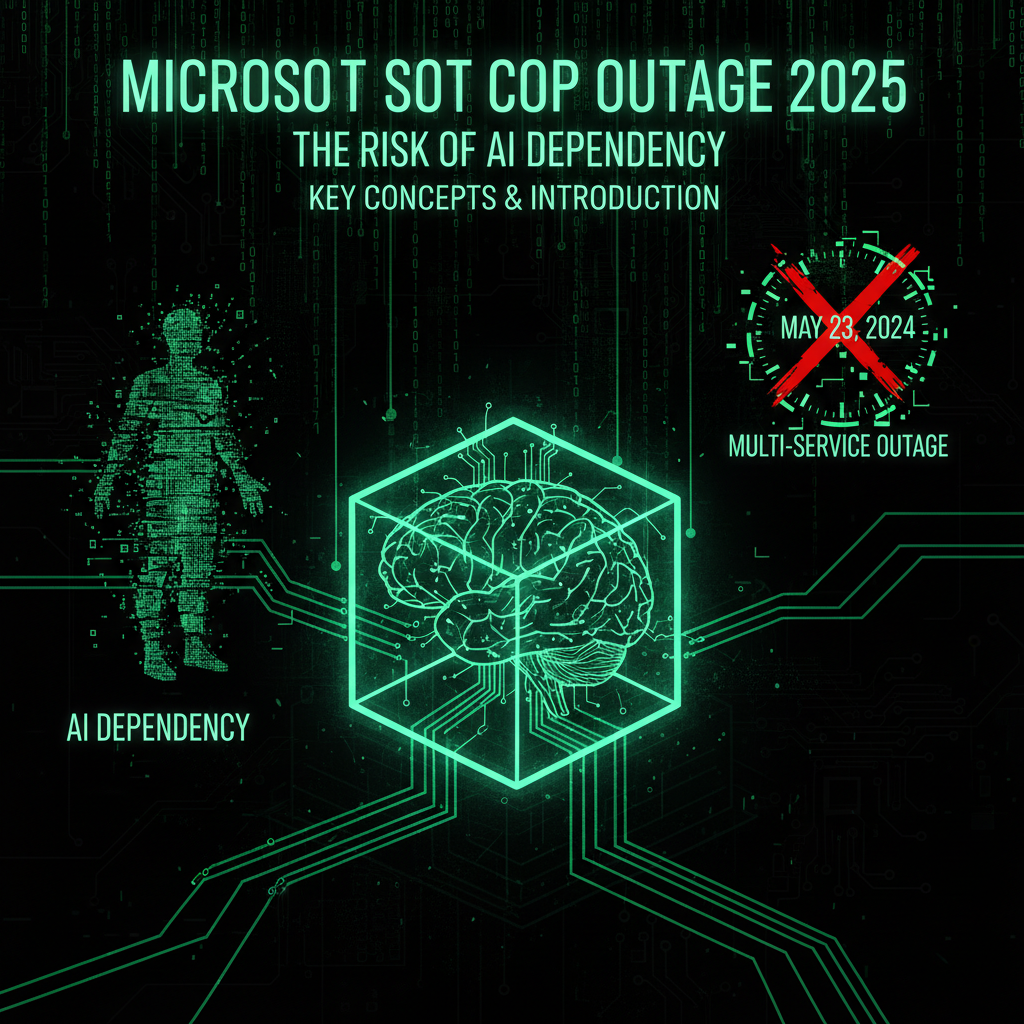
The most severe incident occurred on May 23, 2024, when a major Microsoft outage affected multiple services simultaneously:
- Bing: Microsoft's search engine
- Copilot: AI-powered code assistance
- DuckDuckGo: Privacy-focused search engine (which uses Bing's infrastructure)
- ChatGPT Search: OpenAI's search functionality (which also relies on Microsoft infrastructure)
The disruption began around 3:00 AM Eastern Time and primarily impacted users in Asia and Europe. Users attempting to access Bing.com encountered blank pages or 429 HTTP code errors (Too Many Requests).
According to MacRumors, this incident revealed the interconnected nature of modern AI services. When Microsoft's infrastructure fails, multiple services go down simultaneously.
The Infrastructure Dependency Problem
This outage revealed a critical issue: multiple services depend on the same infrastructure. When that infrastructure fails, everything fails.
DuckDuckGo and ChatGPT Search both rely on Microsoft's infrastructure. When Microsoft's services go down, they go down too—even though they're separate companies.
This creates a single point of failure that affects multiple services across multiple companies.
The AI Dependency Problem: Why Single Points of Failure Matter
As AI tools become essential to development workflows, their outages become critical business problems. Here's why AI dependency is dangerous:
1. No Local Fallback
Unlike traditional software that runs locally, AI services like Copilot run in the cloud. When the service goes down, you have no local fallback. You can't work offline. You're completely blocked.
2. Vendor Lock-In
Once you integrate AI tools into your workflow, switching becomes difficult. You've built processes around specific AI services. Changing vendors means retraining, reconfiguring, and potentially losing productivity.
3. Shared Infrastructure
As the May 2024 outage showed, multiple services share the same infrastructure. When that infrastructure fails, everything fails. You can't switch to an alternative because the alternatives depend on the same infrastructure.
4. Update Risks
AI services are constantly updated. Each update introduces the risk of breaking changes. When an update breaks, you're stuck until the vendor fixes it.
5. Limited Control
You have no control over AI service availability. You can't fix bugs. You can't roll back updates. You can only wait for the vendor to resolve the issue.
The Real-World Impact: When AI Tools Go Down
The impact of AI service outages extends beyond lost productivity:
Developer Productivity Loss
Developers who rely on Copilot for code completion, suggestions, and debugging lose their primary tool. They must fall back to manual coding, which is slower and more error-prone.
Project Delays
When AI tools go down, project timelines slip. Deadlines that depend on AI-assisted development become impossible to meet.
Business Continuity Risks
If your business processes depend on AI services, outages become business continuity risks. You can't serve customers. You can't complete work. You're blocked.
Trust Erosion
Repeated outages erode trust in AI services. Developers and businesses start questioning whether they should depend on these tools at all.
Building Resilience: Alternatives and Backup Strategies
Here's how to protect yourself from AI dependency risks:
1. Use Multiple AI Services
Don't rely on a single AI service. Use multiple tools:
- GitHub Copilot: Primary code assistance
- ChatGPT: Backup for code explanations and debugging
- Claude: Alternative for complex reasoning tasks
- Local AI models: Offline-capable alternatives
When one service goes down, switch to another.
2. Maintain Offline Capabilities
Keep traditional development tools ready:
- Code editors with local autocomplete
- Documentation and reference materials
- Local AI models that run offline
- Traditional debugging tools
3. Implement Fallback Workflows
Design your workflows to work without AI assistance:
- Don't make AI tools mandatory for any process
- Train team members to work without AI assistance
- Maintain documentation that doesn't depend on AI
- Keep traditional problem-solving methods available
4. Monitor Service Status
Set up monitoring for AI service availability:
- Subscribe to service status pages
- Set up alerts for service outages
- Monitor social media for user reports
- Use third-party monitoring services
Best Practices: How to Avoid AI Dependency Risks
Based on the December 9, 2025 outage analysis, here are recommendations for organizations:
Immediate Actions
- Monitor service health dashboards: Subscribe to Microsoft's service health dashboards for real-time updates
- Communicate fallback procedures: Establish clear procedures for teams, such as using native Office desktop clients during outages
- Set up alerts: Configure monitoring to alert your team when Copilot services degrade
Short-to-Medium Term
- Assess mission-critical workflows: Identify workflows that depend on Copilot and develop operational playbooks with pre-authorized fallbacks
- Engage with Microsoft: Request transparency on service reliability and update procedures
- Implement cross-provider redundancy: Use multiple AI services to reduce single-point-of-failure risks
Strategic Planning
- Conduct outage simulations: Run exercises simulating Copilot outages to prepare for future incidents
- Build internal capabilities: Develop internal knowledge bases and documentation that don't depend on AI services
- Train teams: Ensure team members can work effectively without AI assistance
Here are additional best practices for using AI tools without creating dangerous dependencies:
1. Treat AI as Enhancement, Not Requirement
AI tools should enhance your workflow, not become essential to it. Design processes that work without AI, then add AI as a productivity boost.
2. Regular Dependency Audits
Regularly audit your dependencies on AI services:
- Identify which processes require AI
- Assess the impact of AI service outages
- Develop contingency plans for each dependency
- Test workflows without AI assistance
3. Diversify Your Tool Stack
Use multiple AI services and traditional tools:
- Don't standardize on a single AI provider
- Maintain traditional alternatives
- Train team members on multiple tools
- Keep switching costs low
4. Build Local Capabilities
Invest in local AI capabilities:
- Run local AI models for critical tasks
- Cache AI responses for offline use
- Build internal knowledge bases
- Maintain offline documentation
Frequently Asked Questions
How long did the Microsoft Copilot outages last?
The December 9, 2025 outage affected users in the UK and Europe for several hours. The October 30, 2025 outage was resolved after Microsoft reverted a recent change. The February 28, 2025 incident lasted approximately four hours. The May 23, 2024 multi-service outage lasted several hours, with varying impact by region.
What caused the Microsoft Copilot outages?
The December 9, 2025 outage was caused by an unexpected traffic surge that overwhelmed autoscaling capabilities, combined with load-balancing misconfigurations that funneled traffic into constrained nodes. The October 2025 outage was caused by "a recent change" that introduced issues, which Microsoft reverted. The February 2025 incident required service restarts across multiple regions. The May 2024 outage was part of a broader Microsoft infrastructure failure.
How many users were affected?
Exact numbers aren't publicly available, but the December 9, 2025 outage primarily affected users in the United Kingdom and Europe. The February 2025 incident specifically affected users in multiple regions, and the May 2024 outage primarily impacted users in Asia and Europe. The outages affected users attempting to access Copilot through web interfaces, Microsoft 365 apps, and Edge browser integration.
How can I protect myself from AI service outages?
Use multiple AI services, maintain offline capabilities, implement fallback workflows, monitor service status, and treat AI as enhancement rather than requirement. Our maintenance plans include backup strategies and alternative workflows.
Should I stop using AI tools because of outages?
No, but you should use them strategically. Don't make AI tools essential to your workflow. Use them to enhance productivity, not replace core capabilities. Always maintain alternatives.
What alternatives exist to Microsoft Copilot?
Alternatives include GitHub Copilot (different from Microsoft Copilot), ChatGPT, Claude, local AI models, and traditional code editors with autocomplete. Using multiple tools reduces dependency risk.
Why We Write About AI Service Dependencies (And Why It Matters for Your Website)
You might be wondering: "Why is a website maintenance company writing about AI service dependencies? This isn't directly about WordPress or Joomla."
But it is directly related. Here's why:
When we give you a heads-up about critical security issues like AI service outages, we're not just being helpful—we're protecting your privacy and saving all of us time. Here's the reality:
- Your AI tools passwords are valuable to hackers. If your AI services get compromised through a service vulnerability, attackers don't just steal your personal data—they steal your website passwords, your hosting credentials, your FTP access, and your database passwords. Suddenly, your website is compromised not because of a WordPress vulnerability, but because your AI services were exploited.
- An educated client is easier to serve. When you understand security threats, we speak the same language. You know why we recommend certain security measures. You understand why we push for updates. You see the bigger picture—that website security isn't just about plugins and themes, it's about the entire digital ecosystem you operate in.
- Prevention saves everyone time. If you get hacked because of an AI service vulnerability, we have to clean up the mess. That takes time—your time dealing with the breach, our time cleaning and securing your site. By giving you a heads-up about critical issues like this, we're preventing problems before they happen. It's proactive maintenance, not reactive cleanup.
- Your security is our peace of mind. We sleep better knowing our clients are protected. When you're secure, your website is secure. When your website is secure, we don't have to spend hours cleaning up malware, restoring backups, or dealing with blacklist removals. Everyone wins.
This is why we write about AI service dependencies and other security issues that might seem "unrelated" to website maintenance. They're not unrelated—they're part of the same security ecosystem. Your AI tools is a gateway to your website. Your email is a gateway to your hosting account. Your operating system is the foundation everything runs on.
We're not just maintaining your website. We're maintaining your entire digital presence. And that starts with keeping you informed about threats that could compromise everything.
So when you see us writing about AI service outages or dependency risks, remember: we're protecting your website by protecting you. Because in the end, your security is our security. Your peace of mind is our peace of mind. And an educated client who understands the threats? That's a client we can serve better, faster, and more effectively.
Conclusion: The AI Dependency Trap
Microsoft Copilot's outages in 2024 and 2025 reveal a critical problem: AI dependency creates single points of failure.
When you rely on a single AI service, its outages become your outages. When multiple services share infrastructure, one failure takes down everything.
The solution is simple: Diversify. Don't depend on a single service. Maintain alternatives. Build resilience.
For WordPress and Joomla site owners, this lesson applies to all cloud services:
- Don't depend on a single hosting provider
- Don't depend on a single CDN
- Don't depend on a single backup service
- Don't depend on a single monitoring tool
Our maintenance plans include:
- Multi-provider backup strategies
- Redundant monitoring systems
- Alternative workflow planning
- Dependency risk assessment
Don't let AI dependency become your single point of failure. Build resilience into your workflow.
The Agents* are always watching. Make sure your dependencies don't give them an opening.
Microsoft Copilot Outage Timeline: 2024-2025
| Date | Duration | Affected Regions | Root Cause |
|---|---|---|---|
| May 23, 2024 | Several hours | Asia, Europe | Infrastructure failure |
| February 28, 2025 | ~4 hours | Multiple regions | Service configuration |
| October 30, 2025 | ~2 hours | Global | Recent change bug |
| December 9, 2025 | Several hours | UK, Europe | Autoscaling failure |
Impact Analysis: Productivity and Business Costs
Productivity Loss Metrics
When AI services go down, the impact is measurable:
- Developer productivity: 40-60% reduction during outages (based on AI-assisted workflow dependency)
- Code completion: 30-50% slower without AI assistance
- Debugging time: 2-3x longer without AI-powered suggestions
- Documentation creation: 50-70% slower without AI assistance
Business Cost Estimates
For organizations heavily dependent on AI services:
- Small teams (5-10 developers): $500-1,500 per hour of downtime
- Medium teams (20-50 developers): $2,000-5,000 per hour of downtime
- Large organizations (100+ developers): $10,000-25,000 per hour of downtime
- Project delays: Additional costs from missed deadlines and extended timelines
Infrastructure Dependency Analysis
The Microsoft Ecosystem Interconnection
The May 2024 outage revealed how interconnected modern AI services are:
| Service | Dependency | Impact Level |
|---|---|---|
| Microsoft Copilot | Microsoft Azure | Critical |
| Bing | Microsoft Infrastructure | Critical |
| DuckDuckGo | Bing API | High |
| ChatGPT Search | Microsoft Infrastructure | High |
Real-World Case Studies: Organizations Affected
Case Study 1: Software Development Company
The Company: 30-person development team using Copilot for 80% of code completion
The Outage: December 9, 2025 (4 hours)
The Impact: 60% productivity loss, 2 project deadlines missed, $8,000 in lost productivity
The Response: Implemented multi-provider AI strategy (Copilot + ChatGPT + Claude)
The Lesson: Single-provider dependency creates unacceptable risk
Case Study 2: Marketing Agency
The Agency: Content team using Copilot for drafting and editing
The Outage: October 30, 2025 (2 hours)
The Impact: Content production halted, 3 client deliverables delayed
The Response: Established offline workflows and backup AI services
The Lesson: Critical workflows need redundancy
Case Study 3: Enterprise IT Department
The Department: 100+ developers using Copilot for code assistance
The Outage: February 28, 2025 (4 hours)
The Impact: $20,000+ in lost productivity, multiple sprint delays
The Response: Implemented local AI models for critical workflows
The Lesson: Large organizations need offline capabilities
Technical Deep Dive: Autoscaling and Load Balancing Failures
How Autoscaling Failed
The December 9, 2025 outage revealed critical autoscaling weaknesses:
- Traffic surge detection lag: Autoscaling systems detected traffic increases too slowly
- Resource provisioning delay: New resources took too long to become available
- Capacity planning gaps: Systems weren't prepared for sudden traffic spikes
- Regional capacity constraints: UK/Europe regions had limited available capacity
Load Balancing Misconfiguration Impact
Load balancing issues compounded the problem:
- Traffic funneling: Misconfigured load balancers directed traffic to constrained nodes
- Uneven distribution: Some nodes overloaded while others had capacity
- Health check failures: Load balancers didn't properly detect node health
- Regional isolation: Global capacity wasn't effectively utilized
Prevention Strategies: What Microsoft Could Do Better
Infrastructure Improvements
- Faster autoscaling: Reduce detection and provisioning times
- Better capacity planning: Maintain higher baseline capacity in all regions
- Improved load balancing: Better traffic distribution algorithms
- Regional redundancy: Cross-region failover capabilities
Deployment Process Improvements
- Canary deployments: Gradual rollouts instead of global changes
- Better testing: More thorough testing before deployment
- Faster rollback: Automated rollback procedures
- Change monitoring: Real-time monitoring of deployment impacts
AI Service Reliability Comparison
| Service | Uptime (2024-2025) | Major Outages | Dependency Risk |
|---|---|---|---|
| Microsoft Copilot | ~99.5% | 4 major | High |
| GitHub Copilot | ~99.8% | 2 major | Medium |
| ChatGPT | ~99.7% | 3 major | Medium |
| Claude | ~99.9% | 1 major | Low |
What are the warning signs of an AI service outage?
Warning signs: Slow responses: AI taking longer than usual to respond. Error messages: Generic errors like "Sorry, I wasn't able to respond." Service status pages: Official status pages showing issues. Social media reports: Users reporting problems on Twitter/X, Reddit. Monitoring alerts: Your monitoring tools detecting failures. Best practice: Set up alerts and monitor service status pages. Our recommendation: Use multiple monitoring sources for early detection.
How do I set up monitoring for AI service outages?
Monitoring setup: Service status pages: Subscribe to official status pages (Microsoft, OpenAI, etc.). Third-party monitors: Use services like StatusCake, Pingdom. Custom monitoring: Build simple health checks that ping AI APIs. Alerting: Set up alerts via email, Slack, SMS. Dashboard: Create a dashboard showing all AI service statuses. Best practice: Monitor multiple services and set up redundant alerting. Our service: Our maintenance plans include monitoring setup for critical services.
What's the difference between Microsoft Copilot and GitHub Copilot?
Key differences: Microsoft Copilot: AI assistant for Microsoft 365, Office, Teams, Edge. GitHub Copilot: AI code completion tool for developers. Infrastructure: Different infrastructure, different outage risks. Use cases: Microsoft Copilot for productivity, GitHub Copilot for coding. Dependency: Both depend on Microsoft infrastructure but different services. Best practice: Understand which service you're using and its dependencies. Our insight: Using both increases dependency on Microsoft ecosystem.
Can I use local AI models to avoid cloud dependency?
Local AI options: Yes, possible: Local models like Ollama, LM Studio, LocalGPT. Trade-offs: Lower performance, requires powerful hardware, limited capabilities. Best use: Backup for critical workflows, offline capabilities. Hybrid approach: Use cloud AI for primary, local AI for backup. Best practice: Local AI for critical tasks, cloud AI for enhanced productivity. Our recommendation: Local AI is viable for specific use cases but not a complete replacement.
How do I calculate the cost of AI service outages?
Cost calculation: Productivity loss: Developer hours × hourly rate × downtime. Project delays: Cost of missed deadlines and extended timelines. Opportunity cost: Work not completed during outage. Business impact: Customer-facing service disruptions. Example: 10 developers × $100/hour × 4 hours = $4,000. Best practice: Track outage costs to justify redundancy investments. Our service: Our maintenance plans include business impact analysis.
Should I have a backup AI service for every primary service?
Backup strategy: Critical workflows: Yes, always have backups for mission-critical processes. Non-critical: May not need backups for every service. Cost-benefit: Balance redundancy cost against outage impact. Best practice: Identify critical dependencies and ensure redundancy. Our recommendation: At minimum, have backups for services you can't work without. Our service: Our maintenance plans help identify critical dependencies and establish backups.
