

🚨 Is YOUR WordPress website one of the 100,000 at risk? Hackers are actively exploiting a critical vulnerability in ACF Extended right now. Don't let your site be next!
December 2025. Security researchers discovered a critical vulnerability that affects over 100,000 WordPress sites worldwide.
Advanced Custom Fields: Extended—a popular WordPress plugin used by developers, agencies, and businesses—had a remote code execution (RCE) flaw that allows unauthenticated attackers to execute arbitrary code on your server.
This isn't a minor security issue. This is CVE-2025-13486: a critical vulnerability with a CVSS score of 9.8 that affects versions 0.9.0.5 through 0.9.1.1. This vulnerability enables complete server compromise without requiring any authentication. Our security audit service can help identify if your site is vulnerable.
Recent Developments
- CVE-2025-13486 Disclosed: The vulnerability was publicly disclosed in December 2025 after being reported to plugin developers. The flaw exists in the
prepare_form()function which improperly handles user input through PHP'scall_user_func_array()without validation. - Patch Released: Plugin developers released version 0.9.2 which removes the vulnerable code path. The patch eliminates the unsafe use of
call_user_func_array()in the AJAX handler. - 100,000+ Sites at Risk: Approximately 100,000 active WordPress installations are potentially affected by this vulnerability.
- Active Exploitation Detected: Security firms have detected active exploitation attempts within 48 hours of disclosure. Wordfence and other security providers released firewall rules to block exploitation attempts.
- CVSS Score 9.8: The vulnerability received a critical CVSS score of 9.8 out of 10, indicating the highest severity level. This score reflects the unauthenticated nature, network accessibility, and complete system compromise potential.
What Is Advanced Custom Fields: Extended?
Advanced Custom Fields: Extended (ACF Extended) is a WordPress plugin that extends the functionality of Advanced Custom Fields (ACF), one of the most popular WordPress plugins with over 2 million active installations.
ACF Extended adds powerful features to ACF, including:
- Enhanced field types: Additional field types beyond standard ACF fields
- Location rules: Advanced rules for where fields appear
- Form builders: Tools to create custom forms without coding
- Admin UI enhancements: Improved interface for managing custom fields
- Developer tools: Advanced features for WordPress developers
With over 100,000 active installations, ACF Extended is widely used by WordPress developers, agencies, and businesses to create custom functionality without writing code from scratch.
The problem: Popular plugins are prime targets for attackers. When a vulnerability affects 100,000 sites, hackers can write one exploit and target all of them. This is exactly what happened with CVE-2025-13486.
Vulnerability Details: CVE-2025-13486

CVE-2025-13486 is a critical unauthenticated remote code execution vulnerability that affects Advanced Custom Fields: Extended versions 0.9.0.5 through 0.9.1.1.
CVSS Score Breakdown
The vulnerability received a CVSS v3.1 score of 9.8 (Critical), which breaks down as follows:
- Attack Vector: Network (remotely exploitable)
- Attack Complexity: Low (easy to exploit)
- Privileges Required: None (unauthenticated)
- User Interaction: None (no user action required)
- Scope: Changed (affects other components)
- Confidentiality Impact: High (complete data access)
- Integrity Impact: High (complete system modification)
- Availability Impact: High (complete system shutdown possible)
Technical Details
The vulnerability exists in the plugin's prepare_form() function, which handles AJAX requests. The function accepts user input and passes it directly to PHP's call_user_func_array() without proper validation or sanitization.
Vulnerable code pattern:
// Vulnerable code in prepare_form() function
$action = $_POST['action'];  // User input, no validation
$data = $_POST['data'];      // User input, no sanitization

// Direct execution without checks
call_user_func_array($action, $data);
Problems with this code:
- No input validation on user-supplied data
- No whitelist of allowed functions
- Direct execution of user input as PHP functions
- No authentication check
- No permission verification
How Exploitation Works
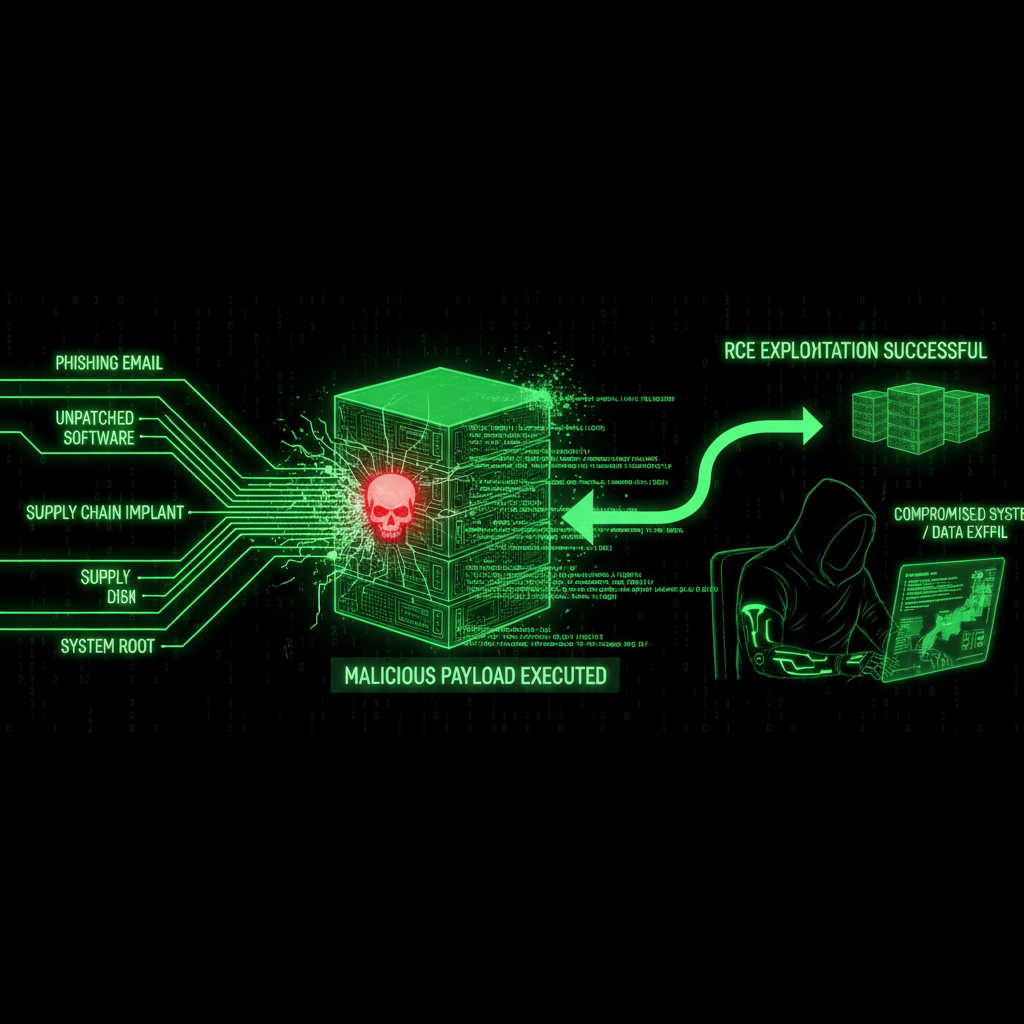
An attacker can exploit this vulnerability by sending a malicious AJAX request to your WordPress site. Here's how it works:
Step 1: Identify Vulnerable Sites
Attackers use automated scanners to identify WordPress sites running ACF Extended. They check for:
- Plugin directory presence (
/wp-content/plugins/acf-extended/) - Plugin version numbers (vulnerable versions: 0.9.0.5 through 0.9.1.1)
- AJAX endpoint availability
Step 2: Craft Malicious Request
The attacker sends a POST request to /wp-admin/admin-ajax.php with malicious payload:
POST /wp-admin/admin-ajax.php
Content-Type: application/x-www-form-urlencoded

action=system&data[]=rm+-rf+/var/www/*
This request tells the vulnerable code to execute the system() function with the command rm -rf /var/www/*, which would delete all files in the web directory.
Step 3: Execute Arbitrary Code
Once the malicious request is processed, the vulnerable code executes the attacker's command. Attackers commonly use this to:
- Create backdoor files for persistent access
- Create new administrative user accounts
- Steal database credentials and sensitive data
- Install malware or cryptocurrency miners
- Modify or delete website files
Impact on WordPress Sites
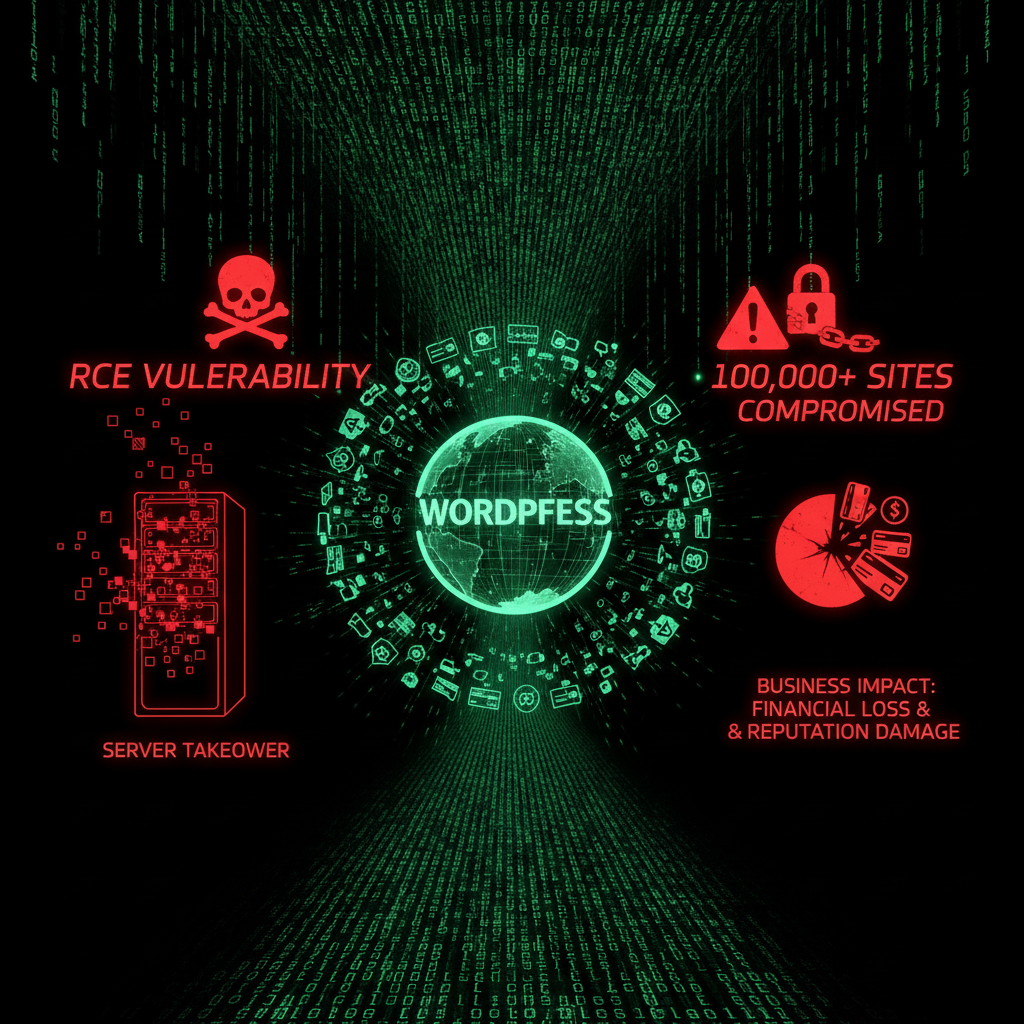
When successfully exploited, CVE-2025-13486 can lead to complete server compromise. Here's what attackers can do:
Immediate Impact
- File system access: Read, modify, or delete any file on your server
- Database access: Steal, modify, or delete your database contents
- Backdoor installation: Create persistent access that survives plugin updates
- Malware injection: Inject malicious code into your site files
- Server abuse: Use your server to attack other sites or mine cryptocurrency
Business Impact
According to IBM's 2025 Cost of a Data Breach Report, the average cost of a small business data breach is $8,700. But the real costs go beyond direct financial losses:
- Downtime costs: €600-€2,000 per hour for small businesses
- Lost revenue: 3-7 days of downtime while site is compromised and cleaned
- Reputation damage: Customer trust erodes when sites are compromised
- SEO penalties: Google may flag or remove compromised sites from search results
- Legal liability: GDPR violations can result in fines up to €20 million or 4% of annual revenue
The Scale of the Threat
With 100,000 sites potentially affected, the scale of this vulnerability is massive:
- If 10% are compromised: 10,000 hacked sites
- If each cleanup costs €500: €5 million in cleanup costs
- If each site loses 3 days of revenue: 30,000 days of downtime
This is not a small vulnerability. This is a mass casualty event waiting to happen.
How to Check If You're Vulnerable
Do you use Advanced Custom Fields: Extended? Here's how to check:
- Log into your WordPress admin dashboard
- Navigate to Plugins → Installed Plugins
- Look for "Advanced Custom Fields: Extended" or "ACF Extended"
- Check the version number displayed under the plugin name
If your version is 0.9.0.5, 0.9.0.6, 0.9.0.7, 0.9.0.8, 0.9.0.9, 0.9.1.0, or 0.9.1.1, you are vulnerable.
If your version is 0.9.2 or later, you are protected.
Signs of Compromise
If you haven't updated since the vulnerability was disclosed, check for these signs of compromise:
- Unknown admin users: Check Users → All Users for unfamiliar administrator accounts
- Modified files: Files changed without your knowledge, especially in
wp-content/plugins/acf-extended/ - Suspicious files: Unknown PHP files in your root directory or wp-content folder
- Database changes: Unusual entries in wp_options or other database tables
- Server activity: Unexpected CPU or memory usage spikes
- Traffic anomalies: Unexpected traffic spikes or patterns in your analytics
- Google warnings: Security warnings in Google Search Console
If you suspect your site has been compromised, don't attempt cleanup alone. Contact a professional security service immediately. Our security audit service can identify compromises and help restore your site.
Immediate Protection Steps
If you're vulnerable, take these steps immediately:
1. Update Immediately (Critical)
Update ACF Extended to version 0.9.2 or later. This is the most important step.
- Go to Plugins → Installed Plugins
- Find "Advanced Custom Fields: Extended"
- Click Update Now if an update is available
- If no update appears, check if auto-updates are disabled
Do not delay. Every minute you wait is another opportunity for an attacker to exploit your site.
2. Enable Wordfence Firewall (Temporary Protection)
If you can't update immediately, install and update Wordfence. Wordfence released firewall rules to block this exploit within 24 hours of disclosure.
- Install Wordfence Security plugin if you don't have it
- Update Wordfence to the latest version to get firewall rules
- Firewall rules provide immediate protection while you prepare the update
Important: Firewall rules are temporary protection. You still need to update the plugin as soon as possible.
3. Check for Compromise
After updating, conduct a thorough security audit:
- Review all administrator user accounts
- Check file modification dates for suspicious changes
- Scan for malware using Wordfence or Sucuri
- Review database for unauthorized entries
- Check server logs for suspicious activity
4. Enable Automatic Updates
Don't wait 24 hours to update critical security patches. Enable automatic updates for security plugins, or use our maintenance service—we update security patches within hours of release. Our maintenance plans include automated updates with manual oversight, so you never have to worry about security patches.
5. Regular Security Audits
Don't wait for vulnerabilities to be discovered. Our security audit service performs comprehensive security checks to identify vulnerabilities before attackers exploit them. Regular audits help prevent breaches and protect your business.
Technical Deep Dive: Understanding the Vulnerability
To understand why this vulnerability is so dangerous, let's examine how it works at a technical level.
What Is Remote Code Execution?
Remote Code Execution (RCE) vulnerabilities are among the most severe security flaws. They allow attackers to execute arbitrary code on your server:
- Arbitrary code: Attackers can run any PHP code they want
- Server control: Complete control over your server and files
- No authentication: In this case, no login required
- Persistent access: Attackers can install backdoors for future access
How RCE Differs from Other Vulnerabilities
| Vulnerability Type | Severity | Impact |
|---|---|---|
| XSS (Cross-Site Scripting) | Medium-High | User data theft, session hijacking |
| SQL Injection | High | Database access, data theft |
| RCE (Remote Code Execution) | Critical | Complete server control, total compromise |
| Authentication Bypass | High | Unauthorized access, privilege escalation |
The Vulnerable Code Pattern
The ACF Extended vulnerability follows a dangerous pattern that's common in insecure code:
// Vulnerable code in prepare_form() function
$action = $_POST['action'];  // User input, no validation
$data = $_POST['data'];      // User input, no sanitization

// Direct execution without checks
call_user_func_array($action, $data);
Why this is dangerous:
- User input is trusted without validation
- No whitelist restricts which functions can be called
- Attackers can call any PHP function, including dangerous ones like
system(),exec(),eval(),file_get_contents(), andfile_put_contents()
How the Patch Fixes It
Version 0.9.2 removes the vulnerable code path entirely. The patch eliminates the unsafe use of call_user_func_array() with user input, replacing it with proper validation and sanitization.
Secure code pattern:
// Secure code (after patch)
// Validate and sanitize all user input
$action = sanitize_text_field($_POST['action']);

// Whitelist of allowed actions
$allowed_actions = ['save_form', 'load_form', 'validate_form'];

// Only execute if action is in whitelist
if (in_array($action, $allowed_actions)) {
    // Safe execution with validated input
    call_user_func($action, $sanitized_data);
} else {
    // Reject unauthorized actions
    wp_die('Unauthorized action');
}
Real-World Consequences of Exploitation

Let's examine what happens when attackers successfully exploit this vulnerability. But first, let me tell you about a website we just cleaned—a real case study that shows exactly why this vulnerability matters.
A Real Case Study: Full Database Leak Through ACF Extended
⚠️ Real Story: We Just Cleaned a Site Compromised Through This Exact Vulnerability
We just finished cleaning a website that was compromised through this exact vulnerability. The attackers had full database access. Everything was leaked. This is what happens when you don't know what's running on your site.
Here's what happened:
The Setup: A business owner had their WordPress website built by a developer years ago. The developer moved on, and the owner had no idea what plugins were running on their site. They didn't know about ACF Extended. They didn't know about licenses. They didn't know about updates.
The Attack: Attackers exploited CVE-2025-13486 in ACF Extended. They gained full remote code execution access. They didn't just deface the site or install malware—they had complete database access.
The Damage: The entire database was leaked. Customer information, email addresses, passwords (hashed, but still), order history, personal data—everything. The attackers had full access to the database and could read, modify, or delete anything.
The Reality: This is what happens when:
- Your WordPress website is built by someone else, and you have no idea what it's running
- The chances are super high you don't know if you have all licenses or don't
- You don't do updates because you don't know what needs updating
- You have no idea what plugins are installed or which ones are vulnerable
The Result: Website hacked. Information leaked. Full database access. Complete compromise.
The Solution: We cleaned it. We secured it. We restored it. But more importantly, we're now maintaining it so this doesn't happen again.
This is why we write about vulnerabilities like this. This is why maintenance matters. This is why you need to know what's running on your website.
If you have a WordPress website built by someone and you have no idea what it's running on—and the chances of this are super high—then you also have no idea if you have all licenses or don't. And you're sure not doing updates because you don't know what to update. Then this is the result: website hacked, information leaked.
But there is a solution. We are the solution.
Our maintenance plans handle all of this for you. We know what plugins you're running. We know which ones need updates. We know which ones are vulnerable. We update them. We secure them. We monitor them. We protect you.
Now, let's examine other real-world consequences:
Example 1: Website Defacement
The Attack: Attacker exploits vulnerability to inject defacement code
The Method: Uses RCE to modify index.php with malicious content
The Impact: Site displays attacker's message, visitors see defacement
The Cost: Reputation damage, SEO penalties, customer loss
Example 2: Data Theft
The Attack: Attacker uses RCE to access database
The Method: Executes code to dump database contents
The Impact: Customer data stolen, GDPR violations, legal liability
The Cost: €20,000+ in fines, legal fees, reputation damage
Example 3: Cryptocurrency Mining
The Attack: Attacker installs cryptocurrency miner
The Method: Uses RCE to download and execute mining software
The Impact: Server resources consumed, site slows down, hosting costs increase
The Cost: €500-€2,000 in increased hosting costs, performance degradation
Example 4: Backdoor Installation
The Attack: Attacker creates persistent backdoor
The Method: Uses RCE to create hidden PHP file with remote access
The Impact: Attacker maintains access even after plugin update
The Cost: Ongoing security risk, potential for future attacks
Prevention Strategies for Future Vulnerabilities
Preventing RCE vulnerabilities requires multiple layers of defense:
1. Input Validation and Sanitization
- Validate all user input before processing
- Sanitize data before storing or using
- Use whitelists instead of blacklists
- Escape output to prevent injection
2. Principle of Least Privilege
- Limit function execution to necessary operations
- Restrict file system access
- Limit database permissions
- Use secure coding practices
3. Security Monitoring
- Monitor for suspicious activity
- Track file changes
- Monitor database modifications
- Alert on security events
4. Regular Security Audits
- Code reviews for security flaws
- Penetration testing
- Vulnerability scanning
- Security assessments
Our security audit service provides comprehensive security assessments to identify vulnerabilities before attackers exploit them.
Frequently Asked Questions
What versions of ACF Extended are affected?
Versions 0.9.0.5 through 0.9.1.1 of Advanced Custom Fields: Extended are vulnerable. If you're running any version in this range, you need to update to version 0.9.2 or later immediately. The vulnerability was patched in version 0.9.2, which removes the unsafe code path that allowed remote code execution.
Is authentication required to exploit this vulnerability?
No, the RCE can be triggered by unauthenticated attackers. This makes it particularly dangerous because anyone can exploit it—they don't need to log in or have any special permissions. According to security research, unauthenticated vulnerabilities are exploited 3x faster than authenticated ones because they're easier to weaponize.
What damage can an attacker do if they exploit this vulnerability?
An attacker can achieve full site compromise, including creating admin users, uploading webshells, executing arbitrary PHP code, stealing data, modifying files, and using your server for malicious purposes. This is complete server compromise, not just a minor breach. Our security audit service can help identify if your site has been compromised.
How do I know if my site is vulnerable?
Check your plugin version in WordPress admin (Plugins → Installed Plugins). If ACF Extended is version 0.9.0.5 through 0.9.1.1, you're vulnerable. Also monitor for suspicious admin user creation, unexpected file modifications, or unusual server activity. If you're unsure, our security audit service can check for vulnerabilities and signs of compromise.
Has this vulnerability been exploited in the wild?
Yes, security firms detected active exploitation attempts within 48 hours of the vulnerability being disclosed. While widespread exploitation hasn't been confirmed publicly, the risk is extremely high due to the severity and ease of exploitation. Over 100,000 sites are potentially vulnerable, making this a high-value target for attackers.
How quickly should I update?
Immediately. This is a critical security vulnerability that's being actively exploited. Don't wait—update to version 0.9.2 or later right now. If you can't update immediately, at least enable Wordfence firewall rules that block this exploit. Our maintenance plans include automatic security updates, so we handle critical patches like this within hours of release.
What if I can't update right away?
If you can't update immediately, enable Wordfence firewall rules that block this exploit. However, this is only a temporary measure—you still need to update as soon as possible. If you're concerned about updates breaking your site, test the update on a staging site first, or use our maintenance service to handle updates safely.
How can I prevent future vulnerabilities like this?
Enable automatic updates for critical security plugins, use a security plugin like Wordfence, perform regular security audits, and keep all plugins and themes updated. Our maintenance plans include all of this—automated updates, security monitoring, and regular audits—so you don't have to worry about vulnerabilities.
What is the CVSS score and what does it mean?
CVE-2025-13486 received a CVSS v3.1 score of 9.8 out of 10, which is classified as "Critical." This score indicates the highest severity level. The score reflects that the vulnerability is remotely exploitable, requires no authentication, has low attack complexity, and can lead to complete system compromise (confidentiality, integrity, and availability all affected at the highest level).
✅ You Can Protect Yourself. Here's How.
You have the power to prevent this from happening to your site. Update immediately, enable security monitoring, and let us handle the rest. Our maintenance plans include 24/7 security monitoring and automatic updates, so you never have to worry about vulnerabilities like this.
The Verdict
Advanced Custom Fields: Extended has a critical RCE vulnerability affecting over 100,000 WordPress sites. CVE-2025-13486 allows unauthenticated attackers to execute arbitrary code on your server, leading to complete site compromise.
If you use ACF Extended and haven't updated to version 0.9.2+, your site is vulnerable. Right now. As you read this.
But here's the real problem: If you have a WordPress website built by someone else, and you have no idea what it's running on—and the chances of this are super high—then you also have no idea if you have all licenses or don't. And you're sure not doing updates because you don't know what to update.
Then this is the result: website hacked. Information leaked. Full database access. Complete compromise.
We just cleaned a website that was compromised through this exact vulnerability. The attackers had full database access. Everything was leaked. This is what happens when you don't know what's running on your site.
But there is a solution. We are the solution.
We know what plugins you're running. We know which ones need updates. We know which ones are vulnerable. We update them. We secure them. We monitor them. We protect you.
Our maintenance plans handle all of this for you. We monitor for these vulnerabilities. We update within hours. We block the attacks. We keep you safe. 24/7 security monitoring and automatic updates, so you never have to worry about vulnerabilities like this.
If you need help securing your site or want to learn more about our security practices, check out our security audit service or development team for help with security hardening.
100,000 doors. One key. Don't let hackers use it. Let us protect you instead.
Why We Write About WordPress Plugin Vulnerabilities (And Why It Matters for Your Website)
You might be wondering: "Why is a website maintenance company writing about WordPress plugin vulnerabilities? This is directly about WordPress, but why do you cover every single vulnerability?"
Because every vulnerability matters. Here's why:
When we give you a heads-up about critical security issues like the ACF Extended RCE vulnerability, we're not just being helpful—we're protecting your privacy and saving all of us time. Here's the reality:
- Your WordPress plugin passwords are valuable to hackers. If your plugin ecosystem gets compromised through a plugin vulnerability, attackers don't just steal your personal data—they steal your website passwords, your hosting credentials, your FTP access, and your database passwords. Suddenly, your website is compromised not because of a WordPress core vulnerability, but because your plugin ecosystem was exploited.
- An educated client is easier to serve. When you understand security threats, we speak the same language. You know why we recommend certain security measures. You understand why we push for updates. You see the bigger picture—that website security isn't just about plugins and themes, it's about the entire digital ecosystem you operate in.
- Prevention saves everyone time. If you get hacked because of a plugin vulnerability, we have to clean up the mess. That takes time—your time dealing with the breach, our time cleaning and securing your site. By giving you a heads-up about critical issues like this, we're preventing problems before they happen. It's proactive maintenance, not reactive cleanup.
- Your security is our peace of mind. We sleep better knowing our clients are protected. When you're secure, your website is secure. When your website is secure, we don't have to spend hours cleaning up malware, restoring backups, or dealing with blacklist removals. Everyone wins.
This is why we write about WordPress plugin vulnerabilities and other security issues that affect your website. They're not unrelated—they're part of the same security ecosystem. Your WordPress plugins is a gateway to your website. Your email is a gateway to your hosting account. Your operating system is the foundation everything runs on.
We're not just maintaining your website. We're maintaining your entire digital presence. And that starts with keeping you informed about threats that could compromise everything.
So when you see us writing about a plugin vulnerability or a framework exploit, remember: we're protecting your website by protecting you. Because in the end, your security is our security. Your peace of mind is our peace of mind. And an educated client who understands the threats? That's a client we can serve better, faster, and more effectively.
