

🚨 Breaking: 100,000 WordPress sites can be hacked right now. A single plugin vulnerability gives attackers admin access. Check if you're vulnerable before it's too late.
January 2026. While you're reading this, hackers are scanning for vulnerable WordPress sites. They're looking for one thing: Advanced Custom Fields: Extended.
This popular WordPress plugin—installed on over 100,000 sites—has a critical security flaw. Attackers can exploit it to gain administrator access. No password needed. No authentication required.
Wordfence, a leading WordPress security company, disclosed the vulnerability after plugin developers released a patch. But here's the problem: most sites haven't updated yet.
What Happened?
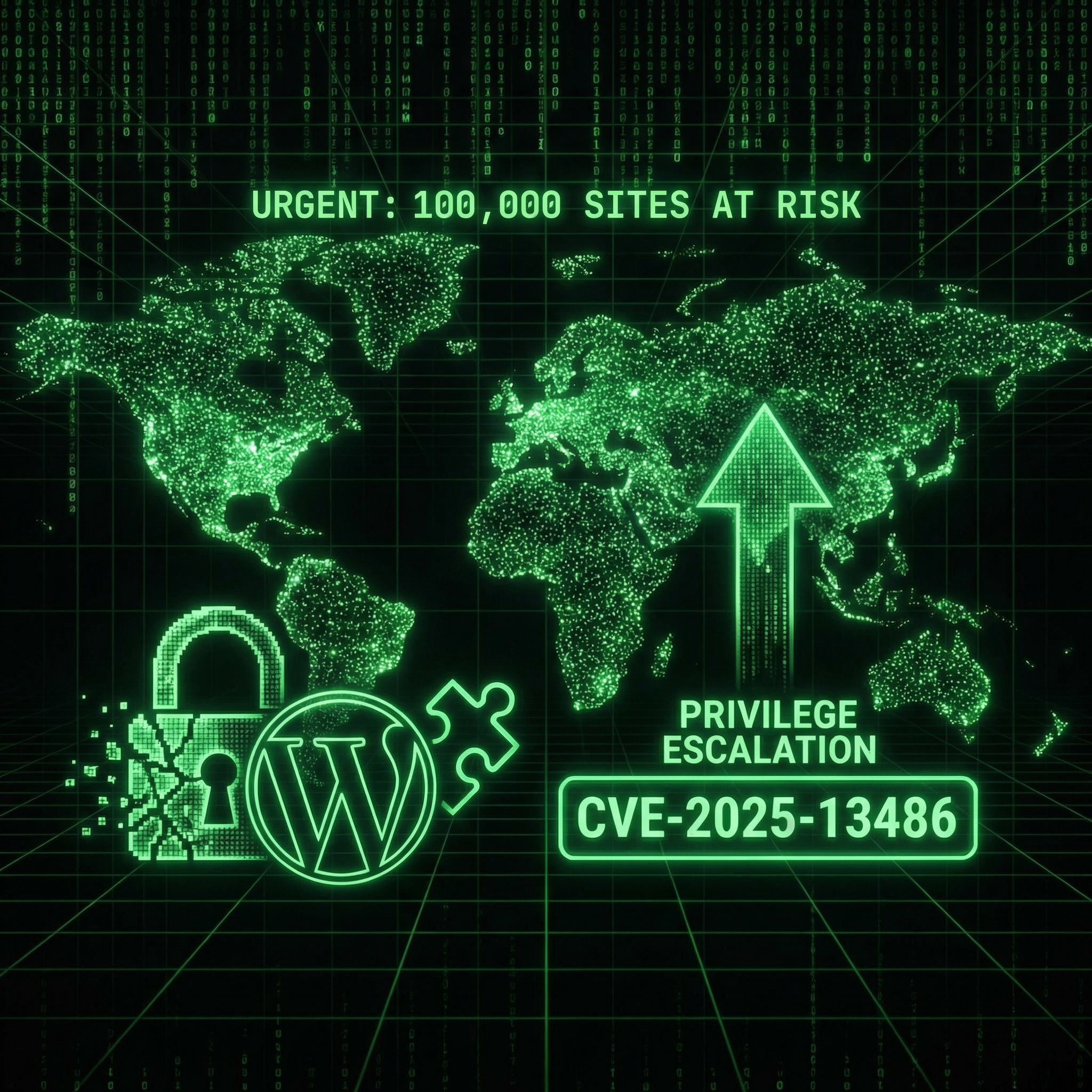
ACF Extended Vulnerability (CVE-2025-13486): A critical privilege escalation flaw in Advanced Custom Fields: Extended allows unauthenticated attackers to gain administrator access on 100,000+ WordPress sites. Affected sites can be completely compromised—attackers can install malware, steal data, or delete everything. Update immediately or switch to free alternatives.
Advanced Custom Fields: Extended (ACF Extended) is a powerful WordPress plugin that extends the popular ACF plugin. Developers use it to create custom fields, forms, and admin interfaces without coding.
The vulnerability: A privilege escalation flaw that allows unauthenticated attackers to escalate their privileges to administrator level.
What this means: Anyone can become an admin on your site. No login. No password. Just send the right request to your site, and they're in.
Who's affected: Over 100,000 WordPress sites running vulnerable versions of ACF Extended.
How Bad Is It?
This is a critical vulnerability. Once attackers have admin access, they can:
- Install malware: Upload malicious plugins or themes
- Create backdoors: Set up persistent access that survives updates
- Steal data: Export your database, customer information, everything
- Modify content: Inject spam, phishing links, or redirect traffic
- Delete everything: Wipe your entire site if they want
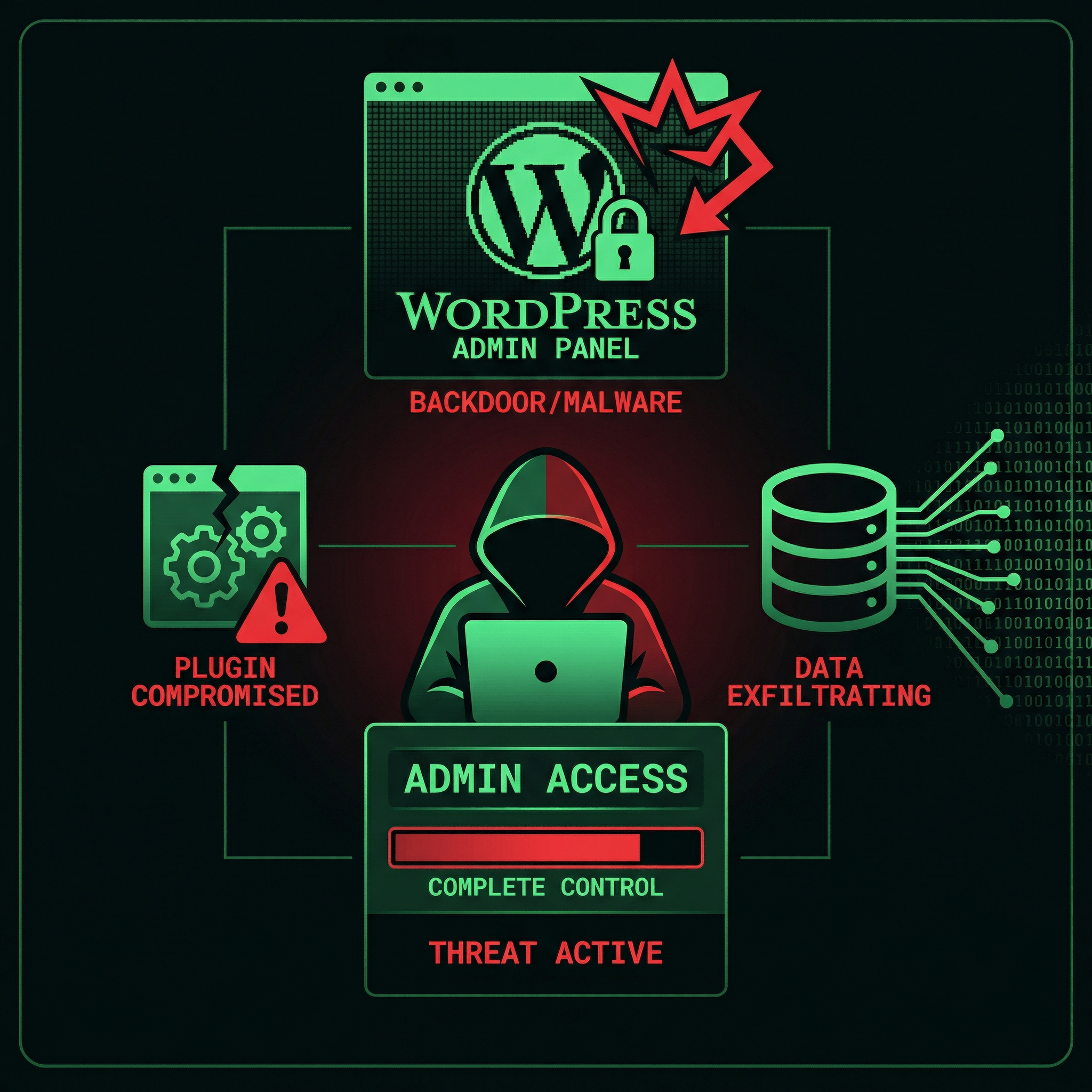
Admin access means complete control. Attackers can do anything you can do—and more.
⚠️ Real Story: We Just Cleaned a Site Compromised Through ACF Extended
Last week, we cleaned a WordPress site that was hacked through an ACF Extended vulnerability. The attacker created a new admin account, installed a backdoor plugin, and exfiltrated the entire customer database. The site owner had no idea the plugin was even installed—it came with their theme.
Are You Vulnerable?
Here's how to check if your site is at risk:
Step 1: Check If You Have ACF Extended
- Log into your WordPress admin dashboard
- Go to Plugins → Installed Plugins
- Look for "Advanced Custom Fields: Extended" or "ACF Extended"
- Check the version number
If you see ACF Extended, check the version.
Step 2: Check Your Version
Vulnerable versions: All versions before the latest patched release.
Safe versions: The latest version (released January 2026) with the security patch.
If you're not sure, assume you're vulnerable. Better safe than hacked.
What If You Don't See ACF Extended?
Don't assume you're safe. Sometimes plugins are:
- Hidden by themes: Bundled with premium themes you installed
- Installed by developers: Added by previous developers and forgotten
- Required by other plugins: Installed as a dependency
If you're not 100% sure what's running on your site, get a security audit.
What to Do Right Now
1. Update Immediately (Critical)
If you have ACF Extended, update it now. Not tomorrow. Not next week. Now.
- Go to Plugins → Installed Plugins
- Find "Advanced Custom Fields: Extended"
- Click Update Now
- Wait for the update to complete
- Test your site to make sure everything works
Don't wait. Every minute your site stays vulnerable is another chance for attackers to exploit it.
2. Check for Compromise
Even if you just updated, attackers may have already exploited the vulnerability. Check for:
- Unknown admin accounts: Go to Users → All Users and look for unfamiliar administrators
- Suspicious plugins: Check Plugins for anything you didn't install
- Modified files: Look for recently changed files in your WordPress installation
- Unusual activity: Check your server logs for suspicious requests
If you find anything suspicious, contact us immediately. Don't try to clean it yourself—attackers often leave multiple backdoors.
3. Enable Security Monitoring
Install a security plugin like Wordfence or Sucuri to:
- Monitor for malware and suspicious activity
- Block known attack patterns
- Alert you to security issues
- Provide firewall protection
Or better yet, let us handle it. Our maintenance plans include 24/7 security monitoring and automatic updates.
Why This Matters
This isn't just another WordPress plugin vulnerability. This is a privilege escalation flaw in a plugin used by over 100,000 sites.
The scale: If 10% of those sites get hacked, that's 10,000 compromised websites.
The cost: Each cleanup costs €500-€2,000. That's €5-€20 million in total damage.
The impact: Stolen customer data, destroyed businesses, lawsuits, GDPR fines, reputation damage.
And it's all preventable with a simple update.
The Bigger Problem: Bundled Plugins and Expired Licenses
Here's the real story behind this vulnerability: ACF Extended is a paid plugin, but most people using it don't have valid licenses.
Here's what happens:
Scenario 1: Theme Bundles
You bought a premium WordPress theme. The theme developer bundled ACF Extended with the theme. You installed the theme. ACF Extended came along for the ride.
You never bought ACF Extended. You never got a license key. You have no way to update it.
The theme developer's ACF Extended license doesn't transfer to you. Their license lets them bundle it in their theme, but it doesn't give you update access. You're stuck with whatever version came with the theme.
Scenario 2: Developer Installed It
A developer built your site years ago. They installed ACF Extended using their license key (or a pirated version). They moved on. You don't have their license. You can't get updates.
Even if you know it needs updating, you can't update it without a license.
Scenario 3: Expired Licenses
Maybe you did buy ACF Extended. But the annual license expired. You forgot to renew. Updates stopped coming. You're running an outdated version.
No license renewal = no security updates.
Why This Makes the Vulnerability Worse
This licensing model creates a perfect storm:
- Can't update: No license = no updates, even if you want them
- Don't know it exists: Bundled with themes, hidden in the background
- Don't know it needs a license: Came with theme, assumed it was included
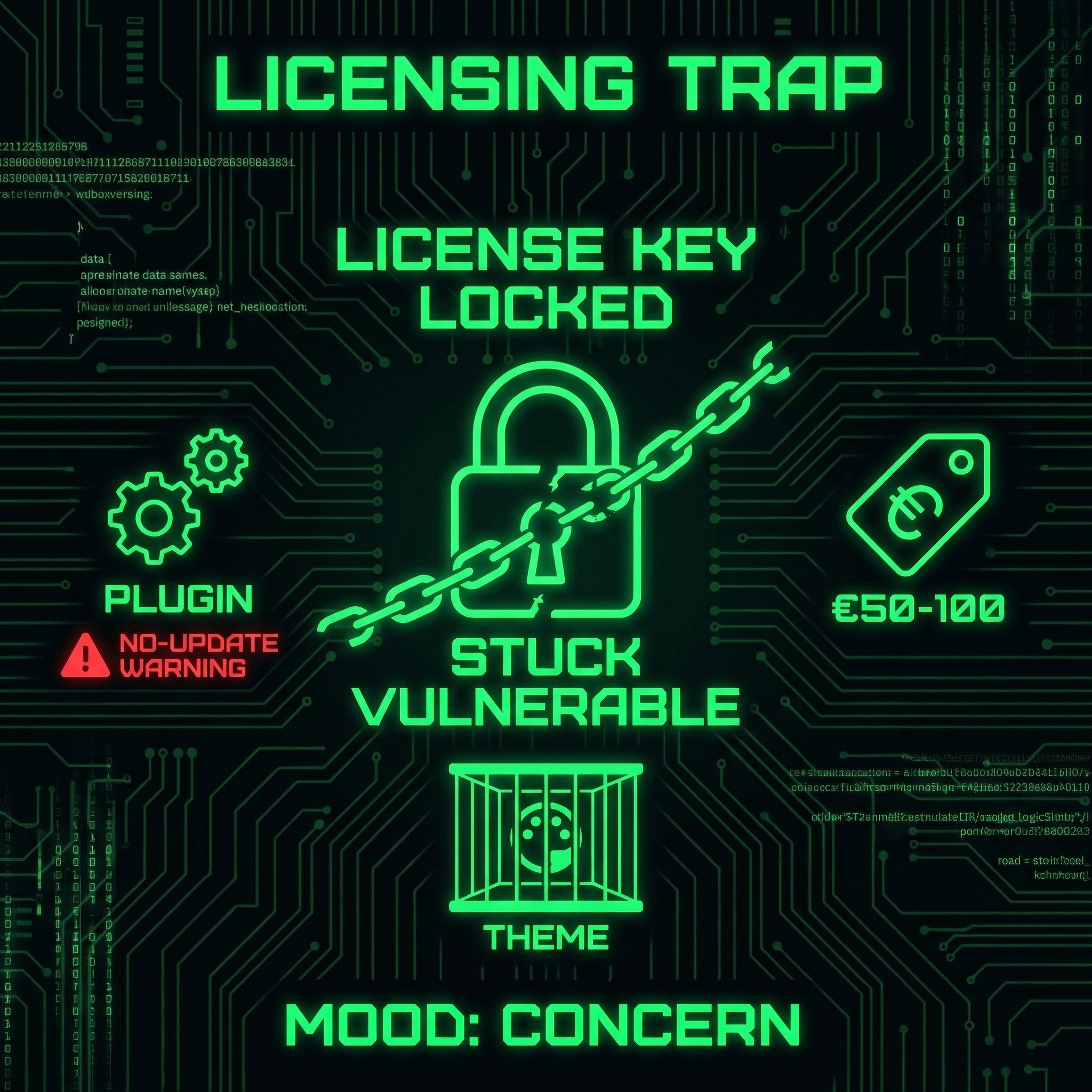
- Can't afford to renew: €50-100/year for a plugin you didn't know you needed
- Stuck with vulnerable version: Can't update, can't remove (site might break)
This is why 100,000 sites are still vulnerable. It's not just laziness. It's not just ignorance. It's a systemic problem created by the licensing model combined with theme bundling.
⚠️ The Trap: You Can't Update Without Paying
If your theme came with ACF Extended, you probably can't update it without buying a license. But you didn't know you needed one. You didn't budget for it. And now you're stuck with a critical security vulnerability and no clear path to fix it—except paying €50-100 for a plugin you never chose to install.
What Most Site Owners Don't Know
Here's what really concerns us: Most WordPress site owners have no idea what plugins are running on their sites.
If your site was built by someone else or uses a premium theme:
- You don't know what plugins are installed
- You don't know which ones were bundled with your theme
- You don't know which ones need licenses to update
- You don't know if licenses have expired
- You don't know which plugins can't be updated without paying
- You have no idea if you're vulnerable
This is how sites get hacked.
You can't protect what you don't know about. You can't update what you don't have a license for. You can't patch vulnerabilities in plugins you never chose to install.
Frequently Asked Questions
What is ACF Extended?
Advanced Custom Fields: Extended is a WordPress plugin that extends the popular Advanced Custom Fields plugin. It adds extra features like enhanced field types, form builders, and admin interface improvements. Developers use it to create custom functionality without writing code.
Do I need ACF Extended if I have ACF?
No, ACF Extended is optional. Advanced Custom Fields (ACF) is the base plugin. ACF Extended adds extra features but isn't required. If you don't need the extended features, you don't need ACF Extended. Check your plugins list to see what you have installed.
Is the original ACF plugin affected?
No, this vulnerability only affects ACF Extended, not the original Advanced Custom Fields plugin. If you only have ACF installed (without Extended), you're not affected by this specific vulnerability. However, you should still keep ACF updated for other security reasons.
How do hackers exploit this vulnerability?
The vulnerability allows unauthenticated attackers to escalate their privileges to administrator level through a specific request to the vulnerable plugin. Once they have admin access, they can do anything an administrator can do—install plugins, modify content, access the database, create backdoors, or delete everything.
What should I do if my site was already hacked?
Contact a professional immediately. Don't try to clean it yourself—attackers often install multiple backdoors. Our malware removal service includes complete cleanup, backdoor removal, security hardening, and monitoring to prevent reinfection. We guarantee cleanup or you get a refund.
How can I prevent this in the future?
Enable automatic updates for security plugins, use a security plugin like Wordfence, perform regular security audits, and keep all plugins and themes updated. Better yet, use our maintenance service—we handle updates, security monitoring, and vulnerability patching automatically, so you never have to worry about vulnerabilities like this.
What if ACF Extended came bundled with my theme and I don't have a license?
This is the most common scenario—and the most problematic. If your theme bundled ACF Extended, you likely can't update it without buying a license (€50-100/year). Our recommendation: Don't pay for the license. Switch to a free alternative instead. We can migrate you to Secure Custom Fields (the WordPress.org fork), Meta Box, or Pods—all offer the same functionality without the licensing trap. Our development team can handle the migration so your site keeps working without paying for a plugin you never chose to install.
Can I just delete ACF Extended if I don't have a license?
Not without breaking your site. If your theme or other plugins depend on ACF Extended, deleting it will break custom fields and potentially crash your site. You need to migrate to an alternative first, then safely remove ACF Extended. This requires testing and careful planning. We can handle this migration for you—we've done it dozens of times. Contact us for a free consultation about switching to a safer alternative.
✅ You Can Protect Yourself. Here's How.
Update ACF Extended now. Check for compromise. Enable security monitoring. Or let us handle everything—our maintenance plans include automatic updates, 24/7 security monitoring, and professional support. You focus on your business. We'll protect your site.
Time to Move On: ACF Extended's Troubled Security History
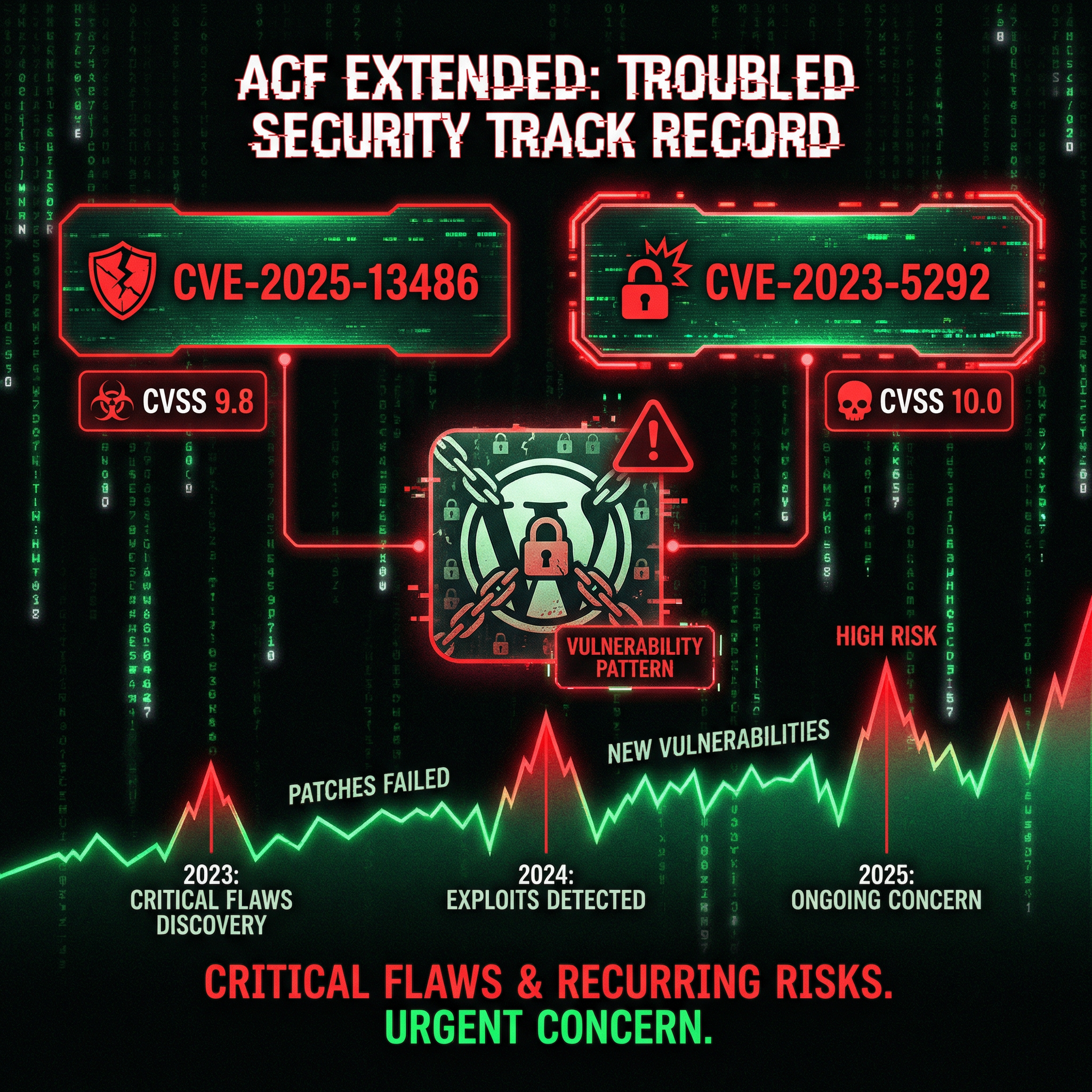
This isn't the first time ACF Extended has had critical security issues. And it won't be the last.
The security track record is concerning:
- CVE-2025-13486 (January 2026): Privilege escalation vulnerability—this vulnerability (CVSS 9.8)
- CVE-2025-13486 RCE (November 2025): Unauthenticated Remote Code Execution (CVSS 10.0 - Critical) - See our detailed analysis of this RCE vulnerability
- CVE-2023-5292 (2023): Stored Cross-Site Scripting via acfe_form shortcode
- Multiple other vulnerabilities over the past 3 years
This is a pattern, not an accident.
When a plugin has this many critical security issues—especially unauthenticated vulnerabilities—it's time to question whether it's worth the risk.
⚠️ Our Recommendation: It's Time to Switch
We've cleaned too many sites compromised through ACF Extended vulnerabilities. The plugin has shown a consistent pattern of critical security flaws. Even the original ACF plugin (which ACF Extended forked from) has significantly fewer security issues. It's time to move to a safer alternative.
Safer Alternatives to ACF Extended
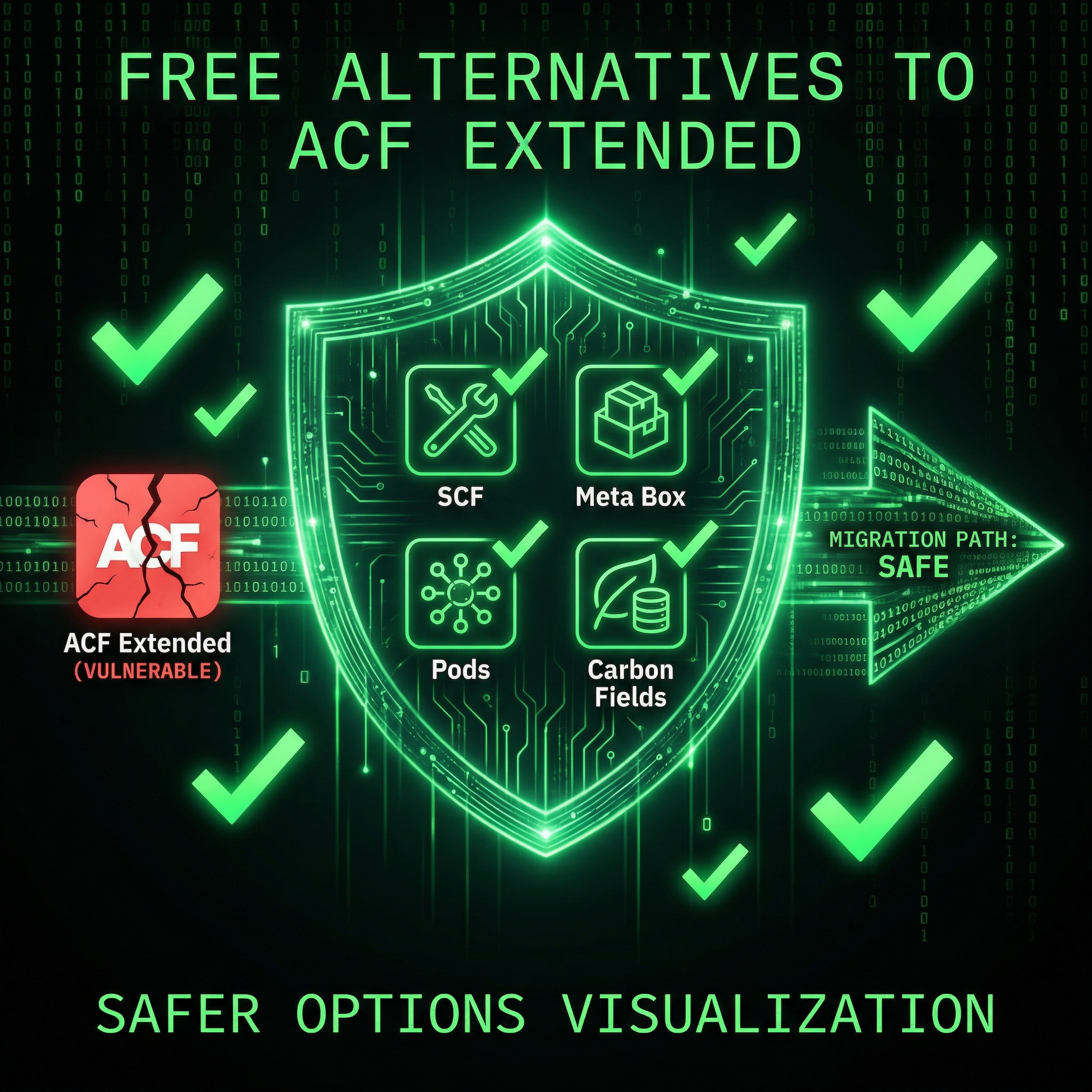
There are several excellent alternatives that offer the same features with better security track records:
1. Secure Custom Fields (SCF) — The WordPress.org Fork
Best for: ACF users wanting a safer, officially supported option
In October 2024, WordPress.org took over the ACF plugin and created "Secure Custom Fields" (SCF)—a security-focused fork with upselling removed and better security practices. This gives you ACF functionality without the security risks of ACF Extended.
- ✅ Officially maintained by WordPress.org
- ✅ Security-focused development
- ✅ No upselling or commercial pressure
- ✅ Free and open source
2. Meta Box
Best for: Developers and power users who want flexibility
Meta Box offers 40+ field types, custom tables for better performance, conditional logic, and strong integration with page builders. It's modular, well-maintained, and has a solid security track record.
- ✅ Better performance (custom database tables)
- ✅ Modular extensions (only install what you need)
- ✅ Strong documentation
- 💰 Freemium (core free, advanced features paid)
3. Pods Framework
Best for: Non-coders who need full content control
Pods is a free, open-source alternative that handles custom post types, taxonomies, relationships, and repeaters. It integrates well with Gutenberg and page builders, and has a strong community.
- ✅ Completely free for most use cases
- ✅ User-friendly interface
- ✅ Active community support
- ✅ Good Gutenberg integration
4. Carbon Fields
Best for: Developers who want a lightweight, code-first solution
Carbon Fields is a lean, developer-friendly library with minimal overhead. It's perfect for performance-critical sites where you want complete control through code.
- ✅ Minimal performance impact
- ✅ Code-first approach
- ✅ Free and open source
- ⚠️ Requires PHP knowledge
5. JetEngine (Crocoblock)
Best for: Elementor users and no-code builders
JetEngine is part of the Crocoblock ecosystem and integrates seamlessly with Elementor. It includes custom post types, meta fields, dynamic listings, query builder, and front-end forms.
- ✅ Perfect Elementor integration
- ✅ Visual query builder
- ✅ Advanced front-end forms
- 💰 Paid (starts at $43/year/site)
Even Original ACF Has Fewer Security Issues
Here's the thing: Even the original Advanced Custom Fields plugin has significantly fewer critical security vulnerabilities than ACF Extended.
ACF (the base plugin) has had some security issues (CVE-2024-45429 XSS, CVE-2024-9529 code injection, CVE-2024-4565 access control), but they're typically:
- Lower severity: Medium-risk XSS issues, not critical RCE
- Require authentication: Most require admin or elevated privileges
- Patched quickly: Issues are addressed promptly
- Less frequent: Not the consistent pattern we see with ACF Extended
ACF Extended's track record is worse. Multiple critical, unauthenticated vulnerabilities over a short period. This suggests fundamental security problems in how the plugin is developed.
Migration Is Easier (and Cheaper) Than You Think
Here's the math: ACF Extended costs €50-100/year for a license. That's €500-1,000 over 10 years. For a plugin you never chose to install.
Or you can migrate to a free alternative once and never pay again.
Moving away from ACF Extended doesn't mean losing your custom fields. Most alternatives offer migration tools or compatibility layers:
- Secure Custom Fields (SCF): Direct drop-in replacement for ACF—completely free, no license needed
- Meta Box: Offers ACF import functionality—free core version available
- Pods: Can import ACF field groups—100% free and open source
- Carbon Fields: Code-based alternative—completely free
- Professional migration: One-time cost, saves years of license fees
Migration pays for itself. Instead of paying €50-100/year forever, you pay once for professional migration and use a free alternative. You save money every year after that.
Our development team has migrated dozens of sites away from vulnerable plugins and expensive licenses. We can help you switch to a safer, free alternative without losing any data or functionality.
Stop paying annual fees for a plugin you never wanted. Switch to a free alternative instead.
The Verdict
100,000 WordPress sites are vulnerable. Attackers can gain admin access without authentication. The fix exists—but updating isn't enough.
ACF Extended has a pattern of critical security vulnerabilities. This isn't a one-time issue. This is the third major vulnerability in less than 3 years. Each one critical. Each one exploitable.
Even the original ACF plugin has fewer security issues. The WordPress.org fork (Secure Custom Fields) is safer. Meta Box is safer. Pods is safer. Carbon Fields is safer.
It's time to stop using ACF Extended.
But here's the bigger problem: most site owners don't know they have ACF Extended installed. They don't know what version they're running. They don't know if they've been hacked. They don't know they should switch.
You can't protect what you don't know about. You can't migrate away from a plugin you don't know you have.
If you had your WordPress site built by someone else, there's a high chance you have no idea what's running on it. No idea if licenses are valid. No idea if updates are being done. No idea if vulnerable plugins are installed. No idea which plugins have security issues.
This is how sites get hacked. This is how businesses get destroyed. This is how customer data gets leaked.
But there's a solution: We are the solution.
Our maintenance plans include:
- Complete plugin inventory (we know what's running)
- Automatic security updates (we patch vulnerabilities within hours)
- Plugin security audits (we identify vulnerable plugins)
- Migration assistance (we help you switch to safer alternatives)
- 24/7 security monitoring (we catch attacks before they succeed)
- Professional support (we're always here when you need us)
We monitor for vulnerabilities like this. We update within hours of disclosure. We identify vulnerable plugins and recommend safer alternatives. We help you migrate away from risky plugins. We protect you before hackers even know about the vulnerability.
If you're still using ACF Extended, it's time to switch. We can help.
100,000 doors. One key. Don't be one of them.
Source & Attribution
This article is based on research and disclosure from Wordfence, a leading WordPress security company. We've simplified the technical details and focused on what you need to know and do.
Original Source: Wordfence: 100,000 WordPress Sites Affected by Privilege Escalation Vulnerability in Advanced Custom Fields: Extended WordPress Plugin
We write about vulnerabilities like this because your security is our business. When we keep you informed, we prevent attacks before they happen. Knowledge is protection.
