CISA Warns: Chromium 0-Day Vulnerability Exploited in Active Attacks (CVE-2025-14174)
December 13, 2025. The U.S. Cybersecurity and Infrastructure Security Agency (CISA) has added a critical zero-day vulnerability in Google Chromium’s ANGLE graphics engine to its Known Exploited Vulnerabilities (KEV) catalog. Tracked as CVE-2025-14174, this flaw allows attackers to execute arbitrary code simply by tricking users into visiting a malicious webpage—no downloads, no clicks, just visiting the page.
Recent Developments
- CISA added CVE-2025-14174 to its Known Exploited Vulnerabilities (KEV) catalog on December 13, 2025, indicating active exploitation in the wild[1][2].
- The vulnerability affects Chromium’s ANGLE (Almost Native Graphics Layer Engine) graphics engine, allowing out-of-bounds memory access via malicious HTML pages[1][3].
- Google released patches on December 10, 2025, updating Chrome to version 131.0.6778.201 and Microsoft Edge to 131.0.3139.95[4][5].
- CISA mandates federal agencies apply mitigations by January 2, 2026, or discontinue use of affected products per Binding Operational Directive (BOD) 22-01[1][6].
- The National Vulnerability Database (NVD) rates CVE-2025-14174 as high severity (CVSS v3.1 score: 8.8) with remote code execution risks[1][3].
- This vulnerability affects all Chromium-based browsers, including Chrome, Edge, Opera, Brave, and Vivaldi, representing over 70% of desktop browser market share[1][7].
This is not a theoretical threat. It’s being actively exploited right now.
CVE-2025-14174 represents one of the most dangerous types of browser vulnerabilities: a drive-by exploit that requires no user interaction beyond visiting a compromised website. Unlike phishing attacks that require clicking a link or downloading a file, this vulnerability can be triggered simply by loading a malicious HTML page—making it particularly dangerous for enterprise environments where users browse the web as part of their daily work.
But here’s what most security advisories won’t tell you: This vulnerability bypasses Chromium’s sandbox protections in certain scenarios, potentially allowing attackers to escape browser isolation and execute code on the underlying system. For businesses, this means a single employee visiting a compromised website could lead to full network compromise. Our security audit service can help identify vulnerable browsers and implement proper patch management.
Quick Summary: CVE-2025-14174 at a Glance
- CVE ID: CVE-2025-14174
- Severity: High (CVSS v3.1: 8.8)
- Component: ANGLE graphics engine (Chromium)
- Attack Vector: Remote (via malicious HTML page)
- Impact: Out-of-bounds memory access → Arbitrary code execution
- Status: Actively exploited in the wild
- Patched Versions: Chrome 131.0.6778.201+, Edge 131.0.3139.95+
- Affected Versions: Chromium < 131.0.6778.200
- CISA Deadline: January 2, 2026 (federal agencies)
- Patch Date: December 10, 2025
What is ANGLE and Why Does It Matter?
The Problem: Different operating systems and graphics drivers support different graphics APIs. Windows uses DirectX, macOS uses Metal, Linux uses OpenGL. This fragmentation makes it difficult for web browsers to provide consistent graphics performance across platforms.
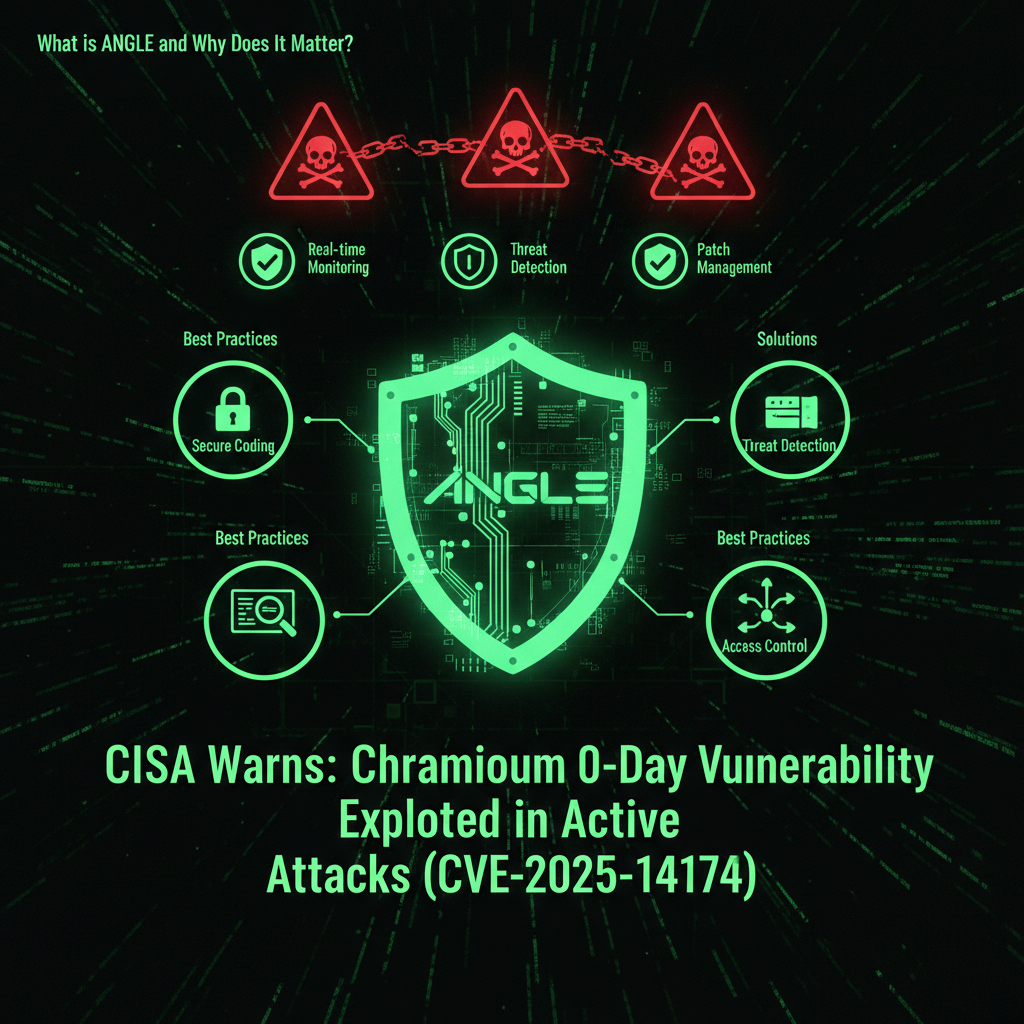
The Solution: ANGLE (Almost Native Graphics Layer Engine) is Chromium’s abstraction layer that translates OpenGL ES (used by web standards like WebGL) into the native graphics API of each platform. It’s essentially a translation layer that makes web graphics work consistently across Windows, macOS, Linux, and mobile platforms.
Why ANGLE is Critical
ANGLE is deeply integrated into Chromium’s rendering pipeline. Every time a webpage uses WebGL, Canvas 2D, or other graphics features, ANGLE is involved. This means:
- High attack surface: ANGLE processes untrusted web content constantly
- Low-level access: Graphics operations require direct memory access
- Complex codebase: Translation between graphics APIs is inherently complex
- Performance critical: Graphics operations must be fast, limiting security checks
The Security Challenge
ANGLE’s role as a graphics translation layer makes it a prime target for attackers because:
- It processes untrusted input: WebGL shaders and graphics commands come from web pages
- It has low-level memory access: Graphics operations require direct memory manipulation
- It’s complex: Translation between different graphics APIs introduces edge cases
- It’s performance-critical: Security checks can’t significantly impact rendering speed
🔍 Technical Note: ANGLE vulnerabilities are particularly dangerous because they occur in the graphics rendering pipeline, which has privileged access to system resources. A successful exploit can potentially bypass Chromium’s sandbox protections, allowing code execution at the system level rather than just within the browser process.
Vulnerability Details: How CVE-2025-14174 Works
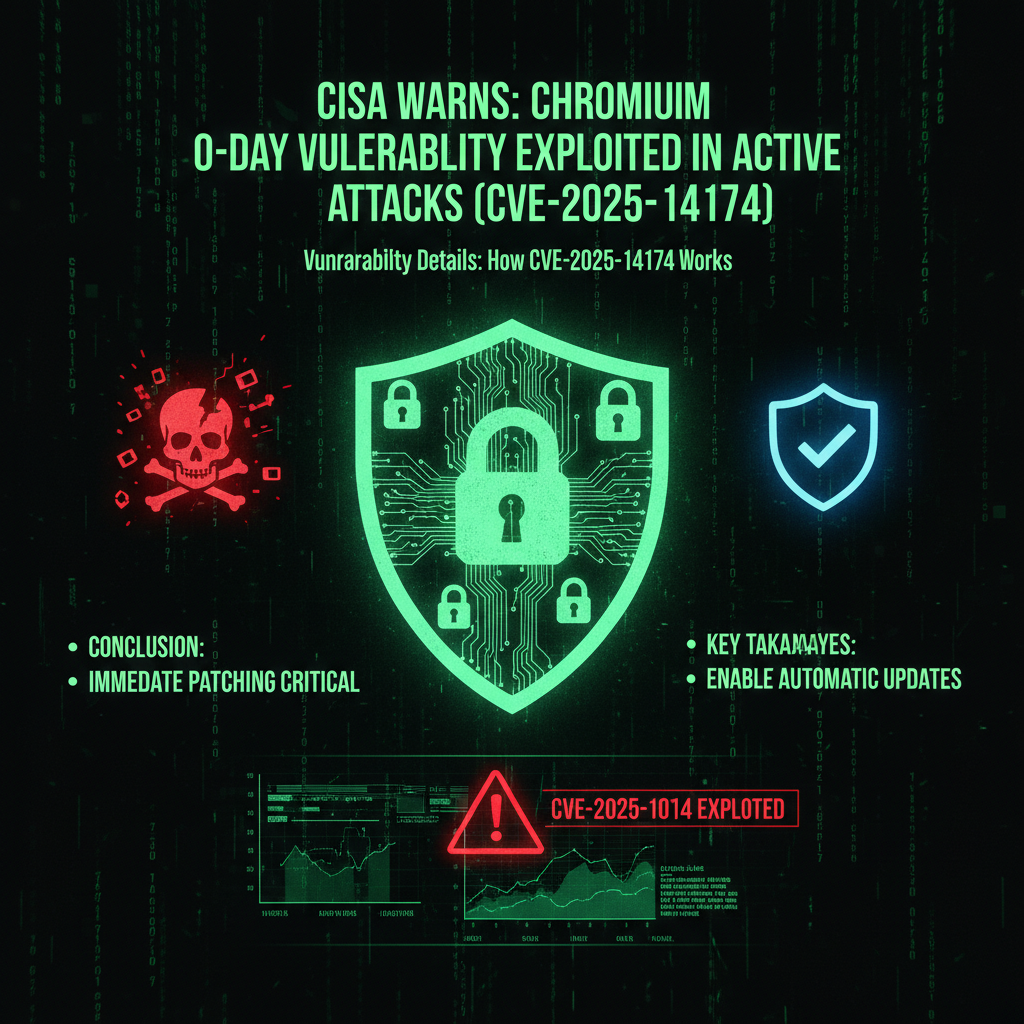
The Flaw: CVE-2025-14174 is an out-of-bounds memory access vulnerability in ANGLE’s OpenGL ES interface layer. The vulnerability occurs when ANGLE processes certain graphics commands without properly validating array bounds, allowing attackers to read or write memory outside of allocated buffers.
Technical Breakdown
The vulnerability exists in ANGLE’s bounds checking logic. When processing graphics commands from a webpage, ANGLE must validate that array indices and buffer offsets are within valid ranges. CVE-2025-14174 occurs when this validation fails, allowing:
- Out-of-bounds read: Accessing memory beyond allocated buffers (information disclosure)
- Out-of-bounds write: Writing to memory beyond allocated buffers (memory corruption)
- Arbitrary code execution: Memory corruption can be leveraged to execute attacker-controlled code
Exploitation Mechanism
Attackers exploit CVE-2025-14174 by crafting a malicious HTML page that:
- Loads WebGL content: Triggers ANGLE’s graphics processing
- Provides malformed graphics commands: Sends commands that trigger the bounds checking flaw
- Exploits memory corruption: Uses out-of-bounds access to corrupt memory
- Executes payload: Leverages memory corruption to execute arbitrary code
Why This is Particularly Dangerous
- No user interaction required: Simply loading the page triggers the exploit
- Bypasses some sandbox protections: Graphics operations have privileged access
- Silent exploitation: Users may not notice anything unusual
- Wide attack surface: Any website can potentially host the exploit
⚠️ Critical Warning: This is a drive-by exploit. Users don’t need to download anything, click anything, or interact with the page in any way. Simply visiting a malicious website is enough to trigger the vulnerability. This makes it extremely dangerous for enterprise environments where employees browse the web as part of their daily work.
Attack Scenarios: How Attackers Exploit This Flaw
Scenario 1: Malicious Advertising (Malvertising)
Attackers inject malicious code into legitimate advertising networks. When users visit trusted websites, the malicious ads load in the background, triggering the exploit without the user’s knowledge.
- Target: High-traffic websites with advertising
- Method: Compromise ad network or inject malicious ads
- Impact: Mass exploitation of visitors to legitimate sites
- Detection: Difficult—exploit runs silently in background
Scenario 2: Compromised Websites
Attackers compromise legitimate websites (through vulnerabilities, weak passwords, or supply chain attacks) and inject malicious HTML that triggers the exploit when visitors load the page.
- Target: Any website with security weaknesses
- Method: Website compromise + exploit injection
- Impact: All visitors to compromised site are at risk
- Detection: Website owners may not notice injection
Scenario 3: Phishing Campaigns
Attackers send phishing emails with links to malicious websites. When victims click the link, the exploit triggers immediately upon page load.
- Target: Email recipients
- Method: Phishing email + malicious website
- Impact: Targeted exploitation of specific individuals
- Detection: Users may notice suspicious email, but exploit runs before they can react
Scenario 4: Watering Hole Attacks
Attackers identify websites frequented by their targets (industry-specific sites, professional forums, etc.) and compromise those sites to serve the exploit to their intended victims.
- Target: Specific industries or organizations
- Method: Compromise frequently-visited websites
- Impact: Targeted exploitation of specific groups
- Detection: Difficult—sites appear legitimate
Potential Attack Outcomes
Once the exploit is successful, attackers can:
- Install malware: Deploy ransomware, trojans, or other malicious software
- Steal credentials: Capture passwords, session tokens, and authentication cookies
- Espionage: Exfiltrate sensitive data from the compromised system
- Lateral movement: Use compromised system to attack other systems on the network
- Cryptocurrency mining: Install cryptominers to generate revenue
Real-World Impact Example
Imagine a scenario where an attacker compromises a popular news website’s advertising network. Thousands of visitors load the page, and the malicious ad triggers CVE-2025-14174 in their browsers. Within minutes, hundreds of systems are compromised, allowing the attacker to:
- Deploy ransomware across multiple organizations
- Steal credentials for cloud services and email accounts
- Establish persistent access for future attacks
- Use compromised systems as part of a botnet
This is why CISA has classified this as a critical vulnerability requiring immediate action.
Affected Browsers: Complete List
CVE-2025-14174 affects all browsers built on the Chromium engine. Here’s the complete list:
| Browser | Affected Versions | Patched Version | Update Status |
|---|---|---|---|
| Google Chrome | < 131.0.6778.200 | 131.0.6778.201+ | ✅ Patched (Dec 10, 2025) |
| Microsoft Edge | < 131.0.3139.94 | 131.0.3139.95+ | ✅ Patched (Dec 10, 2025) |
| Opera | Chromium-based versions | Check vendor channels | ⚠️ Check for updates |
| Brave | Chromium-based versions | Check vendor channels | ⚠️ Check for updates |
| Vivaldi | Chromium-based versions | Check vendor channels | ⚠️ Check for updates |
| Chromium (Open Source) | < 131.0.6778.200 | 131.0.6778.201+ | ✅ Patched (Dec 10, 2025) |
Market Share Impact
Chromium-based browsers represent over 70% of desktop browser market share, meaning this vulnerability affects the majority of internet users. This widespread impact makes it a high-value target for attackers.
Patch Information: How to Update
Google Chrome
Step-by-Step: Update Chrome
- Open Google Chrome
- Click the three-dot menu (⋮) in the top-right corner
- Navigate to Help → About Google Chrome
- Chrome will automatically check for updates
- If an update is available, click “Relaunch” to install
- Verify you’re on version 131.0.6778.201 or higher
💡 Note: Google recommends relaunching the browser after the update to ensure the patch is fully applied.
Microsoft Edge
Step-by-Step: Update Edge
- Open Microsoft Edge
- Click the three-dot menu (⋯) in the top-right corner
- Navigate to Help and feedback → About Microsoft Edge
- Edge will automatically check for updates
- If an update is available, click “Restart” to install
- Verify you’re on version 131.0.3139.95 or higher
Other Chromium Browsers
For Opera, Brave, Vivaldi, and other Chromium-based browsers:
- Check the browser’s official website for security updates
- Enable automatic updates if available
- Manually check for updates through the browser’s settings menu
- Contact vendor support if updates are not immediately available
Enable Automatic Updates
To ensure you’re always protected against future vulnerabilities:
- Chrome: Automatic updates are enabled by default
- Edge: Automatic updates are enabled by default
- Enterprise: Configure update policies through Group Policy or MDM solutions
CISA Directive: What Federal Agencies Must Do
CISA has issued Binding Operational Directive (BOD) 22-01, which mandates specific actions for Federal Civilian Executive Branch (FCEB) agencies.
Mandatory Requirements
- Deadline: January 2, 2026
- Action: Apply security updates to patch CVE-2025-14174
- Alternative: Discontinue use of affected products if patching is not possible
- Scope: All federal systems, including cloud services
Why CISA’s Directive Matters
While BOD 22-01 specifically applies to federal agencies, it serves as a critical indicator of vulnerability severity. When CISA adds a vulnerability to the KEV catalog and issues a binding directive, it means:
- Active exploitation confirmed: CISA only adds vulnerabilities to KEV when exploitation is confirmed
- High severity: The vulnerability poses significant risk to critical infrastructure
- Urgent action required: Immediate patching is necessary to prevent compromise
- Widespread impact: The vulnerability affects systems across multiple agencies
🚨 Critical: Even if you’re not a federal agency, CISA’s directive should be taken as a strong recommendation. If the federal government considers this vulnerability serious enough to mandate patching, private organizations should treat it with equal urgency.
Business Impact: Why This Matters for Organizations
Immediate Risks
- Drive-by exploitation: Employees browsing the web can be compromised without any action
- Mass compromise: A single malicious website can affect multiple employees
- Network infiltration: Compromised browsers can be used to attack internal networks
- Data exfiltration: Attackers can steal credentials, session tokens, and sensitive data
Long-Term Consequences
- Regulatory compliance: Unpatched vulnerabilities can violate GDPR, HIPAA, PCI-DSS, and other regulations
- Reputation damage: Security breaches harm customer trust and brand reputation
- Financial losses: Ransomware, data breaches, and recovery costs can be substantial
- Legal liability: Failure to patch known vulnerabilities can result in legal action
Industry-Specific Concerns
High-Risk Industries
- Healthcare: Patient data protection, HIPAA compliance
- Finance: Financial data security, PCI-DSS compliance
- Government: National security, classified information
- Education: Student data protection, FERPA compliance
- Legal: Client confidentiality, attorney-client privilege
Mitigation Steps: Immediate Actions Required
1. Update All Browsers Immediately
This is the most critical step. Update all Chromium-based browsers to patched versions:
- Chrome: 131.0.6778.201 or higher
- Edge: 131.0.3139.95 or higher
- Other Chromium browsers: Check vendor channels
2. Enable Automatic Updates
Ensure automatic updates are enabled for all browsers to receive future security patches promptly.
3. Scan for Unpatched Browsers
Use endpoint management tools to identify systems with unpatched browsers:
- Active Directory Group Policy
- Mobile Device Management (MDM) solutions
- Endpoint detection and response (EDR) tools
- Network scanning tools
4. Implement Browser Security Policies
- Restrict access to untrusted websites
- Enable browser security features (sandboxing, site isolation)
- Implement web content filtering
- Use browser extensions for additional security
5. Monitor for Anomalous Activity
Watch for signs of exploitation:
- Unexpected browser crashes (especially during rendering)
- Unusual network traffic from browser processes
- Suspicious file downloads or executions
- Unauthorized access attempts
6. Educate Users
Inform employees about:
- The importance of keeping browsers updated
- Risks of visiting untrusted websites
- Signs of potential compromise
- Reporting procedures for security incidents
Detection & Monitoring: How to Identify Exploitation
Indicators of Compromise (IoCs)
While no public IoCs have been released for CVE-2025-14174, watch for:
- Browser crashes: Unexpected crashes during page rendering
- Memory anomalies: Unusual memory usage by browser processes
- Network traffic: Unexpected outbound connections from browser
- Process execution: New processes spawned from browser processes
- File modifications: Unexpected file creation or modification
Monitoring Tools
- SIEM systems: Centralized log analysis and correlation
- EDR solutions: Endpoint detection and response
- Network monitoring: Traffic analysis and anomaly detection
- Browser security extensions: Real-time threat detection
Log Analysis
Review browser and system logs for:
- Browser crash reports
- Memory access violations
- Unexpected process terminations
- Suspicious network connections
Chromium Threat Landscape: The Bigger Picture
Zero-Day Trends in 2025
CVE-2025-14174 is part of a concerning trend of Chromium zero-day vulnerabilities in 2025. According to security researchers, this marks at least the sixth Chrome zero-day actively exploited this year, highlighting the persistent targeting of browser vulnerabilities by attackers.
Why Chromium is a Target
- Market dominance: Over 70% of desktop browsers use Chromium
- Complex codebase: Millions of lines of code create many attack surfaces
- High-value target: Compromising browsers provides access to user data and systems
- Frequent updates: New features introduce new vulnerabilities
Attack Sophistication
Modern browser exploits are increasingly sophisticated:
- Multi-stage attacks: Combining multiple vulnerabilities for maximum impact
- Sandbox escape: Bypassing browser security isolation
- Persistence mechanisms: Maintaining access after initial compromise
- Evasion techniques: Avoiding detection by security tools
Best Practices: Long-Term Browser Security
1. Maintain Patch Management
- Implement automated patch deployment
- Establish patch testing procedures
- Monitor patch compliance across all systems
- Maintain an inventory of all browsers in use
2. Implement Defense in Depth
- Use multiple layers of security controls
- Deploy web content filtering
- Enable browser security features
- Use endpoint protection solutions
3. Regular Security Assessments
- Conduct regular vulnerability scans
- Perform security audits
- Review browser security configurations
- Assess third-party browser extensions
4. User Education
- Train users on safe browsing practices
- Educate about phishing and social engineering
- Promote security awareness
- Encourage reporting of suspicious activity
5. Incident Response Planning
- Develop incident response procedures
- Establish communication protocols
- Prepare containment strategies
- Practice response scenarios
Frequently Asked Questions
Q: How do I know if my browser is vulnerable?
A: Check your browser version. Chrome versions below 131.0.6778.201 and Edge versions below 131.0.3139.95 are vulnerable. You can check your version by going to Help → About in your browser menu.
Q: Do I need to do anything if I have automatic updates enabled?
A: You should still manually check for updates and restart your browser. Automatic updates may not apply until you restart the browser. After updating, verify you’re on the patched version.
Q: Can I still use my browser if I haven’t updated yet?
A: Technically yes, but you’re at significant risk. This vulnerability is being actively exploited, meaning attackers are using it right now to compromise systems. You should update immediately or avoid browsing untrusted websites until you can update.
Q: Does this affect mobile browsers?
A: Yes, if you’re using Chrome or other Chromium-based browsers on Android. iOS Safari is not affected as it uses a different engine. Check your mobile browser’s version and update if necessary.
Q: What should I do if I think I’ve been exploited?
A: Immediately disconnect from the network, update your browser, run a full antivirus scan, change all passwords, and contact your IT security team. If you’re an individual user, consider seeking professional help to ensure your system is clean.
Q: Why is CISA only requiring federal agencies to patch?
A: CISA’s authority extends to federal agencies, but their advisories serve as strong recommendations for all organizations. The fact that CISA has issued a binding directive indicates this vulnerability is serious enough that all organizations should treat it with urgency.
Q: Can antivirus software protect against this vulnerability?
A: Antivirus software may detect some exploitation attempts, but it cannot prevent the vulnerability itself. The only reliable protection is updating to a patched browser version. Antivirus should be used as a complementary security measure, not a replacement for patching.
Q: How long do I have to update?
A: Federal agencies have until January 2, 2026, but you should update immediately. This vulnerability is being actively exploited right now, meaning every day you wait increases your risk of compromise. Don’t wait—update today.
Q: Will updating break any of my browser extensions or settings?
A: Security updates typically don’t affect browser extensions or settings. However, if you’re using very old extensions that haven’t been updated in years, you may want to check their compatibility. Your bookmarks, passwords, and other settings will remain intact.
Q: What if I can’t update my browser due to organizational policies?
A: Contact your IT department immediately. If your organization has policies preventing updates, they need to be aware of this critical vulnerability and may need to make an exception or provide an alternative solution. This is a security emergency that requires immediate action.
Conclusion: Act Now, Not Later
CVE-2025-14174 is not a theoretical vulnerability—it’s being actively exploited in the wild right now. The fact that CISA has added it to the KEV catalog and issued a binding directive for federal agencies underscores the severity of this threat.
For businesses, this vulnerability represents a significant risk. A single employee visiting a compromised website could lead to full network compromise, data theft, or ransomware deployment. The drive-by nature of this exploit means users don’t need to do anything wrong—they just need to visit the wrong website.
Our recommendation: Update all Chromium-based browsers immediately. Don’t wait for your next maintenance window. Don’t wait for user convenience. This is a security emergency that requires immediate action.
If you’re a business owner concerned about browser security and patch management, our security audit service can help identify vulnerable systems and implement proper security controls. We can also help with maintenance plans that include automated patch management and security monitoring.
🚨 Critical Action Required: If you haven’t updated your browser yet, stop reading this and update it now. Go to Help → About in your browser, install any available updates, and restart your browser. This vulnerability is being actively exploited, and every moment you wait increases your risk.
Why We Write About Browser Vulnerabilities (And Why It Matters for Your Website)
You might be wondering: “Why is a website maintenance company writing about browser vulnerabilities? This isn’t directly about WordPress or Joomla.”
But it is directly related. Here’s why:
When we give you a heads-up about critical security issues like CVE-2025-14174, we’re not just being helpful—we’re protecting your privacy and saving all of us time. Here’s the reality:
- Your browser passwords are valuable to hackers. If your computer gets compromised through a browser exploit, attackers don’t just steal your personal data—they steal your website passwords, your hosting credentials, your FTP access, and your database passwords. Suddenly, your website is compromised not because of a WordPress vulnerability, but because your browser was exploited.
- An educated client is easier to serve. When you understand security threats, we speak the same language. You know why we recommend certain security measures. You understand why we push for updates. You see the bigger picture—that website security isn’t just about plugins and themes, it’s about the entire digital ecosystem you operate in.
- Prevention saves everyone time. If you get hacked because of a browser vulnerability, we have to clean up the mess. That takes time—your time dealing with the breach, our time cleaning and securing your site. By giving you a heads-up about critical issues like this, we’re preventing problems before they happen. It’s proactive maintenance, not reactive cleanup.
- Your security is our peace of mind. We sleep better knowing our clients are protected. When you’re secure, your website is secure. When your website is secure, we don’t have to spend hours cleaning up malware, restoring backups, or dealing with blacklist removals. Everyone wins.
This is why we write about browser vulnerabilities, operating system updates, email security, and other topics that might seem “unrelated” to website maintenance. They’re not unrelated—they’re part of the same security ecosystem. Your browser is a gateway to your website. Your email is a gateway to your hosting account. Your operating system is the foundation everything runs on.
We’re not just maintaining your website. We’re maintaining your entire digital presence. And that starts with keeping you informed about threats that could compromise everything.
So when you see us writing about a Chromium zero-day or an iOS update, remember: we’re protecting your website by protecting you. Because in the end, your security is our security. Your peace of mind is our peace of mind. And an educated client who understands the threats? That’s a client we can serve better, faster, and more effectively.
Last updated: December 13, 2025
CVE ID: CVE-2025-14174
CVSS Score: 8.8 (High)
Status: Actively exploited in the wild
CISA Deadline: January 2, 2026 (federal agencies)
Patch Available: Yes (December 10, 2025)