

🚨 Gmail is Entering the Gemini Era
3 billion users rely on Gmail to connect and get things done. Now, AI transforms how you manage your inbox with intelligent summaries, smart replies, and automated prioritization.
January 2026. Today, 3 billion users rely on Gmail to connect and get things done. AI has been a big part of that—from Smart Replies to AI-powered spam blocking. But email has changed considerably since Gmail launched in 2004.
With email volume at an all-time high, managing your inbox and the flow of information has become as important as the emails themselves. To help, Google is bringing Gmail into the Gemini era and making it your personal, proactive inbox assistant.
Recent Developments
- AI Overviews Launch: Gmail now synthesizes entire email conversations into concise summaries. Available today for everyone at no cost[1].
- Help Me Write Goes Free: Everyone can now use Help Me Write to polish emails or draft them from scratch. Previously limited to paid subscribers[1].
- AI Inbox Preview: New AI Inbox filters clutter and prioritizes important emails. Currently available to trusted testers before broader rollout[1].
- Gemini 3 Integration: Many improvements powered by Gemini 3, Google's latest AI model, enabling advanced reasoning and context understanding[1].
- Suggested Replies Update: Smart Replies becomes Suggested Replies with better context awareness. Uses your conversation history to match your writing style[1].
Ask Your Inbox Anything: AI Overviews
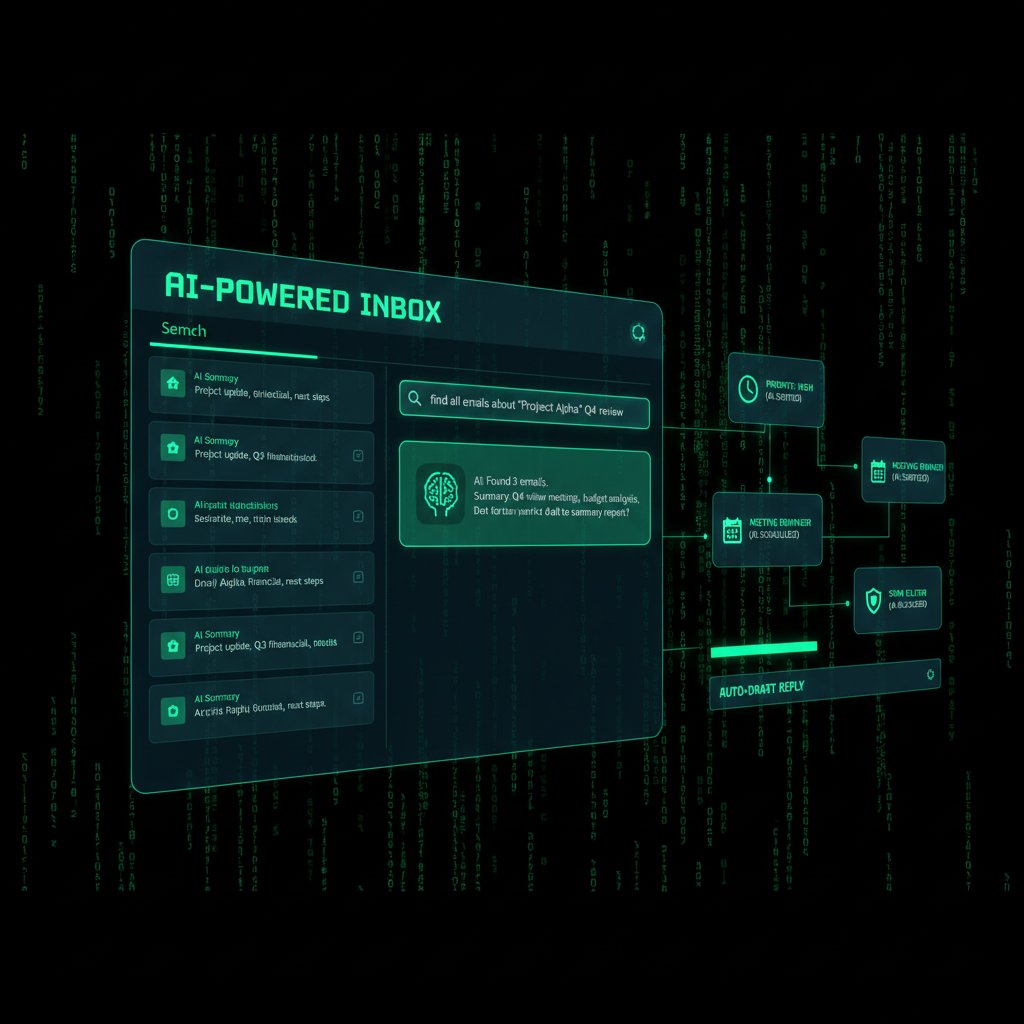
Your inbox is full of important information, but accessing it has required you to become a power searcher. And even when you find the right emails, you're often left staring at a list of messages, forced to dig through the text to piece together the answer.
That's why Google is introducing AI Overviews—just like they work in Google Search, AI Overviews turn information into answers without the digging.
How AI Overviews Work
When you open an email with dozens of replies, Gmail synthesizes the entire conversation into a concise summary of key points. No more scrolling through 50-reply threads to find the decision that was made.
And when you ask your inbox a question, Gemini generates a simple AI Overview with the answer. Instead of hunting for keywords or digging through a year of emails, just use natural language, like:
- "Who was the plumber that gave me a quote for the bathroom renovation last year?"
- "What did Sarah say about the project deadline?"
- "Show me all emails about the client meeting next week."
Gemini's advanced reasoning pulls the answer, instantly summarizing the exact details you need.
💡 The Game Changer
What used to take minutes of searching, reading, and piecing together information now takes seconds. AI Overviews don't just find emails—they understand context, relationships, and meaning. Instead of keyword matching, you get intelligent answers.
Real-World Example
Say you need to find renovation quotes from a year ago. Instead of searching "plumber" and reading through dozens of emails, you ask: "Who gave me a quote for the bathroom renovation last year?"
AI Overviews instantly show you the plumber's name, contact information, quote amount, and even relevant details like availability and timeline—all synthesized from multiple emails across your inbox.
AI Overview conversation summaries are rolling out today for everyone at no cost. The ability to ask your inbox questions with AI Overviews is available to Google AI Pro and Ultra subscribers.
Get Things Done Faster: Help Me Write, Suggested Replies, and Proofread
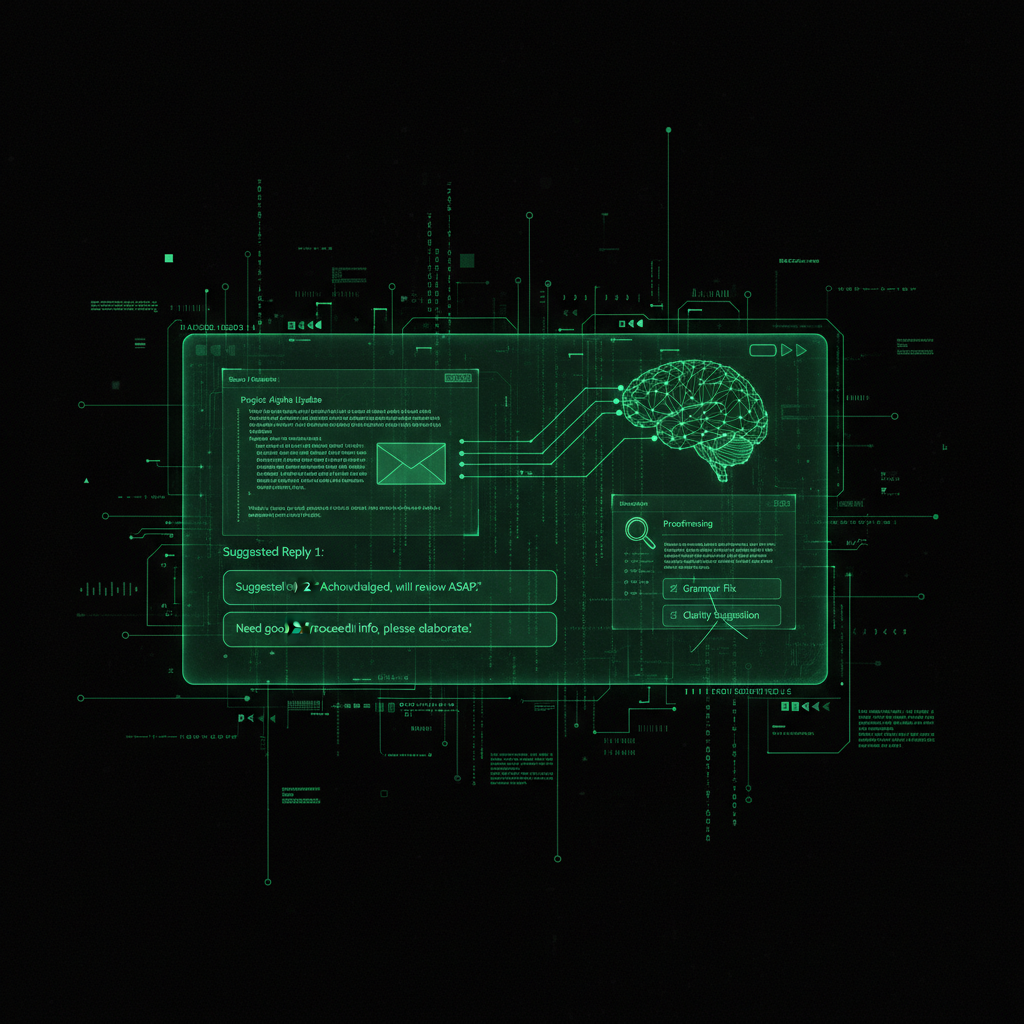
Starting today, everyone can use Help Me Write to polish emails or draft them from scratch. There are also new Suggested Replies (an update to Smart Replies) which use the context of your conversation to offer relevant, one-click responses that match how you write.
Help Me Write
Help Me Write helps you compose emails faster. Whether you're drafting a professional email from scratch or polishing an existing draft, it generates content in your tone and style.
Examples of what you can do:
- Draft from scratch: "Write a professional email declining a meeting request politely"
- Polish existing text: "Make this email more concise and professional"
- Adjust tone: "Rewrite this to be more friendly and casual"
- Translate and adapt: "Rewrite this in a different style for international clients"
And next month, Google will update Help Me Write with better personalization by bringing context from your other Google apps.
Suggested Replies
Say you're coordinating a family gathering and your aunt replies asking if she should bring cake instead of pie. Suggested Replies can instantly draft an initial response in your tone and style, leaving you free to refine it before giving it your approval.
The key improvement over Smart Replies: Suggested Replies understand context. They don't just offer generic responses—they analyze the conversation, your writing patterns, and the relationship to suggest replies that sound like you.
Proofread Feature
You can also use the new Proofread feature for advanced grammar, tone, and style checks so everything is polished before you send.
Proofread goes beyond basic spell-checking. It checks:
- Grammar and syntax: Fixes errors and improves sentence structure
- Tone consistency: Ensures your tone matches the context and audience
- Style refinement: Suggests improvements for clarity and professionalism
- Conciseness: Helps you say more with fewer words when appropriate
Help Me Write and Suggested Replies are rolling out to everyone at no cost. The Proofread feature is available for Google AI Pro and Ultra subscribers.
⚡ The Speed Advantage
A user who used to spend 10 minutes crafting a professional email can now generate a polished draft in 30 seconds, refine it with one click, and send. That's a 20x speed improvement. For professionals managing hundreds of emails daily, this is game-changing.
See What Matters Most: AI Inbox
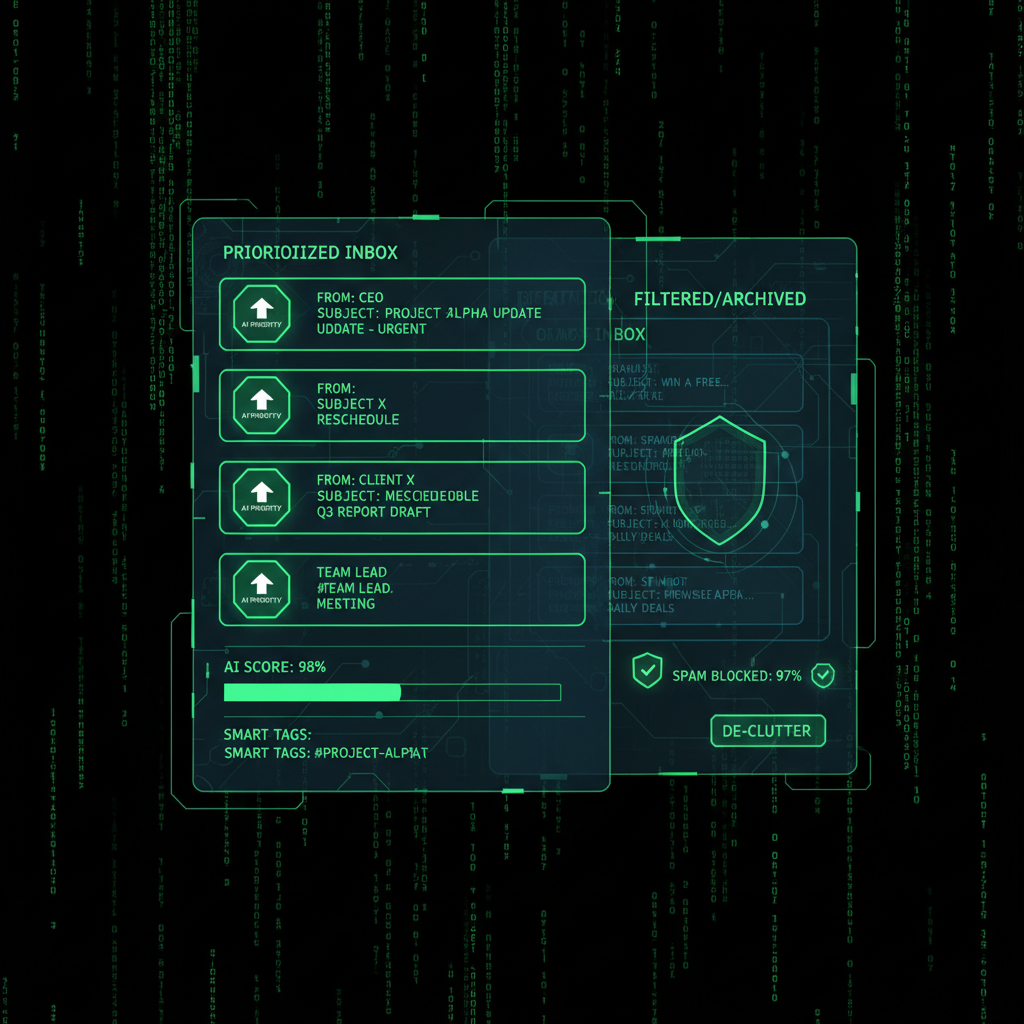
Your inbox is filled with updates; some are critical, others are just noise. The new AI Inbox filters out the clutter so you can focus on what's most important.
How AI Inbox Works
AI Inbox is like having a personalized briefing, highlighting to-dos and catching you up on what matters. It helps you prioritize, identifying your VIPs based on signals like:
- People you email frequently: Recognizes your most important contacts
- Contacts in your list: Prioritizes people you've added as contacts
- Relationships inferred from content: Understands context from message content
- Urgency signals: Detects time-sensitive items like bills, appointments, and deadlines
This lets high-stakes items—like a bill due tomorrow or a dentist reminder—rise to the top. Crucially, this analysis happens securely with the privacy protections you expect from Google, keeping your data under your control.
AI Inbox Features
AI Inbox provides:
- Priority sorting: Important emails surface automatically
- To-do extraction: Action items highlighted from important emails
- Briefing mode: Quick summary of what needs your attention
- Smart grouping: Related emails grouped together for context
- Noise reduction: Low-priority emails filtered to reduce distraction
We're giving trusted testers access to AI Inbox before making it more broadly available in the coming months.
🎯 The Productivity Boost
AI Inbox gives you a snapshot of to-dos from important emails—so you can stay on top of dentist appointments and soccer season. Instead of drowning in 200 unread emails, you see the 10 that actually matter. That's the difference between reactive email management and proactive control.
Privacy and Security: Your Data Under Your Control
When discussing AI features that analyze your email, privacy concerns are natural. Google addresses this directly: this analysis happens securely with the privacy protections you expect from Google, keeping your data under your control.
How Privacy Works
AI features in Gmail work with:
- On-device processing where possible: Some analysis happens on your device
- Encrypted data transmission: All data sent to Google servers is encrypted
- No human review: Emails are analyzed by AI, not read by humans
- User control: You can disable AI features if you prefer
- Data retention: Google's standard data retention policies apply
This aligns with Google's approach to privacy: your data is used to improve your experience, but it remains yours.
Security Considerations
For business owners managing sensitive information, consider:
- Review your organization's AI policies: Some businesses may restrict AI features
- Understand data processing: Know where your email data is processed
- Use business accounts: Google Workspace may have different privacy controls
- Enable two-factor authentication: Protect your account even if AI features are enabled
If you're managing business emails with sensitive information, review Google's privacy policies and your organization's guidelines before enabling AI features. Learn more about website security best practices for protecting sensitive data.
Pricing and Availability
Free Features (Available to Everyone)
- AI Overview conversation summaries: Synthesize email threads into summaries
- Help Me Write: Draft and polish emails
- Suggested Replies: Context-aware one-click responses
Google AI Pro and Ultra Subscriber Features
- AI Overviews with question-asking: Ask your inbox natural language questions
- Proofread feature: Advanced grammar, tone, and style checks
- Enhanced personalization: Better context from other Google apps (coming next month)
Rollout Schedule
- Today (January 8, 2026): AI Overviews, Help Me Write, Suggested Replies rolling out in the U.S.
- Language: Starting with English, more languages coming in the coming months
- AI Inbox: Trusted testers now, broader availability coming months
- Regional expansion: More regions in the coming months
Many of these improvements are made possible by Gemini 3. These new capabilities begin rolling out today in the U.S. to Gmail users as well as Google AI Pro and Ultra subscribers. We're starting with English and excited to roll out more languages and to more regions in the coming months.
The Future of Gmail
Gmail entering the Gemini era represents a fundamental shift in how we think about email. It's not just about managing messages anymore—it's about intelligently extracting value from the information in your inbox.
What This Means for Email Management
Traditional email management workflow:
- Scan subject lines (5-10 minutes)
- Open important emails and read (15-30 minutes)
- Search for specific information (5-10 minutes)
- Draft responses (10-20 minutes)
- Review and send (5 minutes)
Total: 40-75 minutes per day
Gmail Gemini era workflow:
- AI Inbox shows priorities (30 seconds)
- AI Overviews summarize key conversations (1 minute)
- Ask questions to find specific information (30 seconds)
- Help Me Write drafts responses (1 minute)
- Review, refine, and send (2 minutes)
Total: 5-7 minutes per day
That's an 8-15x time reduction for email management.
💡 Real Story: From 2 Hours to 10 Minutes
Sarah, a small business owner managing 200+ emails daily, used to spend 2 hours every morning processing her inbox. With Gmail's Gemini features, she now gets AI Inbox priorities, uses AI Overviews to catch up on key conversations, and drafts responses with Help Me Write. Her email time dropped from 2 hours to 10 minutes. For a business owner, that's 1 hour and 50 minutes saved daily—nearly 10 hours per week she can now spend on growing her business.
The Bigger Picture: Email as a Knowledge Base
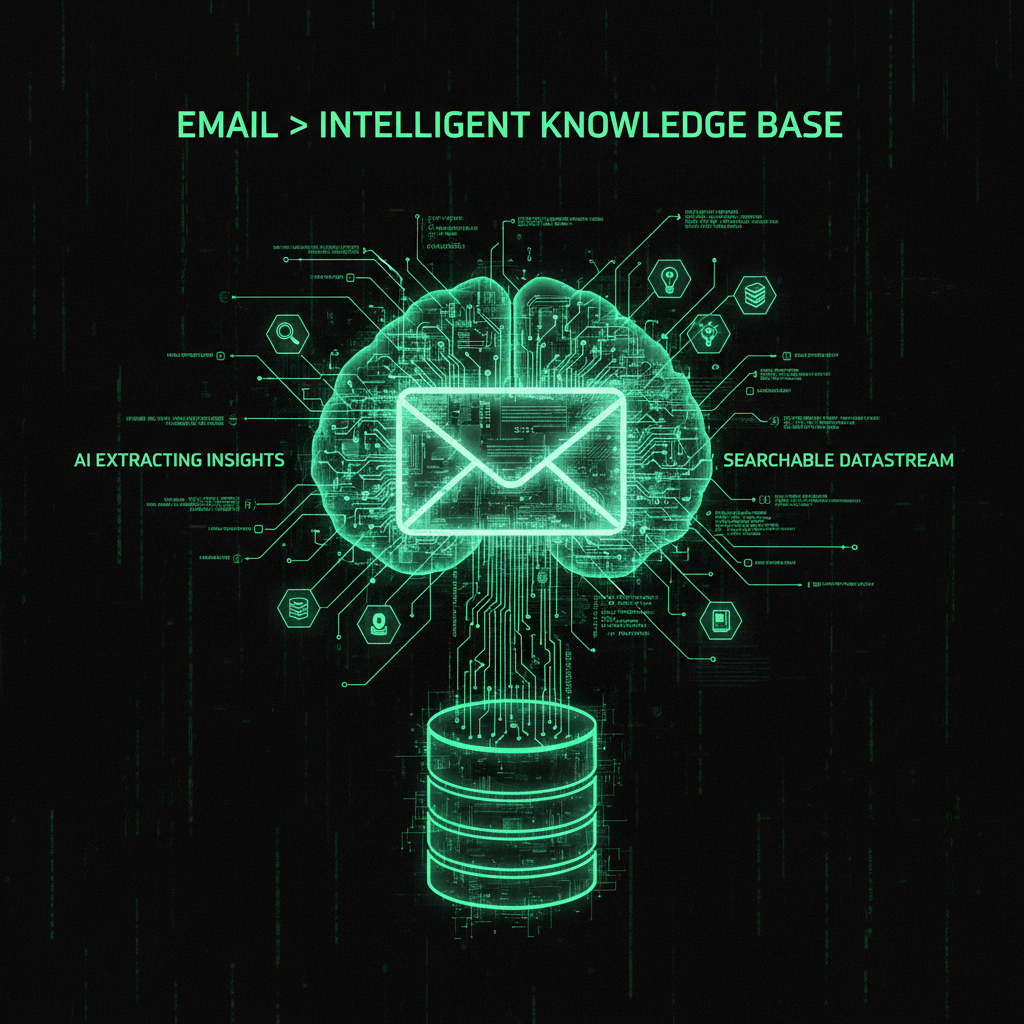
Gmail's Gemini integration transforms email from a communication tool into an intelligent knowledge base. Your inbox becomes a searchable, queryable database of information—not just messages, but insights, decisions, and context.
This represents a shift in how we think about email:
- From inbox zero to insight extraction: It's not about clearing your inbox—it's about extracting value
- From search to question-answering: Instead of keyword searches, ask natural language questions
- From reactive to proactive: AI prioritizes what matters before you even open your inbox
- From drafting to refining: AI creates drafts, you add your expertise and judgment
Integration with Business Workflows
For businesses, this means email management can integrate more seamlessly with other tools. Next month's update to Help Me Write will bring context from your other Google apps, making email a central hub for your entire workflow.
Imagine:
- Calendar integration: "Draft an email about the meeting next Tuesday" pulls context from your calendar
- Document context: "Summarize what was discussed about the proposal" references your Google Docs
- Contact intelligence: Suggested Replies understand your relationship history with each contact
- Project awareness: AI Inbox prioritizes emails related to active projects from your Drive
This is the future of email: not just a communication tool, but an intelligent assistant that understands your entire digital workspace.
Frequently Asked Questions
When will AI Overviews be available to me?
AI Overview conversation summaries are rolling out today (January 8, 2026) for everyone at no cost. The ability to ask your inbox questions with AI Overviews is available to Google AI Pro and Ultra subscribers. Rollout is starting in the U.S. with English, with more languages and regions coming in the coming months.
Do I need a Google AI Pro or Ultra subscription for Help Me Write?
No. Help Me Write is now available to everyone at no cost. You can use it to draft emails from scratch or polish existing drafts. The Proofread feature, however, requires a Google AI Pro or Ultra subscription.
How does AI Inbox differ from Gmail's existing Priority Inbox?
AI Inbox is more sophisticated than Priority Inbox. While Priority Inbox learns from your actions (marking emails as important), AI Inbox uses Gemini 3's advanced reasoning to understand context, relationships, and urgency. It can identify VIPs based on content analysis, not just past behavior, and it extracts to-dos automatically rather than just sorting emails.
Is my email data being read by humans?
No. According to Google, emails are analyzed by AI systems, not read by humans. The analysis happens securely with privacy protections, and your data remains under your control. However, if you have concerns about sensitive information, you can disable AI features or review your organization's policies for Google Workspace accounts.
Can I disable AI features if I don't want them?
Yes. You can disable AI features in Gmail settings. Go to Settings → See all settings → General, and you'll find options to control AI features. However, some features like spam filtering have always used AI and are necessary for Gmail's core functionality.
Will AI Inbox be free?
Google hasn't announced pricing for AI Inbox yet. It's currently available to trusted testers, with broader availability coming in the coming months. Given that AI Overviews and Help Me Write are free, it's possible AI Inbox will have a free tier with premium features for subscribers.
How accurate are AI Overviews?
AI Overviews use Gemini 3, Google's latest AI model, which includes advanced reasoning capabilities. While highly accurate, it's always good practice to verify critical information, especially for important business decisions. Think of AI Overviews as intelligent summaries that save you time, but use your judgment for high-stakes decisions.
Will these features work with Google Workspace (business accounts)?
Google typically rolls out features to personal Gmail accounts first, then to Google Workspace. Business account availability and policies may differ, so check with your Google Workspace administrator. Some organizations may restrict AI features for privacy or compliance reasons.
Conclusion
Gmail entering the Gemini era represents a fundamental shift in email management. It's not just about new features—it's about transforming email from a time-consuming task into an intelligent, time-saving assistant.
With AI Overviews, Help Me Write, Suggested Replies, and AI Inbox, managing your inbox becomes faster, smarter, and more focused. Whether you're a professional managing hundreds of emails daily or a small business owner juggling client communication, these features can save hours every week.
⚡ The Productivity Transformation
While everyone debates whether AI will replace jobs, Google just showed us what AI-assisted productivity actually looks like. It's not about replacement—it's about amplification. Gmail's Gemini features don't eliminate the need for human judgment; they eliminate the time wasted on repetitive email management tasks. The professionals who embrace this will move faster, respond quicker, and focus on what actually matters: building relationships and growing their business.
Many of these improvements are made possible by Gemini 3. These new capabilities begin rolling out today in the U.S. to Gmail users as well as Google AI Pro and Ultra subscribers. We're starting with English and excited to roll out more languages and to more regions in the coming months.
If you're managing business emails or client communication, these features can transform how you work. Learn more about email setup for business owners and how to integrate email management with your website development workflow.
✅ Ready to Transform Your Email Management?
Gmail's Gemini features are rolling out now. Try AI Overviews, Help Me Write, and Suggested Replies to see how they change your email workflow. Remember: these tools amplify your productivity, but your judgment and expertise are what make them powerful.
Summarize. Draft. Prioritize. Faster.
